7-11
7 DATA COLLECTION
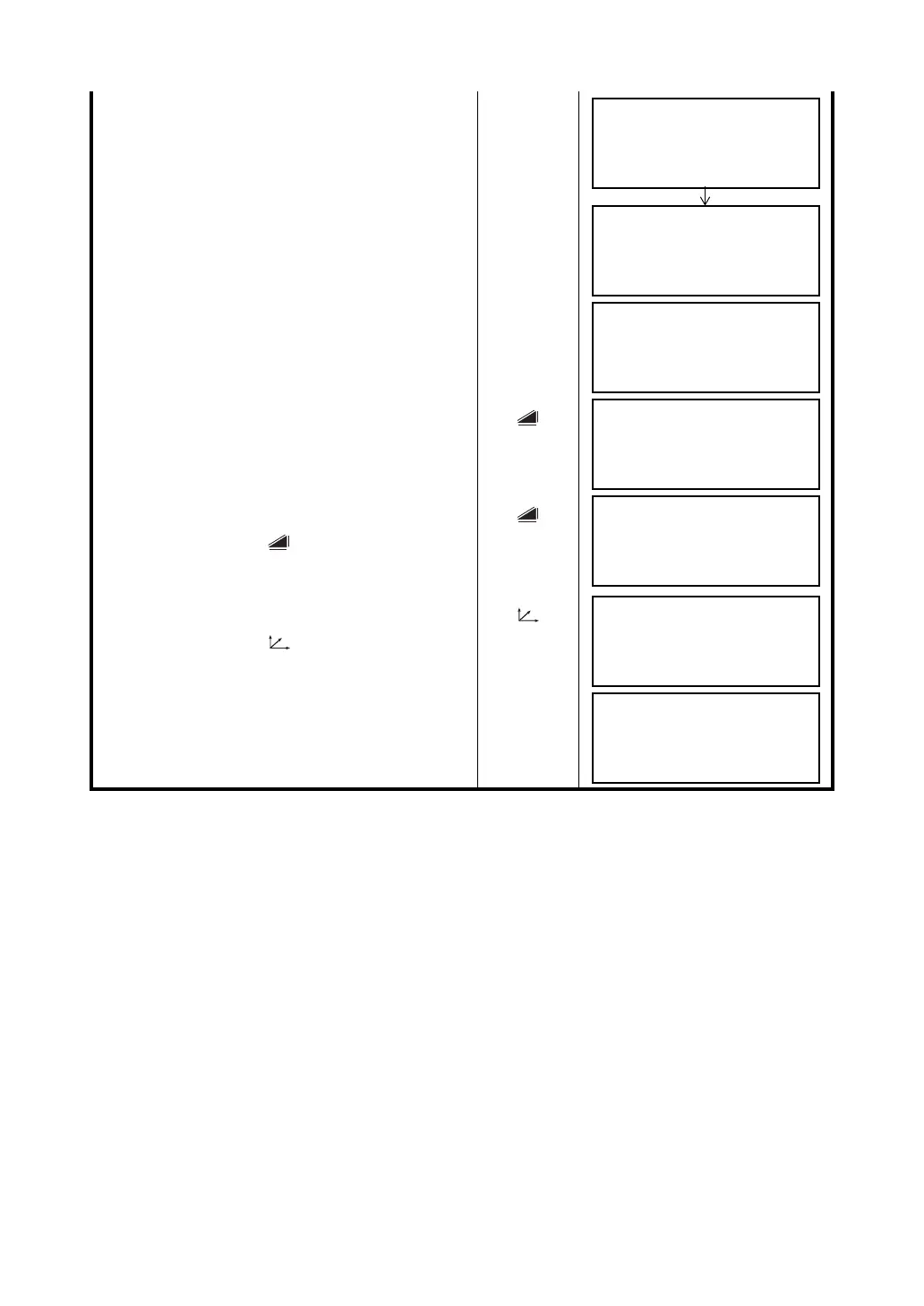
5 Press the {F1} (MEAS) key.
Continuous measuring starts.
{F1}
6 Collimate point A0 using the horizontal motion
clamp and horizontal tangent screw.
Collimate
A0
7 Show the horizontal distance of point A0.
{}
8 Show the relative elevation of point A0.
• Each time pressing {} key, horizontal distance,
relative elevation and slope distance are shown in
sequence.
{}
9 Show N coordinate of point A0 or A1.
• Each time pressing {} key, N,E and Z
coordinate are shown in sequence.
{}
10 Press the {F3} (YES) key.
The data is recorded and the next measuring point
is displayed.
{F3}
OFFSET-MEASUREMENT
HR: 120°30'40"
HD*[n] < m
>measuring ...
OFFSET-MEASUREMENT
HR: 120°30'40"
SD* 12.345 m
>OK? [YES][NO]
OFFSET-MEASUREMENT
HR: 123°30'40"
SD: 12.345 m
>OK? [YES][NO]
OFFSET-MEASUREMENT
HR: 123°30'40"
HD: 6.543 m
>OK? [YES][NO]
OFFSET-MEASUREMENT
HR: 123°30'40"
VD: 0.843 m
>OK? [YES][NO]
OFFSET-MEASUREMENT
HR: 123°30'40"
N : –12.345 m
>OK? [YES][NO]
PT#
→
PT-12
PCODE :TOPCON
R.HT : 1.200 m
INPUT SRCH MEAS ALL



 To Next Page