8-17
8 LAYOUT
Viewing PT# LIST
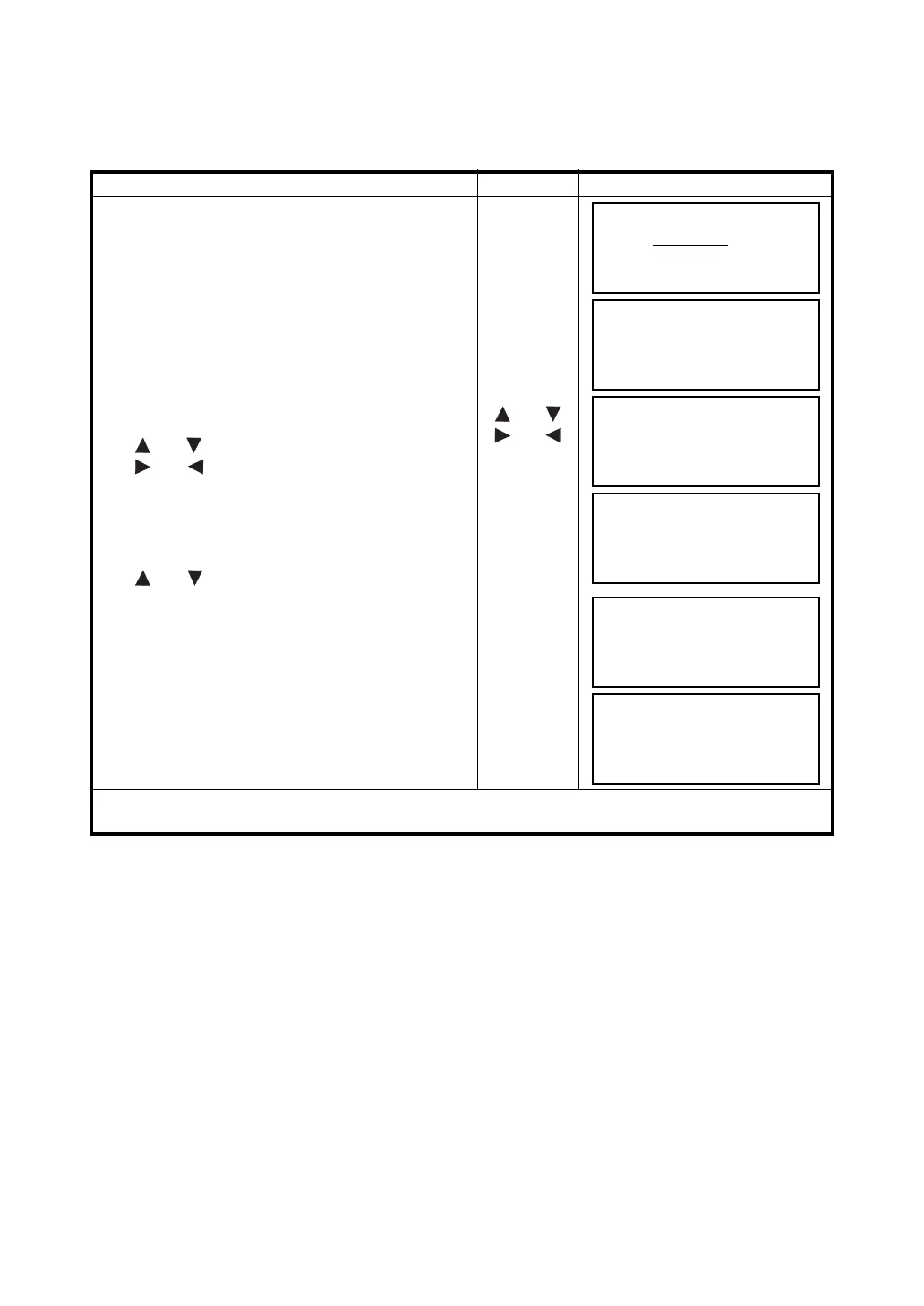
You can see the PT# List and enter the data from the List, also you can see coordinate data of a point.
[Example: Executing Layout Mode]
Operating procedure Operation Display
1 While executing the LAYOUT mode, press the
{F2} (LIST) key.
The arrow(
→
) indicates selected data.
{F2}
2 By pressing the following keys, the list will
increase or decrease.
{} or {}: Increasing or Decreasing one by one.
{} or {}: By ten Increasing or Decreasing.
{} or {}
{} or {}
3 To show the coordinate of the selected data, press
the {F1} (VIEW) key.
It is still possible to scroll the PT# data by pressing
{} or {} key.
{F1}
4 Press the {ESC} key.
The display returns to the List.
{ESC}
5 Press the {F4} (ENTER) key.
The selected point number is set as PT#.
{F4}
The operation of {F2} (SRCH) is same as the "SEARCH" in the MEMORY MANAGER MODE.
For more information, refer to Chapter 9 “MEMORY MANAGER MODE”.
LAYOUT
PT#:
INPUT LIST NEZ ENTER
[TOPCON ]
→
DATA-01
DATA-02
VIEW SRCH ––– ENTER
DATA-49
→
DATA-50
DATA-51
VIEW SRCH ––– ENTER
PT#
DATA-50
N
100.234 m
E
12.345 m
Z
1.678 m
DATA-49
→
DATA-50
DATA-51
VIEW SRCH ––– ENTER
REFLECTOR HEIGHT
INPUT
R.HT = 0.000 m
--- --- [CLR] [ENT]



 To Next Page