19-17
19 TOP FIELD MODE
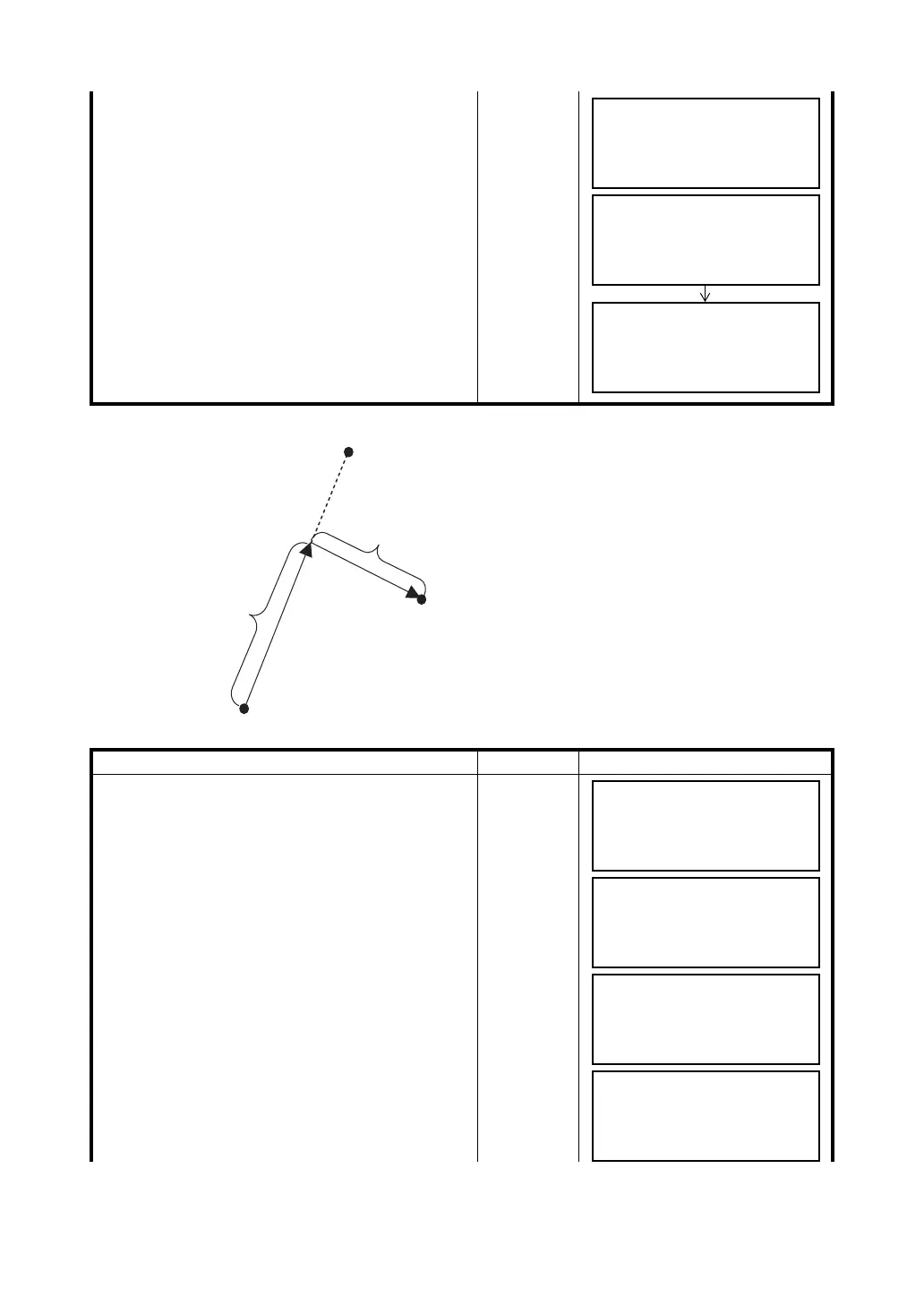
REFLINE
4 Enter N/E/Z coordinates.
Enter NEZ
Coordinate
Data
5 Set with {ENT} key.
The coordinate point and the job name will be
displayed and the procedure will be completed.
{ENT}
Operating procedure Operation Display
1 Select {F2} (REFLINE).
{F2}
2 To acquire coordinate data for reference "REF1,"
select an existing coordinate point with {F1} or
{F2} (Arrow) key, or enter a coordinate point
directly.
Enter/
Select PT#
3 Set with {ENT} key.
{ENT}
N [0.000 ]
E [0.000 ]
Z [0.000_ ]
CLR
PT#: [P01 ]
STORED!
JOB [JOB1 ]
1.COORDINATES
2.REFLINE
3.TAPE
[1] [2] [3]
REF1
REF2
DISTANCE
OFFSET
ADD POINT
1.COORDINATES
2.REFLINE
3.TAPE
[1] [2] [3]
ENTER REF1
PT#: [_ ]
DESC:
↑
↓
ALP CLR
ENTER REF1
PT#: [P01_ ]
DESC:
↑
↓
ALP CLR
ENTER REF2
PT#: [_ ]
DESC:
↑
↓
ALP CLR



 To Next Page