4-10
4 DISTANCE MEASUREMENT
After measuring, the result added offset value will
be shown.
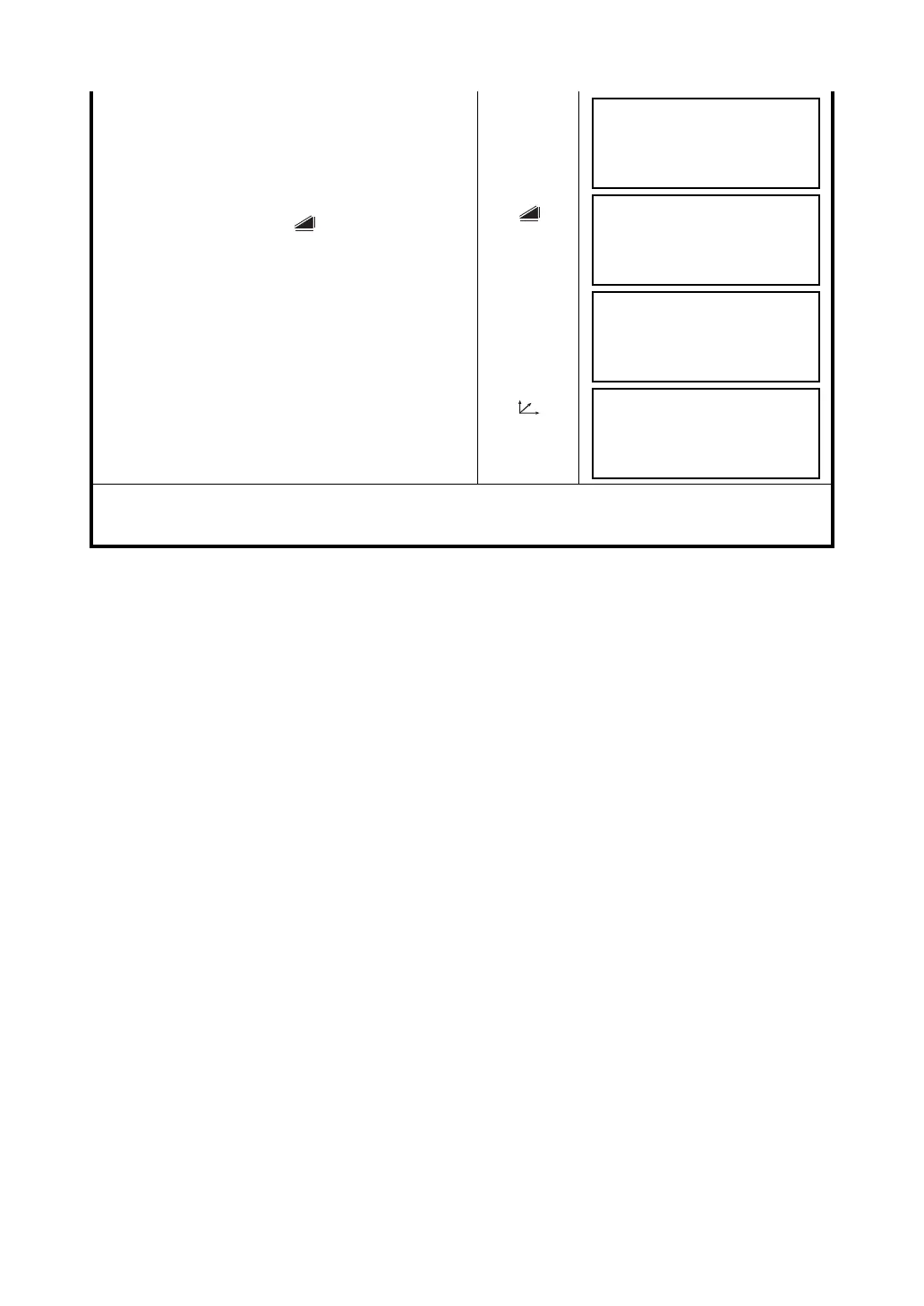
7 Show the relative elevation of point P0.
Each time pressing the {} key, horizontal
distance, relative elevation and slope distance are
shown in sequence.
{}
Show coordinate of point P0.
{}
To return to procedure
4, press {F1} (NEXT) key.
To return to the previous mode, press {ESC} key.
Press the {F3} (NP/P) key after the step 3 to change target type.
DISTANCE OFFSET
HR: 80°30'40"
HD* 10.000 m
NEXT --- --- ---
DISTANCE OFFSET
HR: 80°30'40"
VD: 11.789 m
NEXT --- --- ---
DISTANCE OFFSET
HR: 80°30'40"
SD: 11.789 m
NEXT --- --- ---
N : 12.345 m
E : 23.345 m
Z : 1.345 m
NEXT --- --- ---



 To Next Page