{ESC}
{MENU}
{F2}
Normal measurement mode
MENU 1/4
F1:TOP FIELD
F2:DATA COLLECT
F3:LAYOUT P
↓
SELECT A FILE
FN:
INPUT LIST ––– ENTER
Set file
Selecting data collection file
DATA COLLECT 1/2
F1:OCC.PT# INPUT
F2:BACKSIGHT
F3:FS/SS P
↓
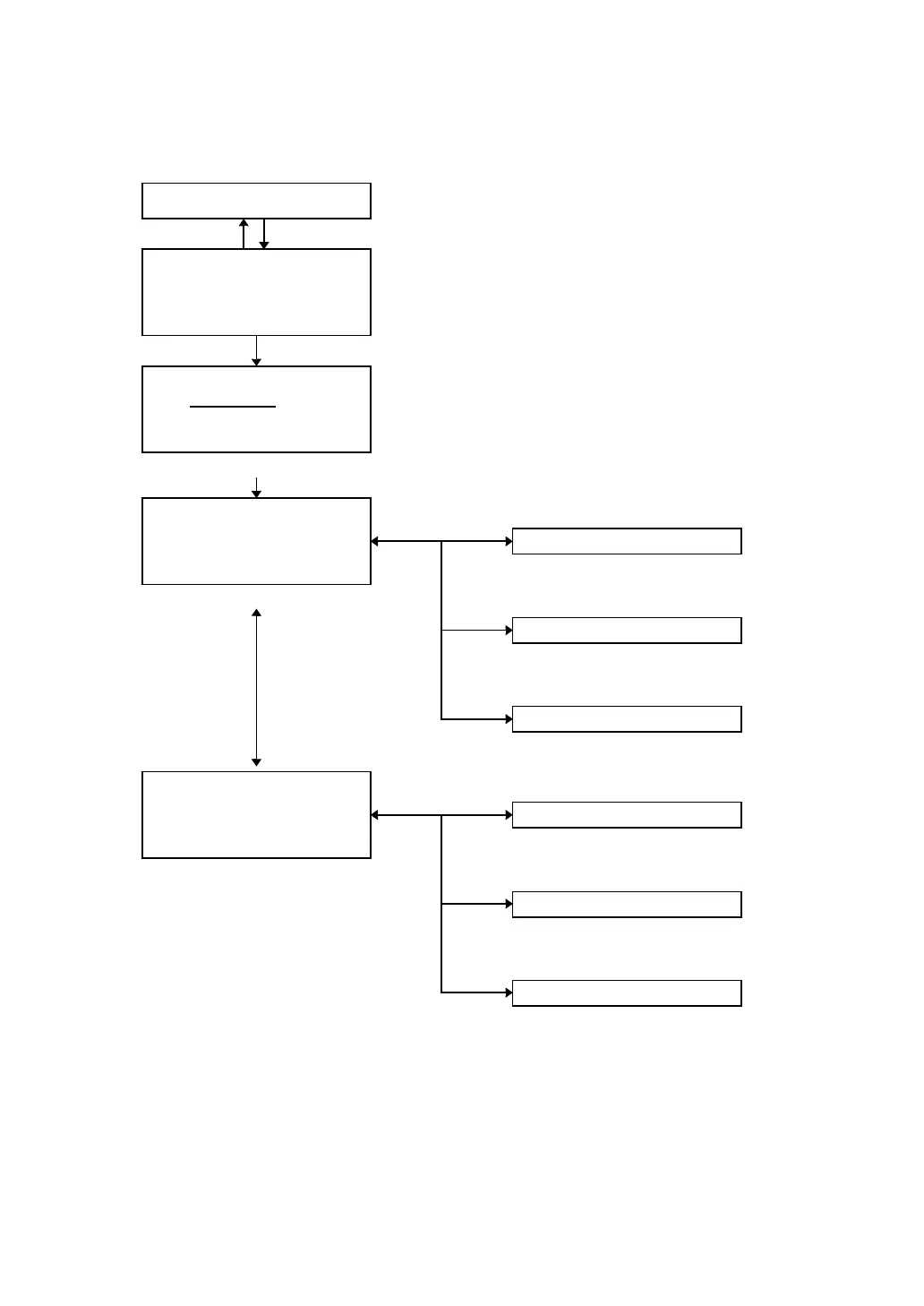
DATA COLLECTION MENU 1/2
OCC.PT# INPUT
Setting occupied point
See Section 7.1.3 “Occupied Point and
Backsight Point”.
BACKSIGHT
Setting direction angle
See Section 7.1.3 “Occupied Point and
Backsight Point”.
FS/SS
Executing data collection
See section 7.2 “Operational Procedure of
DATA COLLECT”
{ESC} {F1}
{F2}
{F3}
DATA COLLECT 2/2
F1:SELECT A FILE
F2:PCODE INPUT
F3:CONFIG. P
↓
DATA COLLECTION MENU 2/2
{F4}
SELECT A FILE
File can be selected for Data collect.
See Section 7.1.1 “Selecting a File for
Data Collection”.
PCODE INPUT
Editing PCODE library
See Section 7.6 “Editing PCODE Library
[PCODE INPUT]”
{ESC} {F1}
{F2}
{F3}
CONFIG
Setting Parameter of Data Collect
See Section 7.7 “Setting Parameter of
Data Collect [CONFIG.]”.



 To Next Page