Loading New Firmware
P/N 7010-0736
5-17
The receiver uses FLoader, a Windows®-based utility, to load
firmware onto the receiver and power boards. You can download
FLoader to your computer from the TPS website. For more
information, refer to the FLoader User’s Manual, also available on
the TPS website at www.topconpositioning.com. See “Installing
FLoader” on page 2-6 for installing FLoader on the computer.
Perform the following to load new firmware:
1. Download the new firmware package to your computer.
2. Connect your receiver and computer. See “Connecting the
Receiver and a Computer” on page 2-20 for this procedure.
3. Start FLoader.
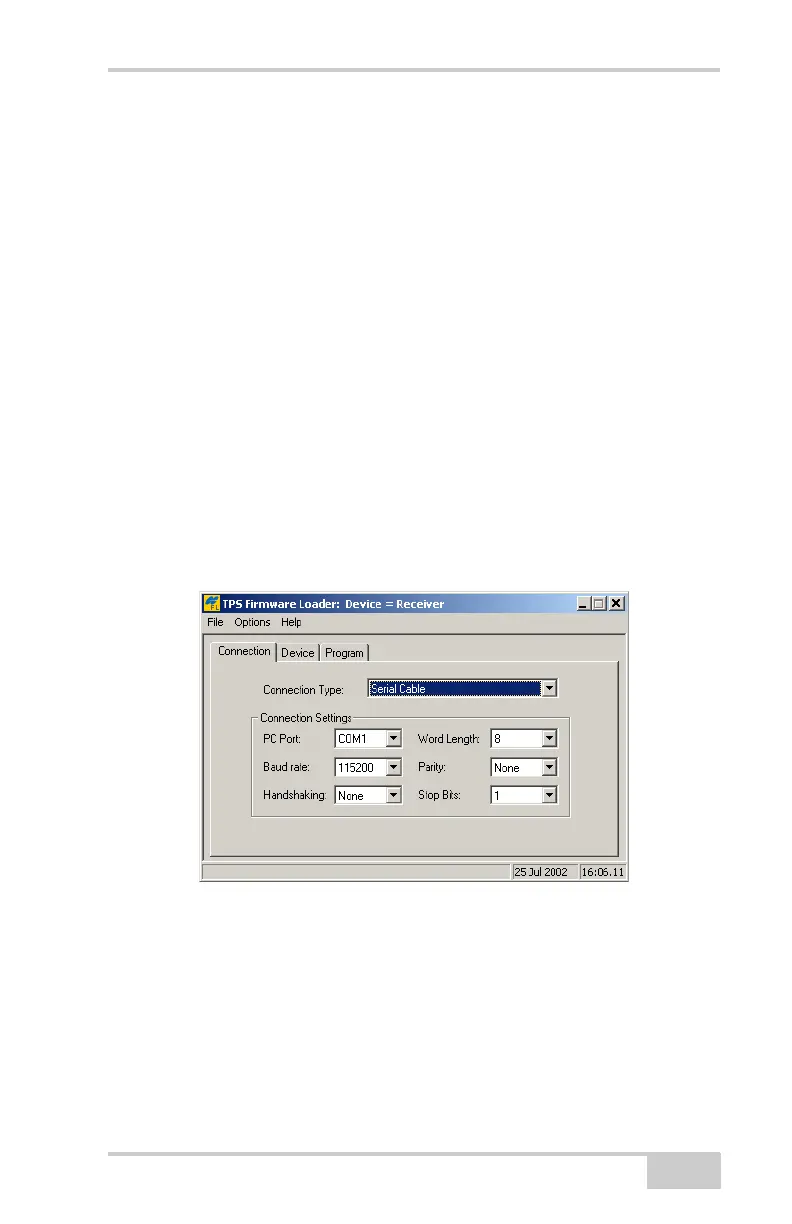
4. On the Connection tab, select the COM port on your computer
that connects with your receiver and select its speed (usually
115200) (Figure 5-18 on page 5-17).
5. See “Loading Receiver and Power Board Firmware” on
page 5-18 to load the appropriate firmware.
Figure 5-18. FLoader Main Screen



 To Next Page