24
COMPONENT NAMES AND FUNCTIONS
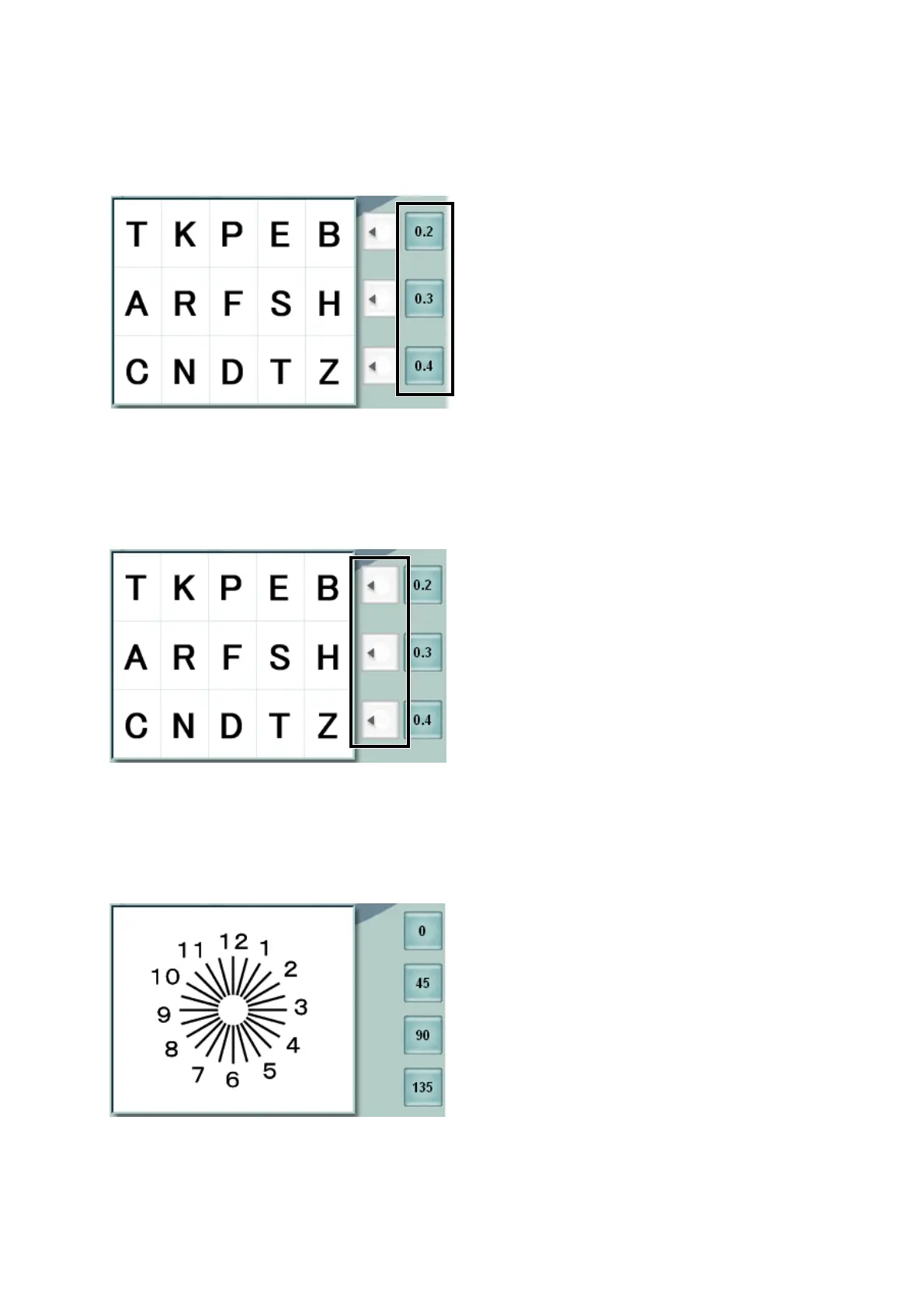
(4) Side button
These are auxiliary buttons to access the necessary functions for each of the chart being displayed
or the test being executed.
• Visual acuity input button
Displayed when the visual acuity chart is set.
Touch the [visual acuity input] button, and the visual acuity is inputted into the relevant place in the
main data.
• Mask button
Displayed when the chart allowing the horizontal mask is set.
Touch the [mask] button of the line to be highlighted, and the mask is set to other lines.
To remove the mask, touch the [mask] button of the highlighted line.
• Astigmatic axis direct set button
Displayed when the dial function is set for "astigmatic axis".
Touch the [astigmatic axis direct set] button, and the astigmatic power is set at the angle displayed
on the button.



 To Next Page