66
SETTING AND CHANGING THE SOFTWARE
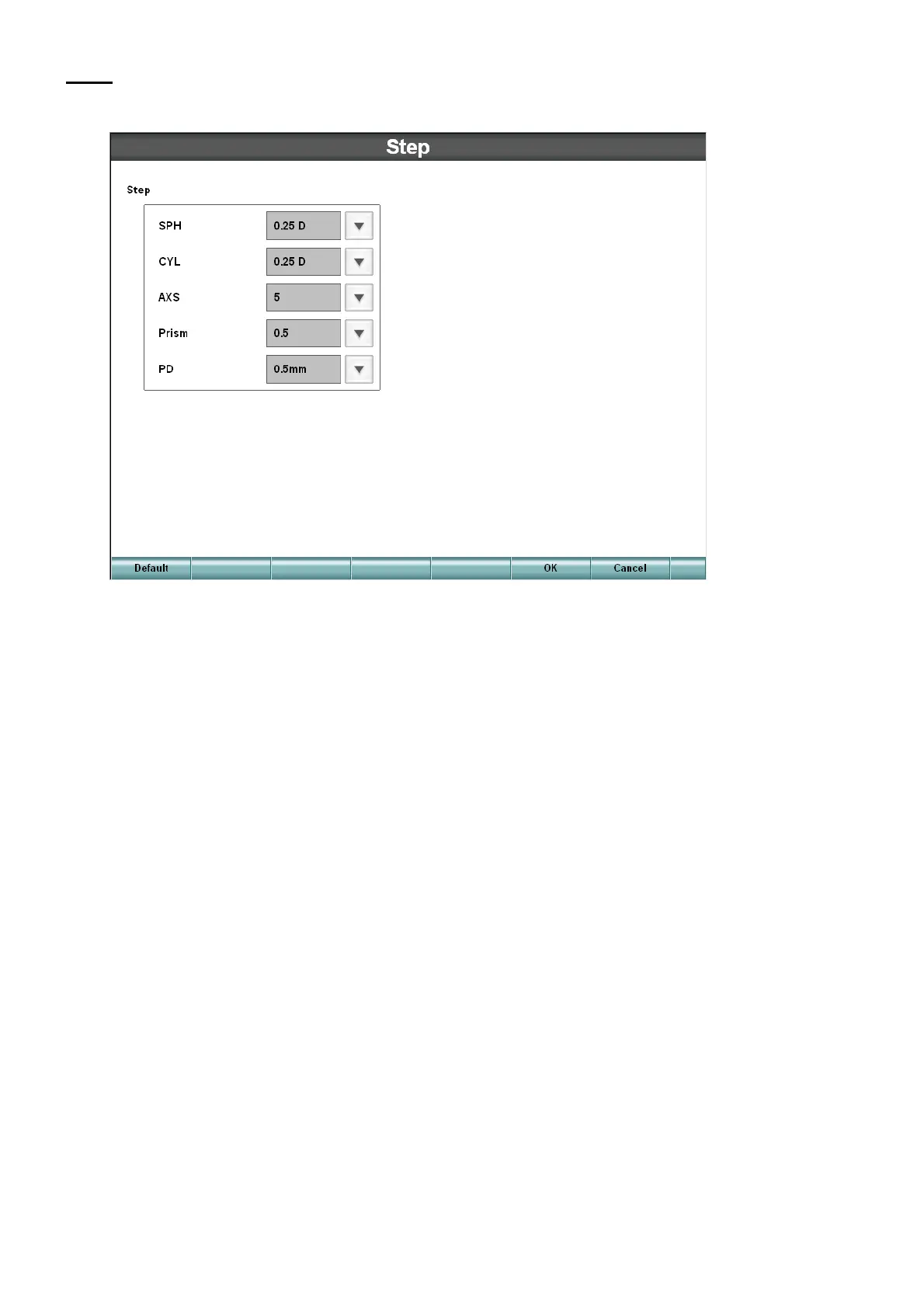
Step
Set the step quantity when changing the refractive power by the controller.
Step
Set the step quantity when operating the controller's dial.
• SPH
Set the changing step of the spherical power.
• CYL
Set the changing step of the astigmatic refractive power.
• AXS
Set the changing step of the astigmatic axis.
• Prism
Set the changing step of the prism refractive power.
• PD
Set the changing step of the PD.



 To Next Page