64
SETTING AND CHANGING THE SOFTWARE
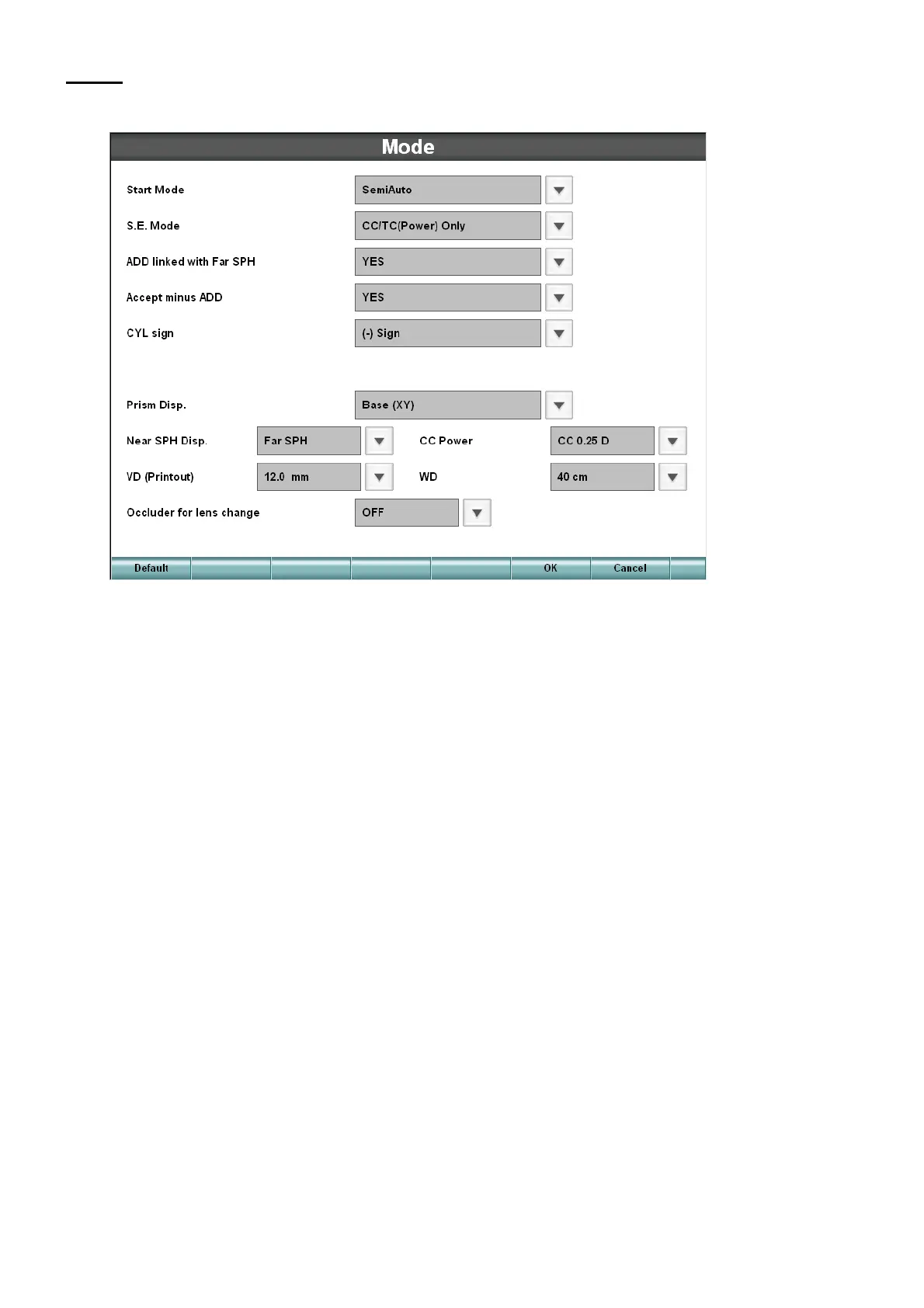
Mode
Set the status during test.
• Start Mode
Set which course should be used when starting (resetting).
• S. E. Mode
Set the spherical power to be activated on the equivalent sphere.
• ADD linked with Far SPH
Set whether the addition refractive power should be adjusted not to change the near-point spherical
power when changing the spherical power in the far-point measurement status.
• Accept minus ADD
Set whether the minus addition refractive power should be permitted.
• CYL sign
Set the symbol of the astigmatic power.
• Prism Disp.
Set the notation of the prism refractive power.
• Near SPH Disp.
Set which should be used to display the spherical power in the near-point measurement, the spher-
ical power in far-point measurement or the value obtained by adding the addition refractive power.



 To Next Page