43
BASIC OPERATION
SPECIFICATION AND CHANGE OF AUXILIARY LENS
1 As pressing the [Shift] switch, touch the function button [Aux. lens].
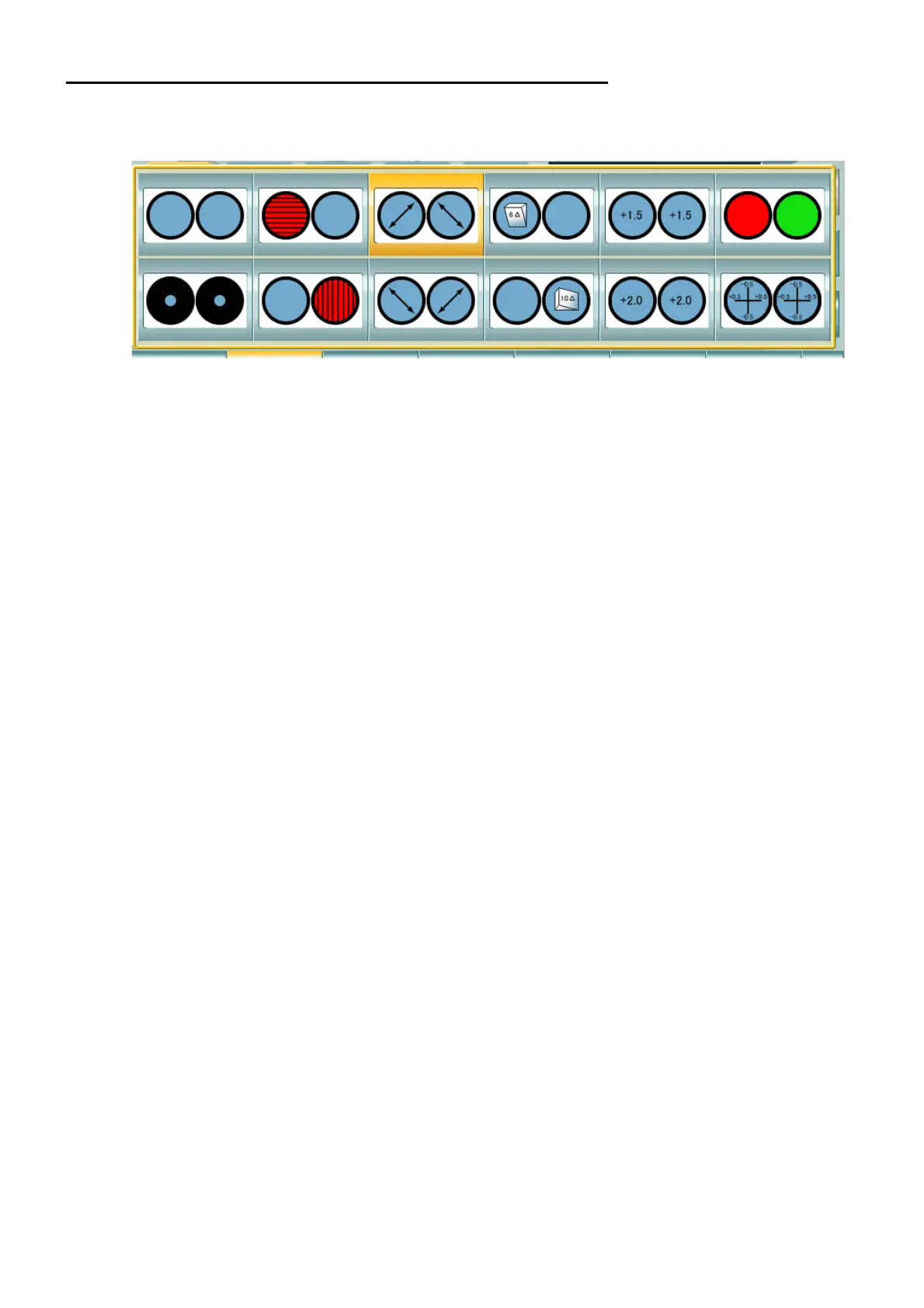
The list of auxiliary lenses is displayed as shown below.
2 Select an auxiliary lens.
Touch a desired auxiliary lens directly.
If you want to stop the selection of the auxiliary lens, press the [Aux. lens] button.
The auxiliary lens is set in the CV-5000.



 To Next Page