57
SETTING AND CHANGING THE SOFTWARE
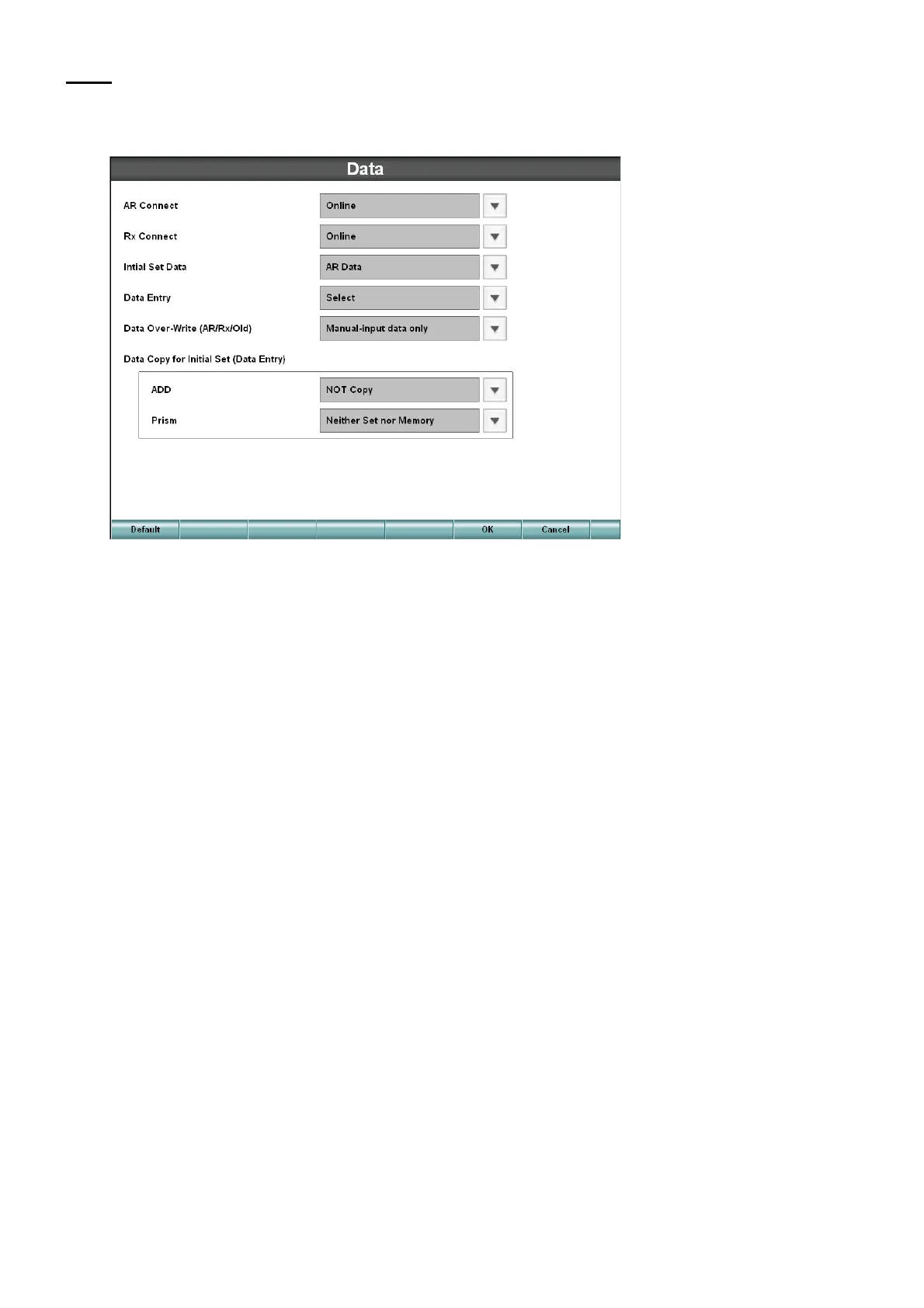
Data
Set the data about the connection method with external devices, and the data to be used as initial
data for starting tests.
• Connection to RM
Set the connection method of the auto refractometer or auto refracto-keratometer.
• Connection to CL
Set the connection method of the lens meter.
• Initial set data
When data are input from external devices, set the data to be used as the initial test data.
• Data input
Set how to handle the data input from external devices when pressing the [IN] switch.
• Overwriting the data (RM/CL/OLD)
Set how to overwrite the data.
• Data copy method (data input) when the initial data are set
When the external data are inputted, set how to copy the addition refractive power and prism data of
the initial set data.
• Addition power
When setting the initial data at the start of test, set how to handle the addition refractive power.
• Prism
When setting the initial data at the start of test, set how to handle the prism refractive power.



 To Next Page