70
SETTING AND CHANGING THE SOFTWARE
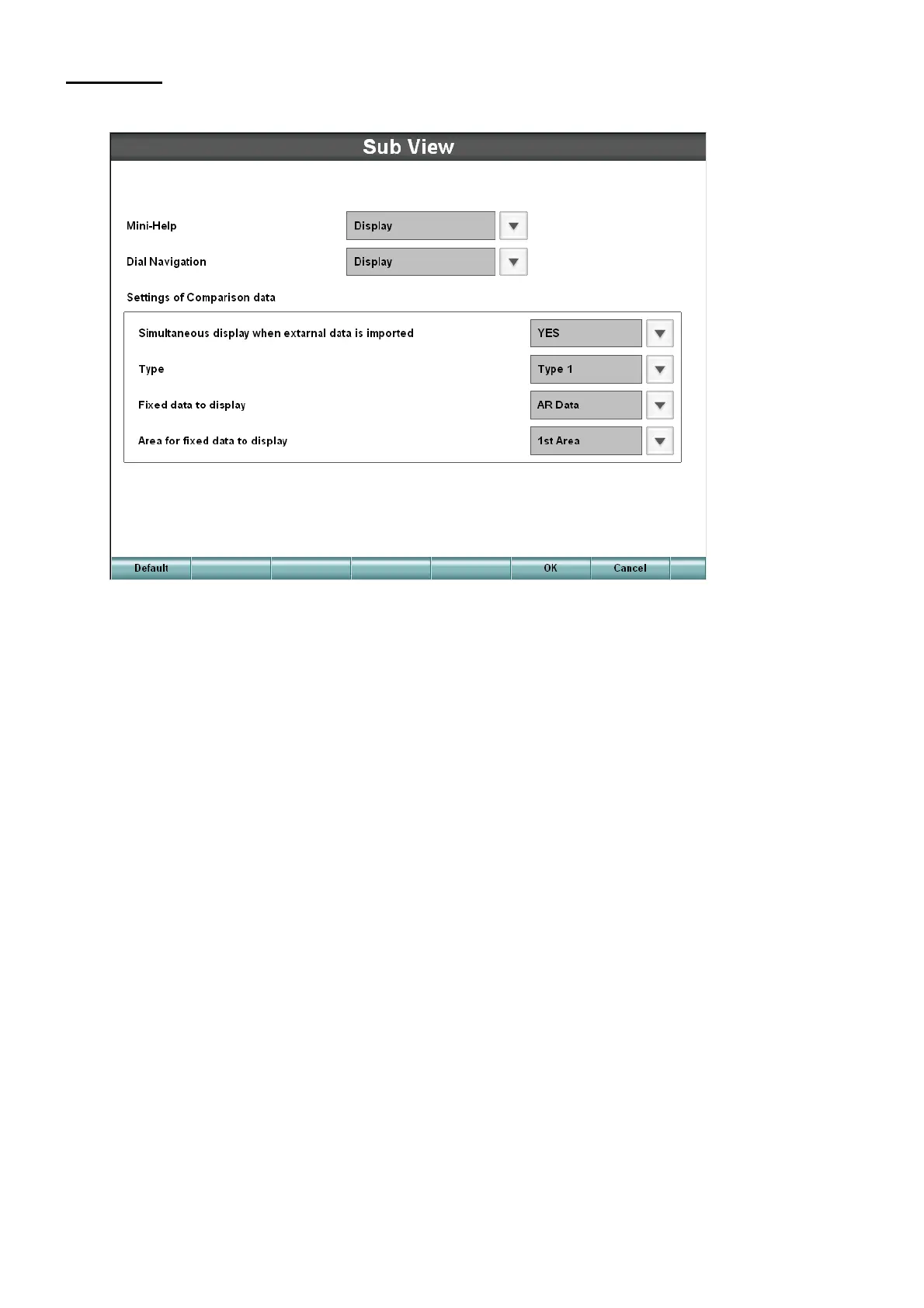
Sub View
Set the display of the sub information such as the reference data, dial navigation and help.
• Mini-Help
Set "Displayed" or "Not displayed" of "Mini-Help".
• Dial Navigation
Set "Displayed" or "Not displayed" of the dial information.
• Settings of Comparison data
• Simultaneous display when external data is imported
Set whether the comparison data should be automatically displayed when data are inputted from
external devices.
• Type
Set how to display the reference data.
In "Type 1", the reference data are displayed for each tested eye. In "Type 2", they are displayed
for each test data.
• Fixed data to display
Set the data to be always displayed in the data reference area when displaying or setting the
data.
• Area for fixed data to display
Set the position of the fixed display data area.
1st Area : The fixed data is displayed at the inside in "Type 1" and at the left side in "Type 2".
2nd Area: The fixed data is displayed at the outside in "Type 1" and at the right side in "Type 2".



 To Next Page