58
SETTING AND CHANGING THE SOFTWARE
Chart
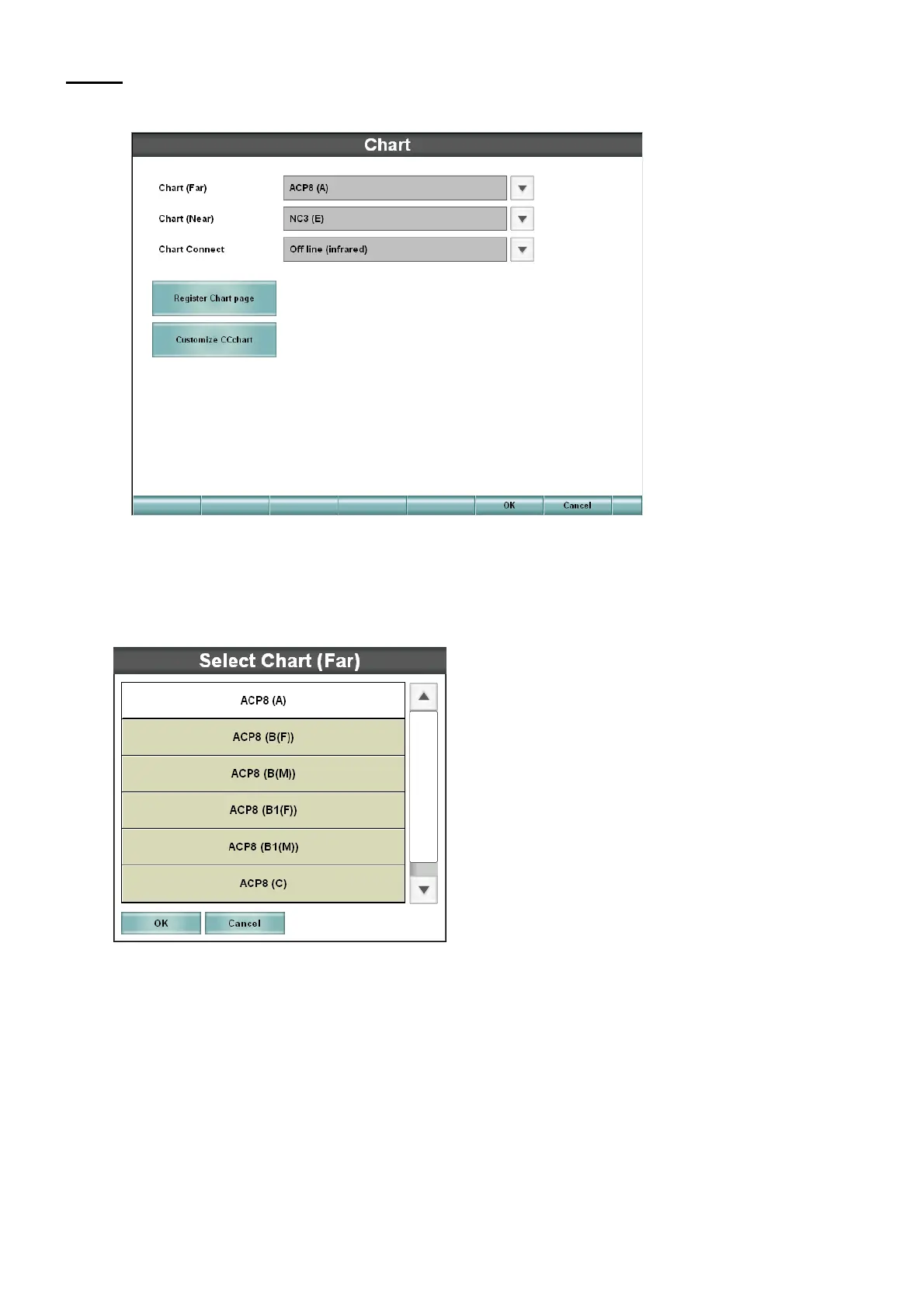
Set the chart device to be used, the registration of chart page and the charts to be used in tests.
• Chart
Set the chart device to be used.
Touch the [down arrow] button, and the selection list of the chart devices is displayed.
Select a relevant chart.
• Chart Connect
Set the connection status of the chart device to be used.



 To Next Page