59
SETTING AND CHANGING THE SOFTWARE
• Chart page registration
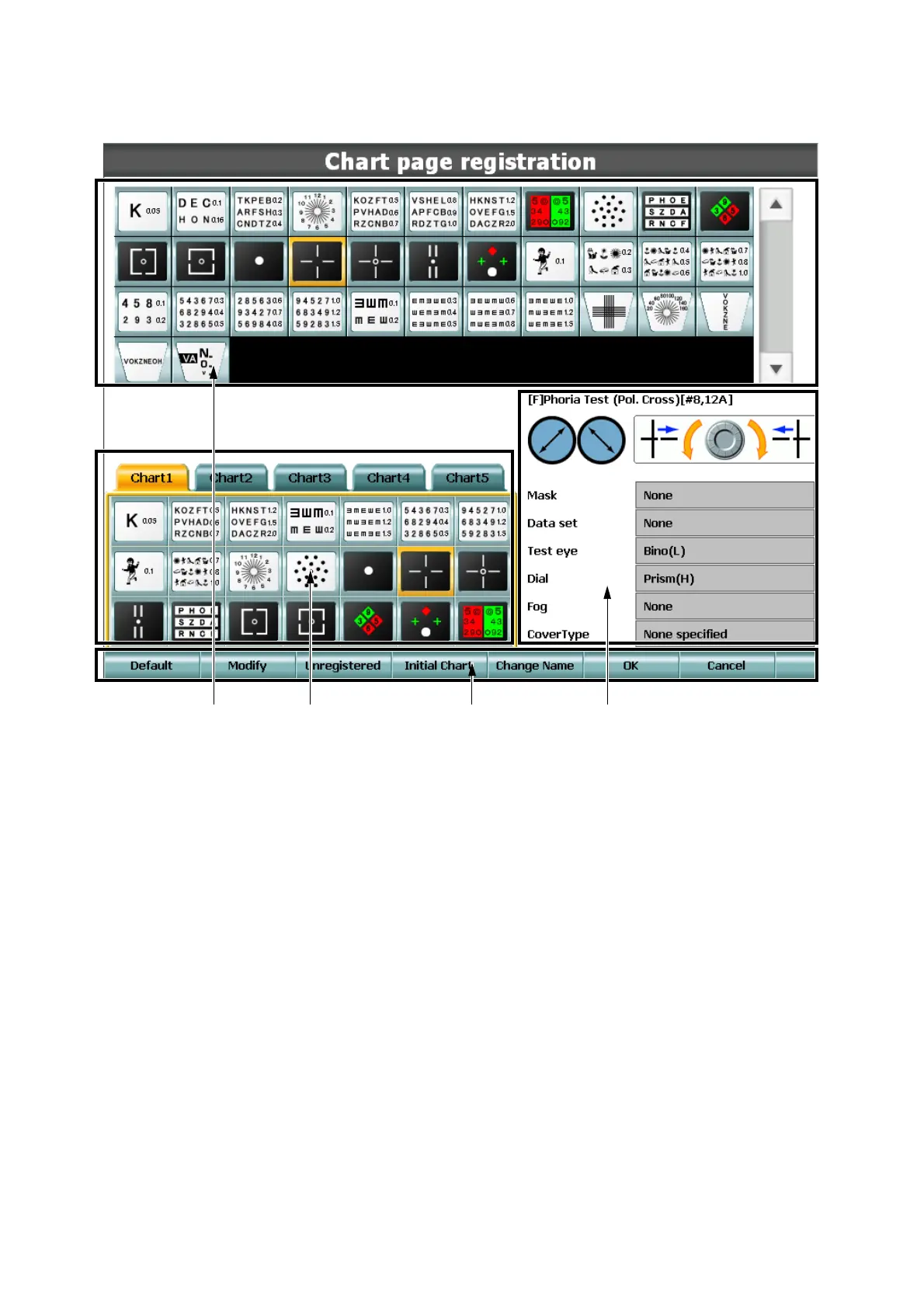
KB-50 is equipped with the function to customize the charts to be displayed on the chart page.
(1) List of charts
Displays the list of charts contained in the chart device to be used.
(2) Chart page
The charts registered here are usable.
You can register charts as follows: select a chart to be registered from the list of charts and drag
and drop it to an optional position in the chart page.
You can change the layout in the chart page in the similar way.
(1) (2) (4) (3)



 To Next Page