67
SETTING AND CHANGING THE SOFTWARE
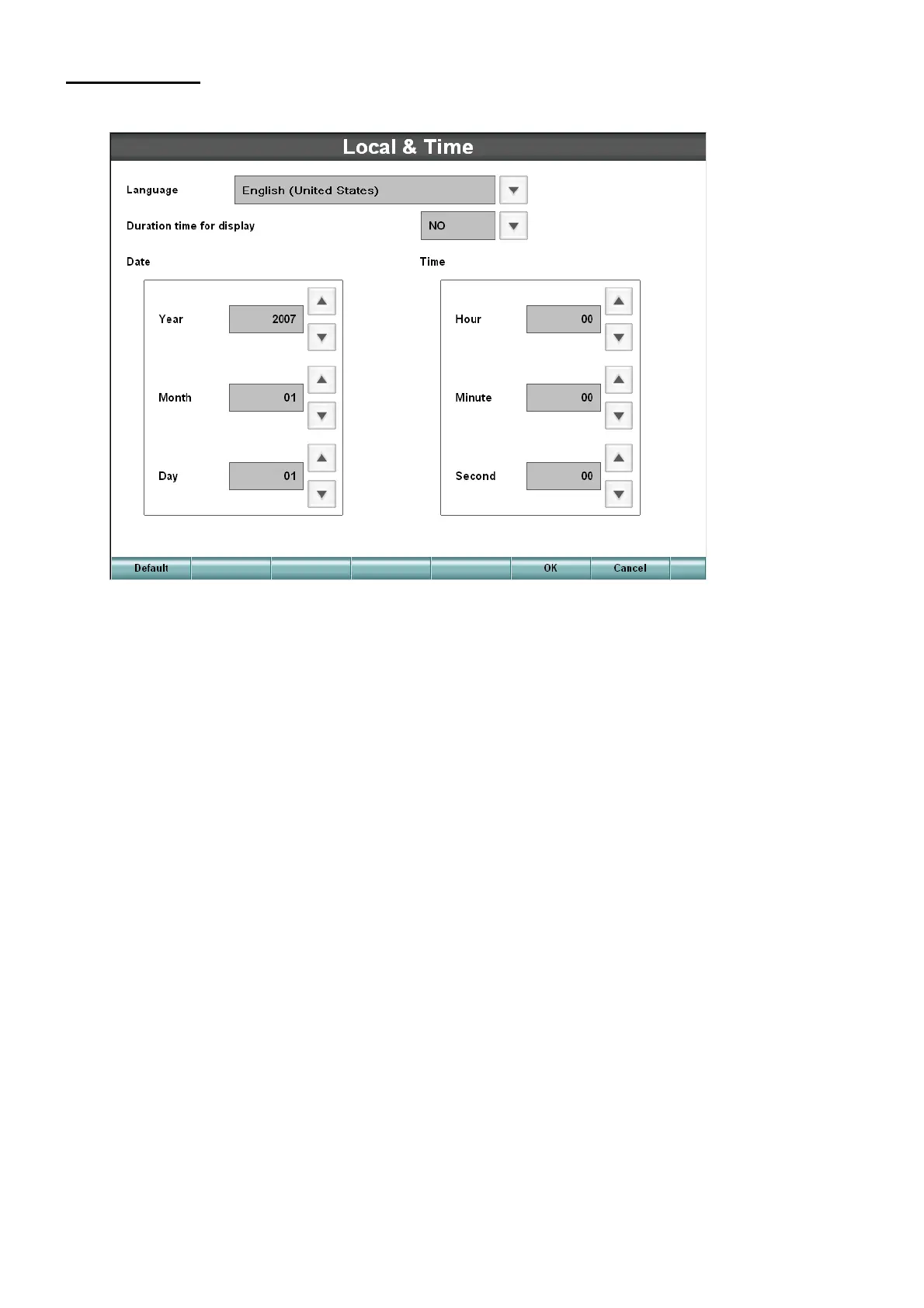
Local & Time
Set the language to be used, time and date.
• Language
Set the language to be used.
• Duration time for display
Set whether the lapse of time for tests should be displayed or not. When the lapse of time for tests
is displayed, date is not displayed.
• Date/Time
Set the date and time.



 To Next Page