31
COMPONENT NAMES AND FUNCTIONS
• Function buttons in near point phoria test
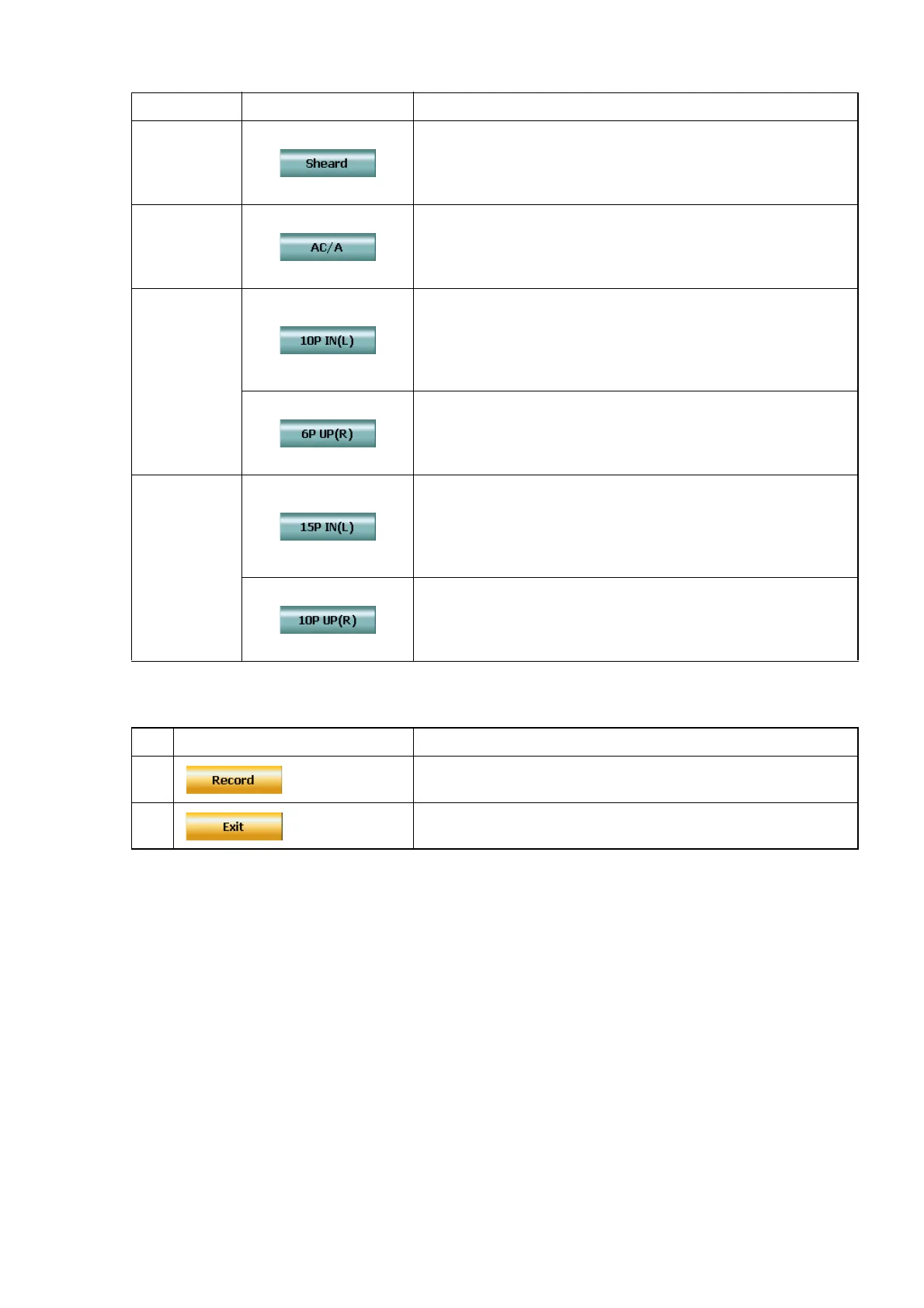
• Function buttons in the Sheard's criteria test and AC/A test
• Function buttons in binocular function test
All the function buttons are changed to special buttons to input the patient's answer.
Input the patient's answer through the function buttons.
By using the [Shift] switch together, you can change the step and clear the data.
Example of display Contents
F6
Touch this button, and the Sheard’s criteria test is exe-
cuted.
When heterophoria is measured in the horizontal phoria
test, the button is valid.
F7
Touch this button, and the measurement test of AC/A
ratio is executed.
When the near point phoria test is executed, the button is
valid.
[Shift] + F6
This button is displayed when the near point horizontal
phoria test of prism separation method (Von Grafe) is
being executed.
Touch this button, and the near point prism refractive
power for the left eye is set to "10P BI".
This button is displayed when the near point vertical pho-
ria test of prism separation method (Von Grafe) is being
executed. Touch this button, and the near point prism
refractive power for the right eye is set to "6P BU".
[Shift] + F7
This button is displayed when the near point horizontal
phoria test of prism separation method (Von Grafe) is
being executed.
Touch this button, and the near point prism refractive
power for the left eye is set to "15P BI".
This button is displayed when the near point vertical pho-
ria test of prism separation method (Von Grafe) is being
executed. Touch this button, and the near point prism
refractive power for the right eye is set to "10P BU".
Example of display Contents
F6
Touch this button, and the result of the test being exe-
cuted is recorded and the test is finished.
F7
Touch this button, and the test being executed is fin-
ished.



 To Next Page