33
COMPONENT NAMES AND FUNCTIONS
• Negative Relative accommodation [#21]
American 21 item test: #21
Performs the near-point imaginary relativity adjusting power test by the convex spherical lens.
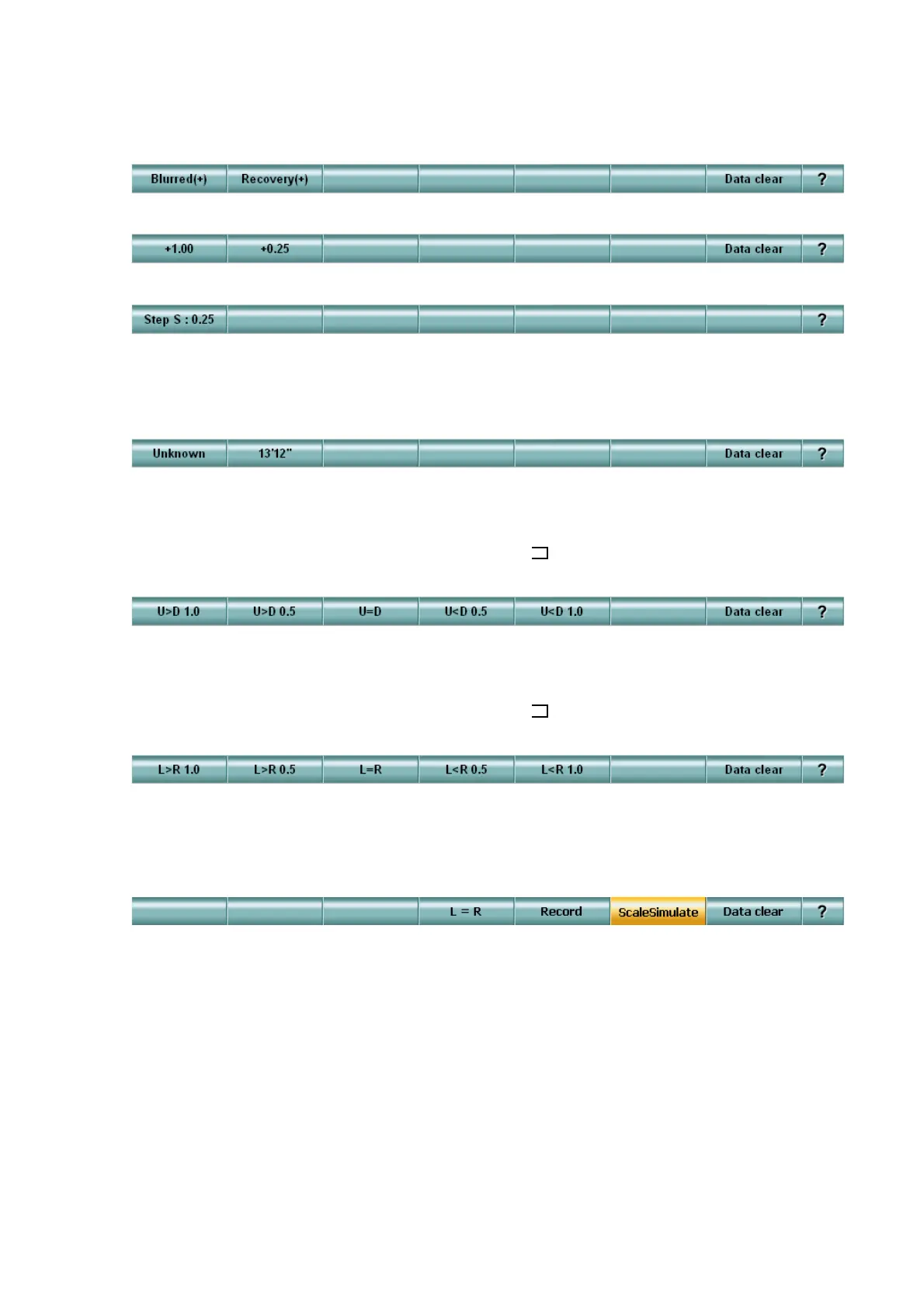
When the test starts, the function buttons are as follows.
After registering the spherical power, the function buttons are as follows.
When using the [Shift] switch together, the function buttons are as follows.
• Stereo Test / Stereo Test (Fine)
Performs the near-point stereoscopic vision test by using a polarized lens.
When the test starts, the function buttons are as follows.
• Coincidence Test (H)
Performs the near-point horizontal aniseikonia test.
Let the patient answer the difference in width of the " " characters arranged vertically.
When the test starts, the function buttons are as follows.
• Coincidence Test (V)
Performs the near-point vertical aniseikonia test.
Let the patient answer the difference in width of the " " characters arranged horizontally.
When the test starts, the function buttons are as follows.
The [Scale Simulate] button is displayed on [F6] when this test is being executed with the targets
applicable to the vertical aniseikonia simulation function on the TOPCON liquid crystal visual
acuity chart (PC-50).
Touch this button, and the function buttons are changed as shown below.
When you turn the dial during the vertical aniseikonia simulation mode, and the picture size of
the target is changed.
The difference in the size of the targets to be projected to the right or left eye is displayed on the
[F4] button.
When the size of the right image is the same as the left one, touch the [Record] button on [F5] to
record the value.



 To Next Page