MC-X1 Connectivity and Configuration
Upgrading MC-X1 Firmware
5
X-52/X-72 2D Excavator Installation and Calibration Manual P/N: 1022461-01
Upgrading MC-X1 Firmware
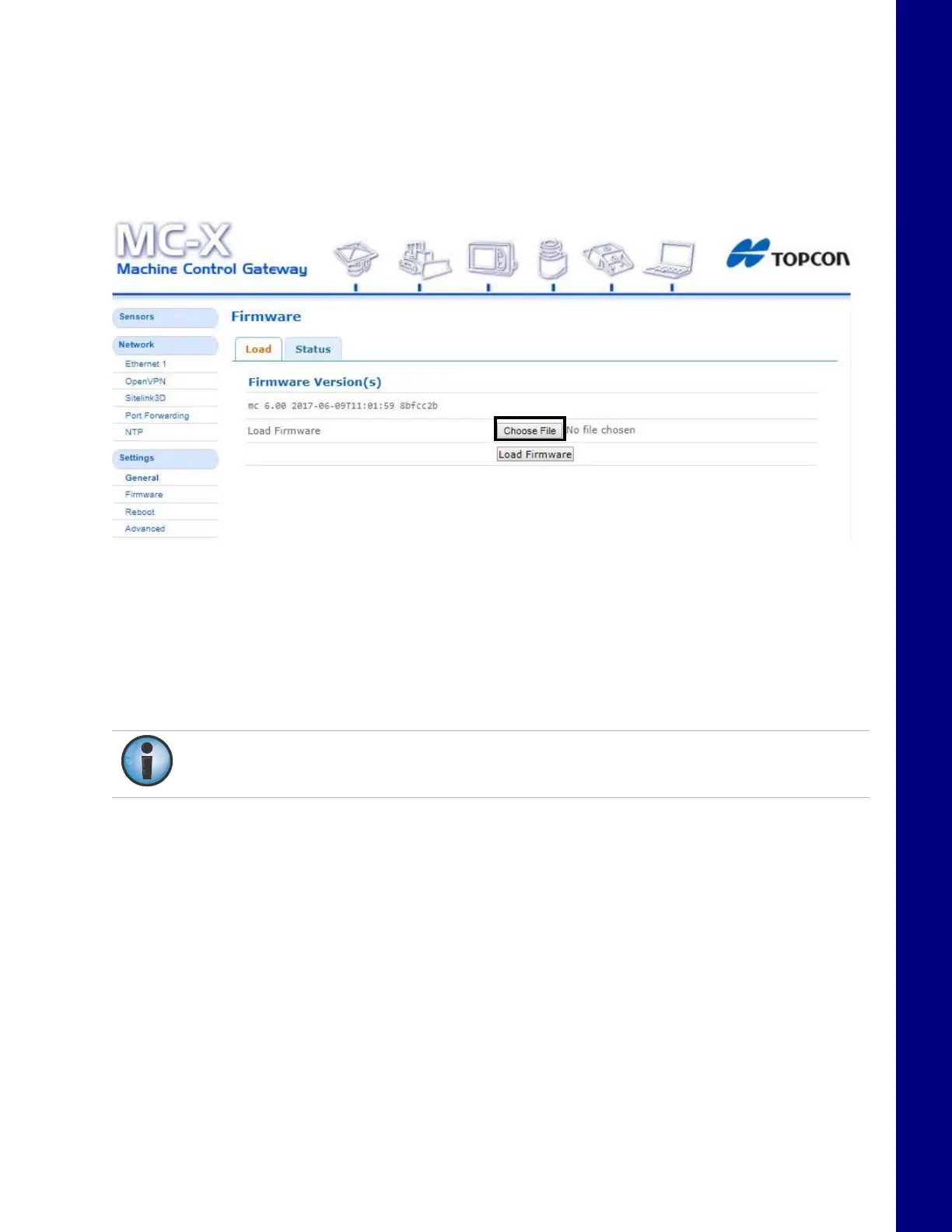
1. To upgrade MC-X1 firmware, click SettingsFirmware.
2. Click the Choose File bu
tton. Windows
®
Explorer appears.
Figure 8. Load Firmware - Choose File
3. Locate and select the appropriate controller firmware for the M
C-X1.
4. Click Load Firmware to
begin.
5. Once firmware loading is complete, a reboot prompt appears.
6. Click Reboot.
Do not close the web browser or power off the system during the firmware upload
process.



 To Next Page