Machine Measurements and Configuration
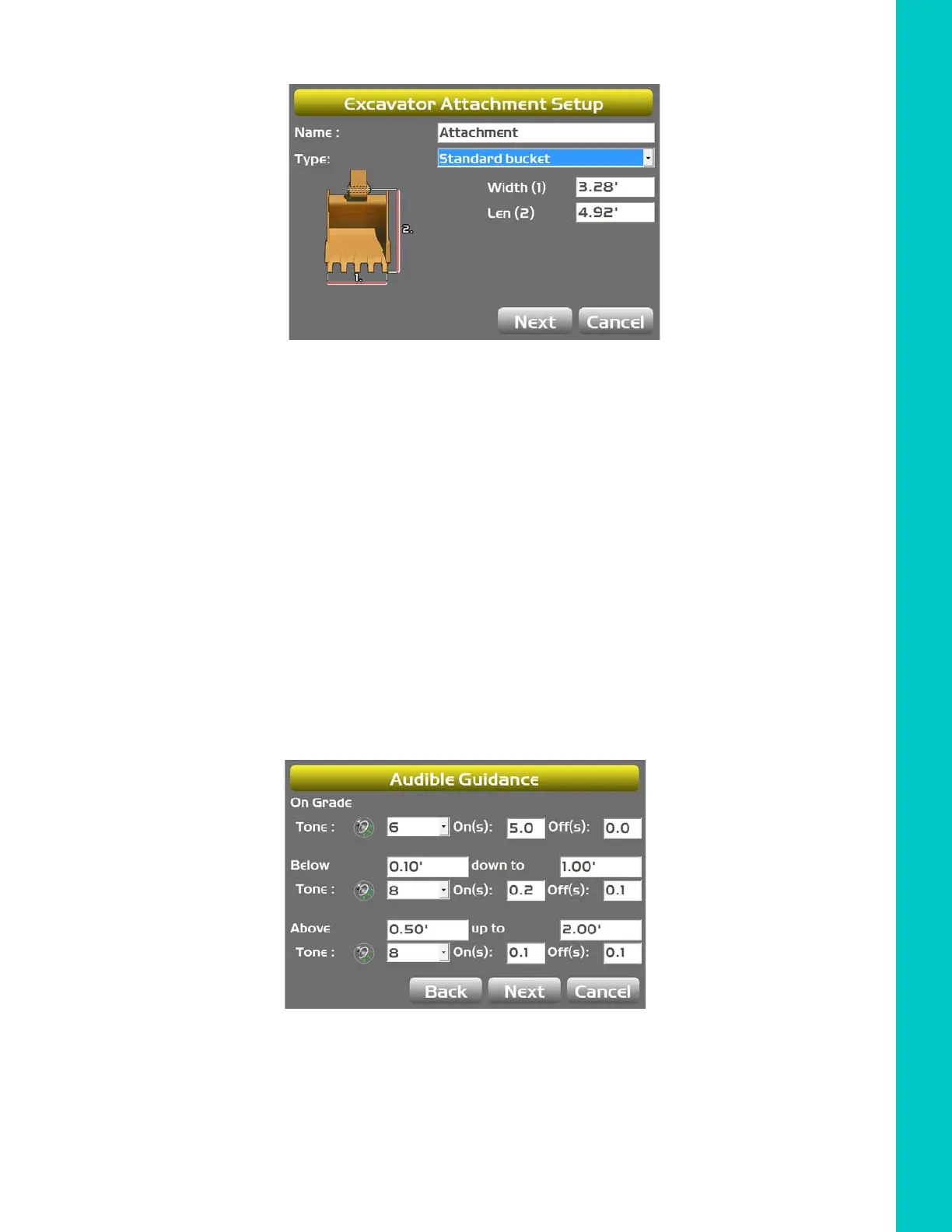
Audible Guidance
23
X-52/X-72 2D Excavator Installation and Calibration Manual P/N: 1022461-01
Figure 24: Excavator Attachments
c. Press Next to access the Calibrate Attachment Angle screen (calibration performed
in next chapter).
d. Press Next to access the Calibrate Bucket Base screen (calibration performed in next
chapter).
e. Press Finish to access the Excavator Attachments screen.
f. Repeat Steps a through e for each attachment.
Audible Guidance
1. Tap Next to access the Audible Guidance screen.
2. Enter the desired Tone and Duration settings.
Figure 25: Audible Guidance



 To Next Page