Calibration
Excavator Hitch
34
X-52/X-72 2D Excavator Installation and Calibration Manual P/N: 1022461-01
Attachment Edge
Perform the following attachment edge calibration procedures for all attachment types. These
calibrations must also be performed for each individual attachment when using multiple attachments.
1. In 3D-MC, tap Topcon Menu ButtonControlMachine setup.
2. Tap Next until the Excavator attachments screen appears
3. Select the attachment that is on the machine.
4. Tap Edit. The Excavator attachment setup screen appears.
5. Tap Next.
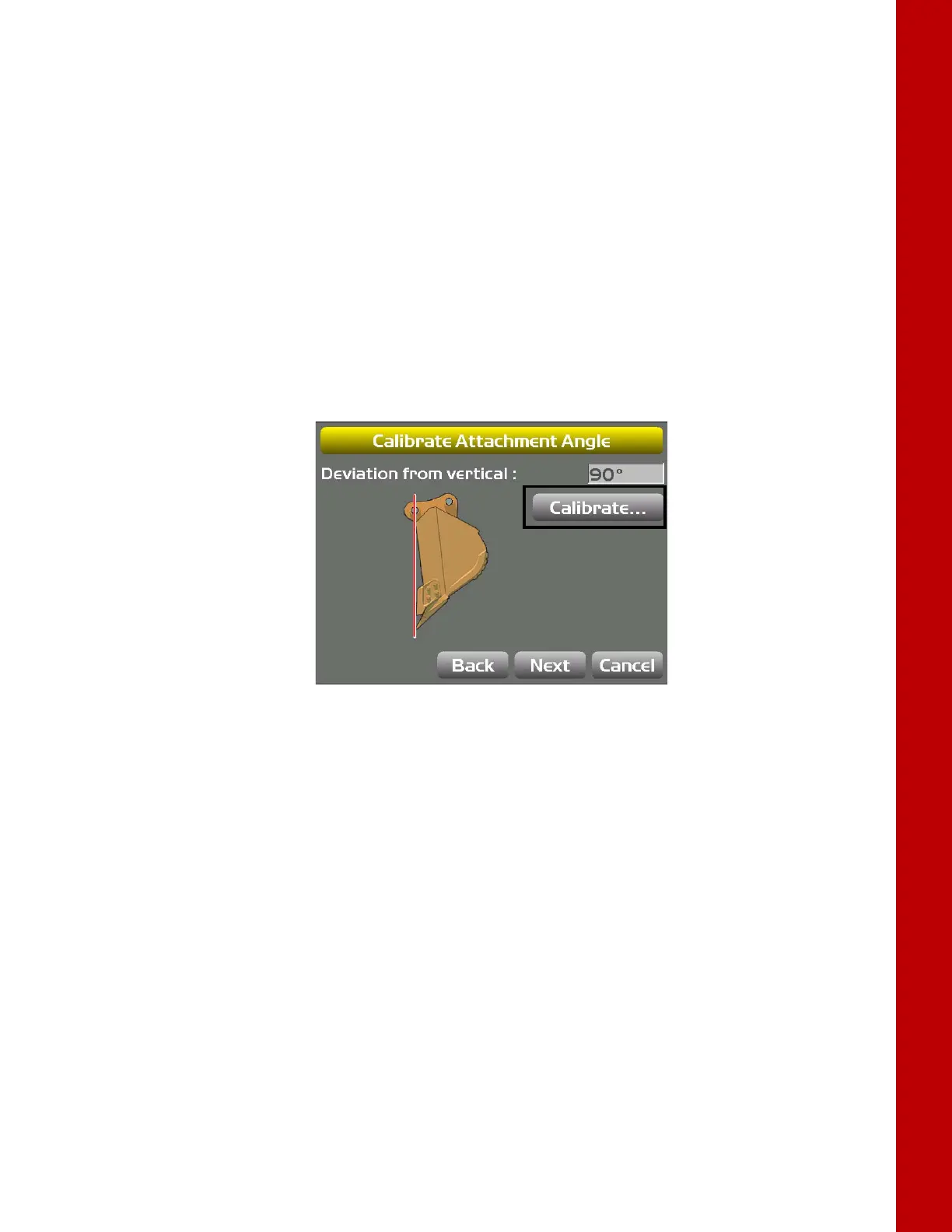
6. With the attachment plumb, tap Calibrate from the Calibrate Attachment Angle screen
(
Figure 42); tap Next to go to the Calibrate Bucket Base screen.
Figure 42: Calibrate Attachment Angle



 To Next Page