Setup Verification
Troubleshooting
43
X-52/X-72 2D Excavator Installation and Calibration Manual P/N: 1022461-01
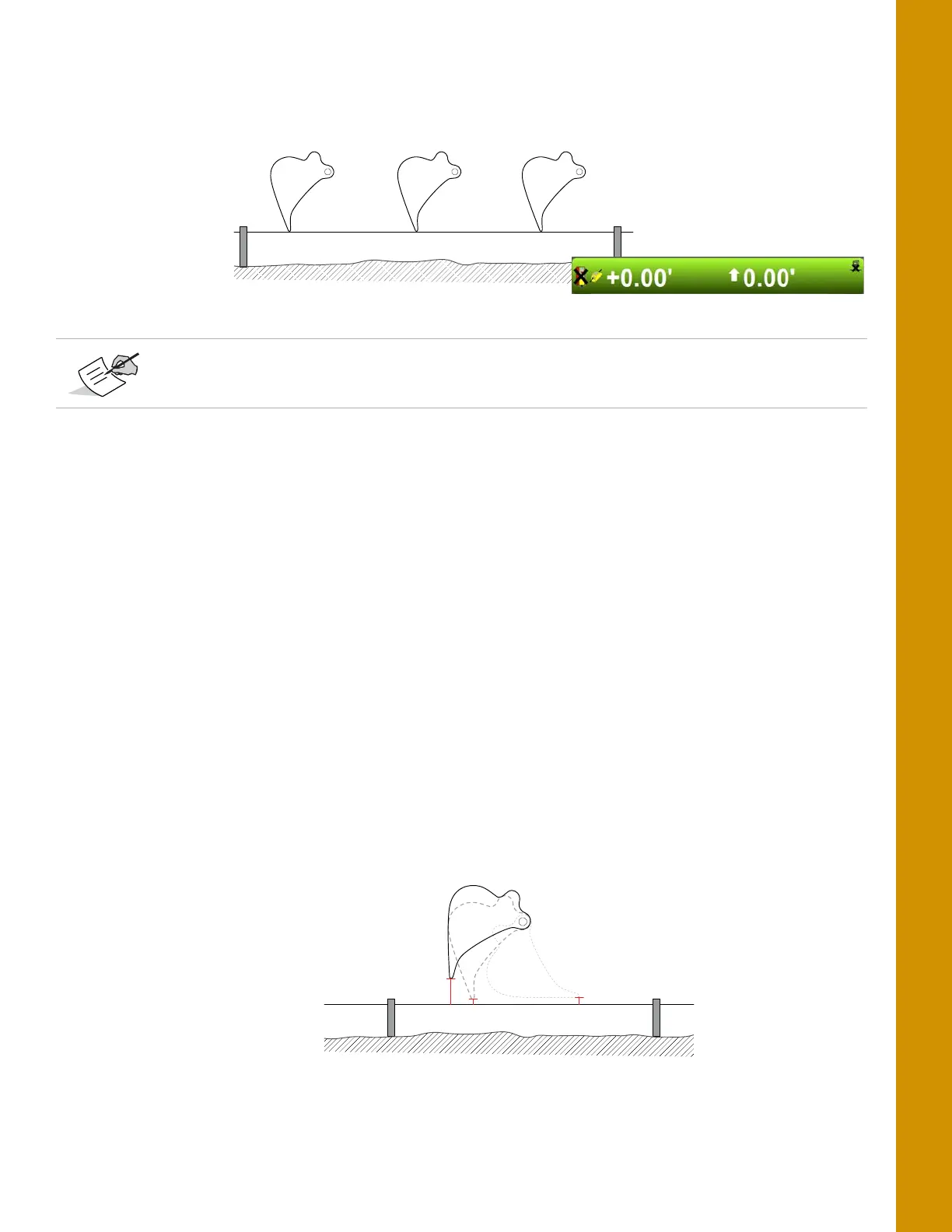
5. Position the bucket on the string at several points, and compare the cut/fill readings shown in
3D-MC; cut/fill readings should be zero for each position (
Figure 51).
Figure 51: Move the Bucket and Compare 3D-MC Measurements
6. If the measurements read zero from point to point, the test is done. If they do not, see
“Troubleshooting” on page 43.
Troubleshooting
When troubleshooting, begin with the hitch sensors. If you are unable to determine the problem,
proceed with the stick sensor, and then the boom sensor. Note that for the hitch and boom sensors,
there are optional secondary sensors that should be checked if they are used. If you are unable to
determine the problem after following the procedures below, contact Topcon support.
Hitch Sensor
1. Position the hitch above the string line so that the bucket teeth or edge are at their closest point
to the string.
2. Place the bucket teeth or edge on the string, and zero the bucket in 3D-MC.
3. Curl only the bucket in and out in various positions, and measure the distance from the string
line to the bucket teeth a with measuring tape (
Figure 52).
Figure 52: String Line Verification - Bucket
4. Compare the measuring tape values with those shown in 3D-MC.
Reasonable accuracy is within 0.10´. If the machine is well maintained and the
measurements made within this guide are precise, accuracy should be even better.



 To Next Page