Calibration
Excavator Hitch
35
X-52/X-72 2D Excavator Installation and Calibration Manual P/N: 1022461-01
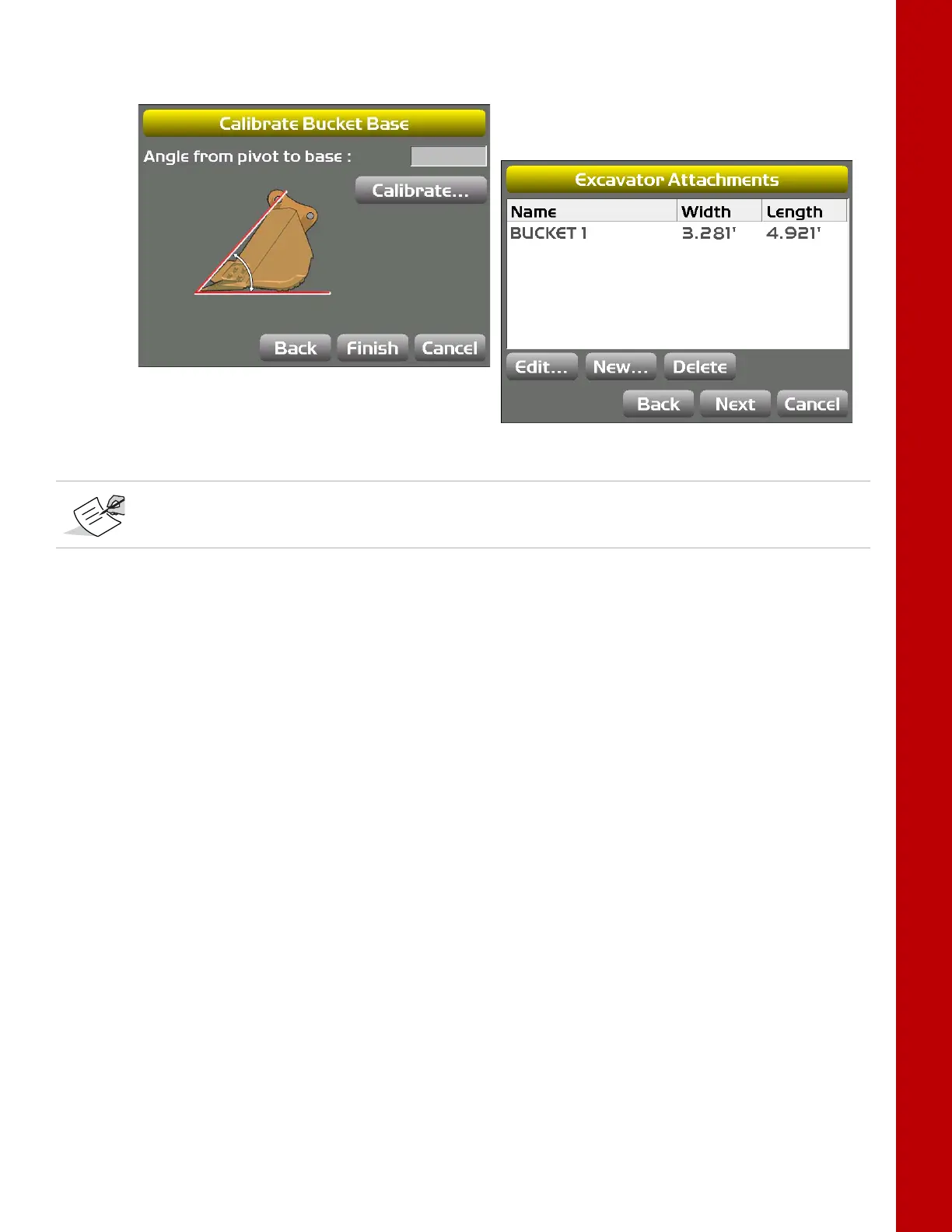
7. Move the attachment so that the bottom of the attachment lays flat on the ground, and tap
Calibrate; tap Finish to go to the Excavator Attachments screen (
Figure 43).
Figure 43: Calibrate Attachment Base
Multiple Attachments
If a using a quick coupler to switch attachments, mount the sensor to the quick release mechanism,
or the DogBone, not the attachment. When calibrating multiple attachments, you must perform the
vertical and flat attachment calibrations for each applicable attachment; see
“Attachment Edge” on
page 34.
Tilt Bucket
1. In 3D-MC, tap Topcon Menu ButtonControlMachine setup. Select the applicable
machine file for the job and tap Edit. The Configuration name/type screen appears.
2. Tap Next until you reach the Excavator Attachments screen, and then tap New to create a
new Tilting bucket, or tap Edit to calibrate an existing Tilting bucket.
3. Select Tilting Bucket from the drop-down menu, and enter the bucket Width and
Length
(
Figure 44).
If setting up multiple attachments of any kind, skip to “Multiple Attachments” .



 To Next Page