Machine Measurements and Configuration
Entering Sensor Information
22
X-52/X-72 2D Excavator Installation and Calibration Manual P/N: 1022461-01
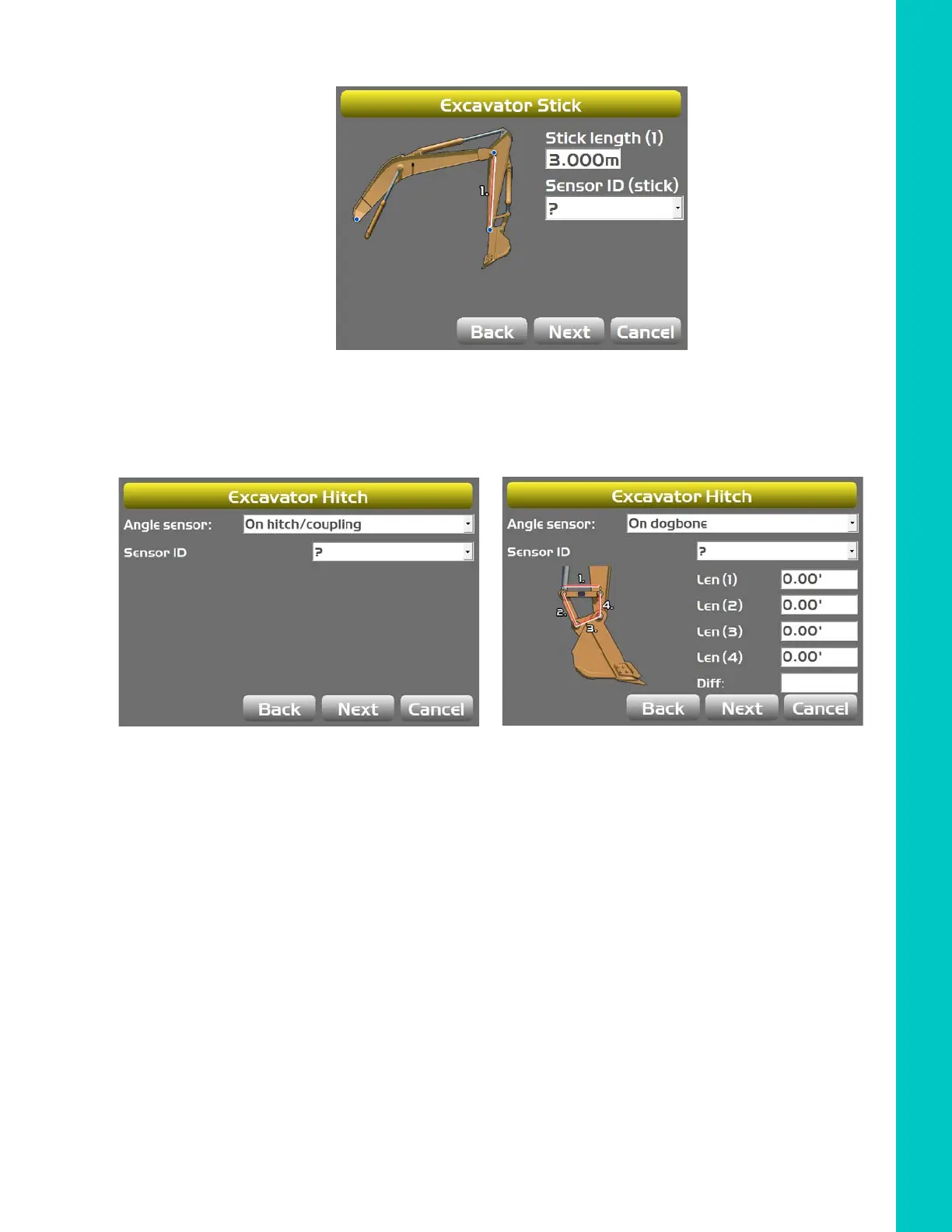
3. Tap Next to access the Excavator Stick screen.
Figure 22: Select Stick Sensor ID
4. Enter the appropriate values, and select corresponding sensor.
5. Tap Next to access the Excavator Hitch screen.
Figure 23: Select Bucket Sensor ID
6. Enter the appropriate values, and select corresponding sensor.
7. Tap Next to access the Excavator Attachments screen.
a. Tap New to access the Excavator Attachment Setup screen.
b. Enter or select the appropriate data as needed.



 To Next Page