Setup Verification
LS-B10W Test
46
X-52/X-72 2D Excavator Installation and Calibration Manual P/N: 1022461-01
3. Create a 0% Known Slope Surface in 3D-MC by tapping the Topcon Logo button Tools
Known Slope, ensure grade is 0.00%, and tap OK.
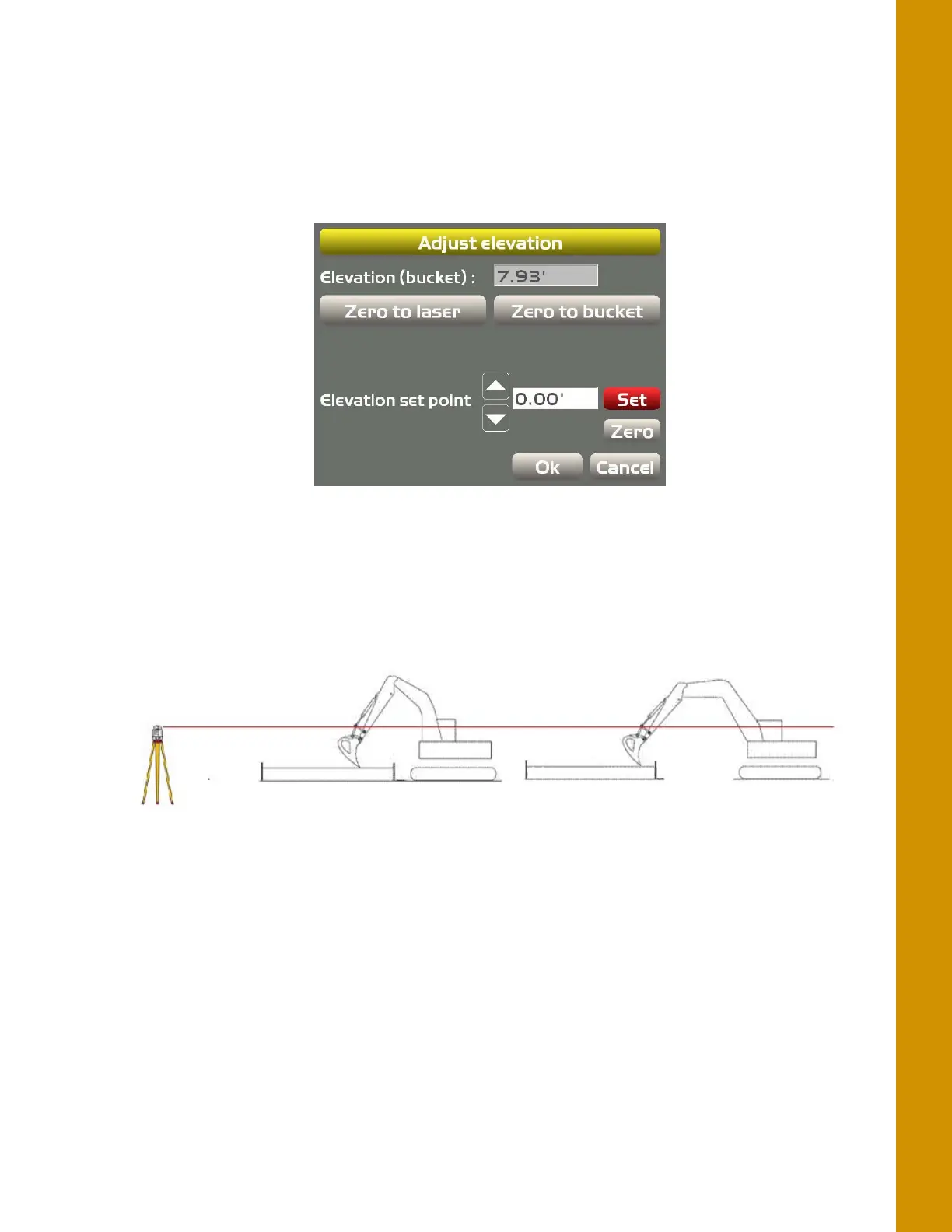
4. Place the LS-B10W in the laser plane, and press the Zero to laser button.
5. Set the Elevation Set Point equal to the distance from string to laser plane.
Figure 56: Zero to Laser
6. Touch the bucket tooth to the string and verify grade.
Figure 57: Laser Plane to String Line Measurement
7. Track the machine to a different location. Perform the Zero to laser function again.
8. Touch the bucket tooth to the string and verify grade.



 To Next Page