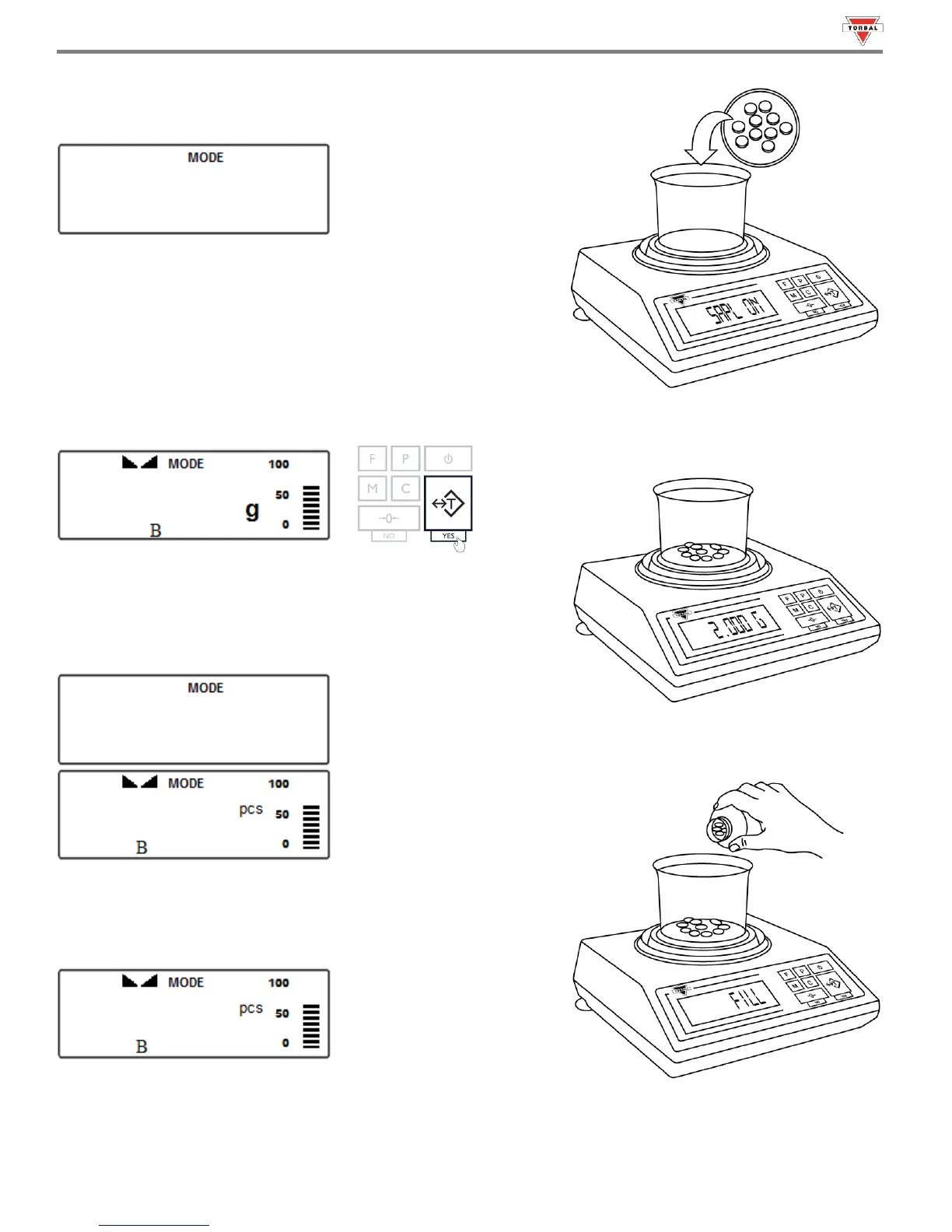
4. After confirming the sample size, the display will read “.”
Place the sample into the weighing container.
Note: Minimum individual piece weight must be equal to or greater
than 3e. Attempting to set an average individual piece weight which is
lower than 3e will result in a Sample Low Error (). To see this
limit expressed in grams turn to detailed specifications in Chapter 2.
5. The total weight of the sample will be displayed. Once the reading
stabilizes, press the “T” key to accept the sample weight.
6. The scale will flash “” and then display the sample size
(Example: pcs) indicating to begin filling the remainder of the
count. Begin to pour the pills into the container.
7. The display will now indicate the number of pieces placed in the
container. Stop filling when the desired count has been reached.



 To Next Page