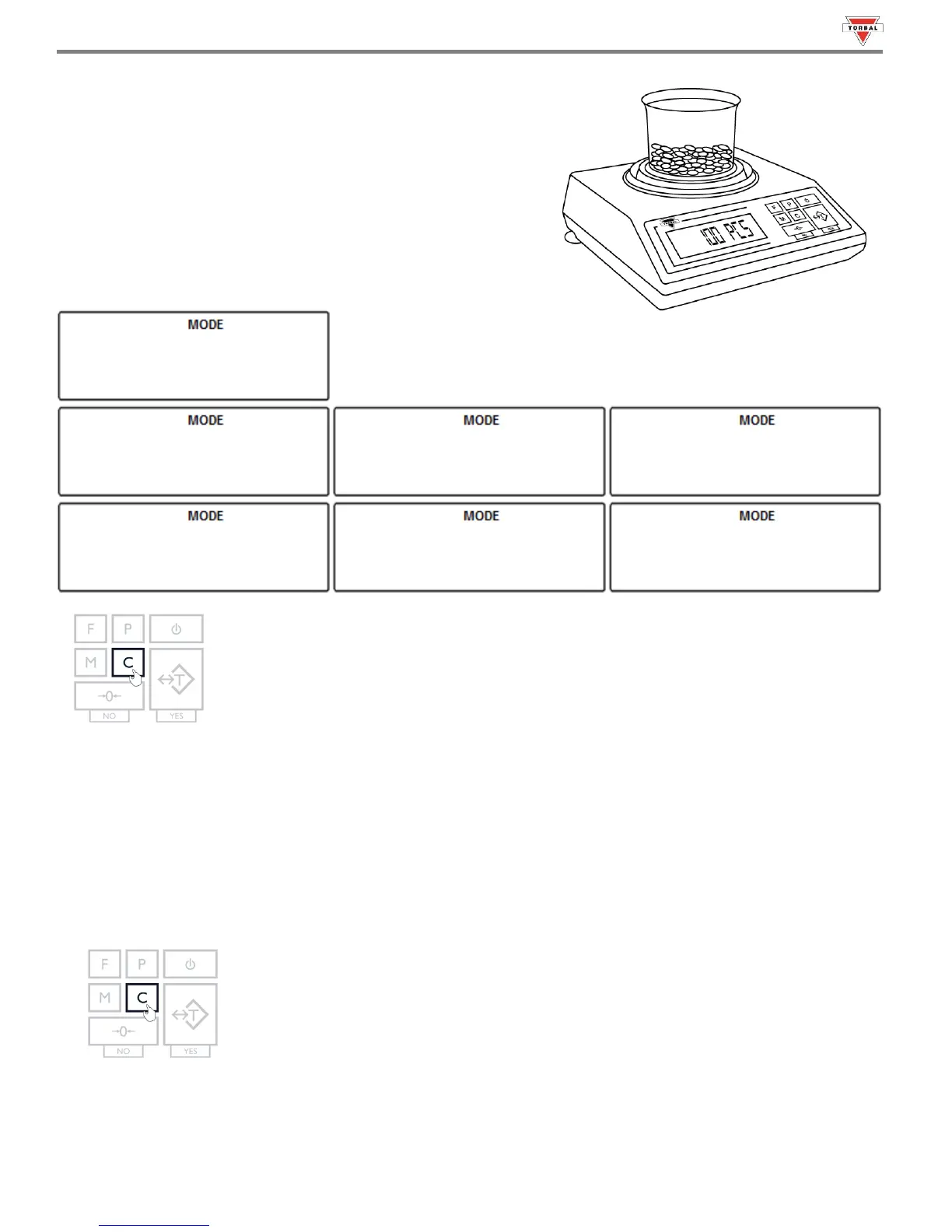
8. Once an accurate piece count has been taken, the container and
its contents may be removed from the scale.
9. After the container with the counted pieces has been removed,
the command “---,
,
”
will appear on the display sequentially. Press the “C” key to
begin a new count.
Note: If too many pieces have been placed into the container, remove the excess while the container is still on the
scale’s pan. You may also remove the container from the pan, remove the extra pieces, and place it back on the pan to
recheck the count. This may be performed while command “---,
,
” is
displayed, but before pressing the “CLR” key. Once the “CLR” key is pressed the counting operation will reset.
10. To exit Parts Counting, press the “C” key to clear the function.



 To Next Page