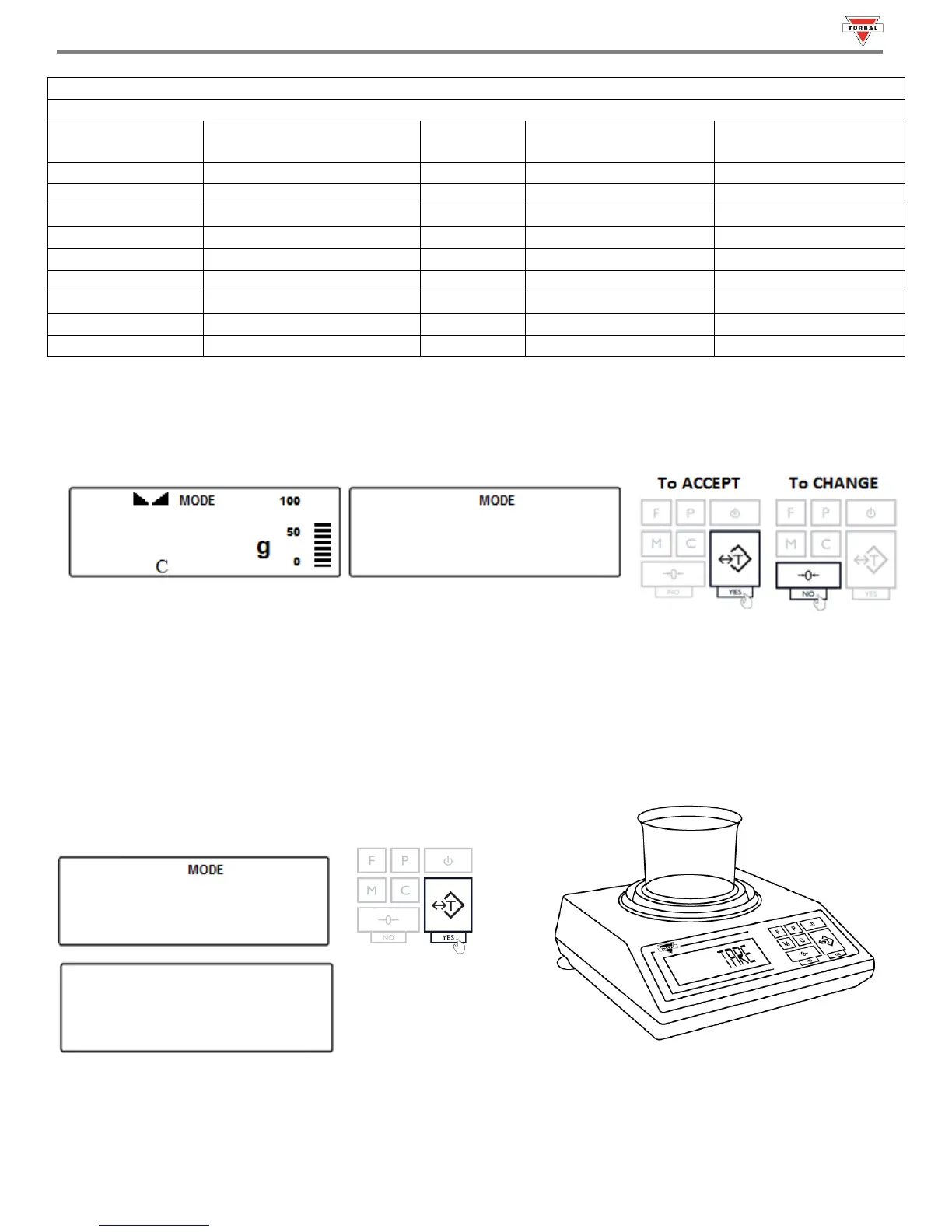
3. After setting the UNDER-limit, the current, set OVER-limit and the command “” will appear on the display
sequentially. To accept the current OVER-limit, press the “T” (Yes) key. To change the limit, press the “0” key.
Note: The OVER-limit displayed will be from the last time the function was used. If this is the first time the Check
Weighing function is used, the limit will be set to 0.000g.
To change the OVER-limit, follow the directions in Steps 3 - 4 of this section and Table 18.1.
4. Once both limits have been set the scale will display “”.
Place a container on the pan and press the “T” key to tare.



 To Next Page