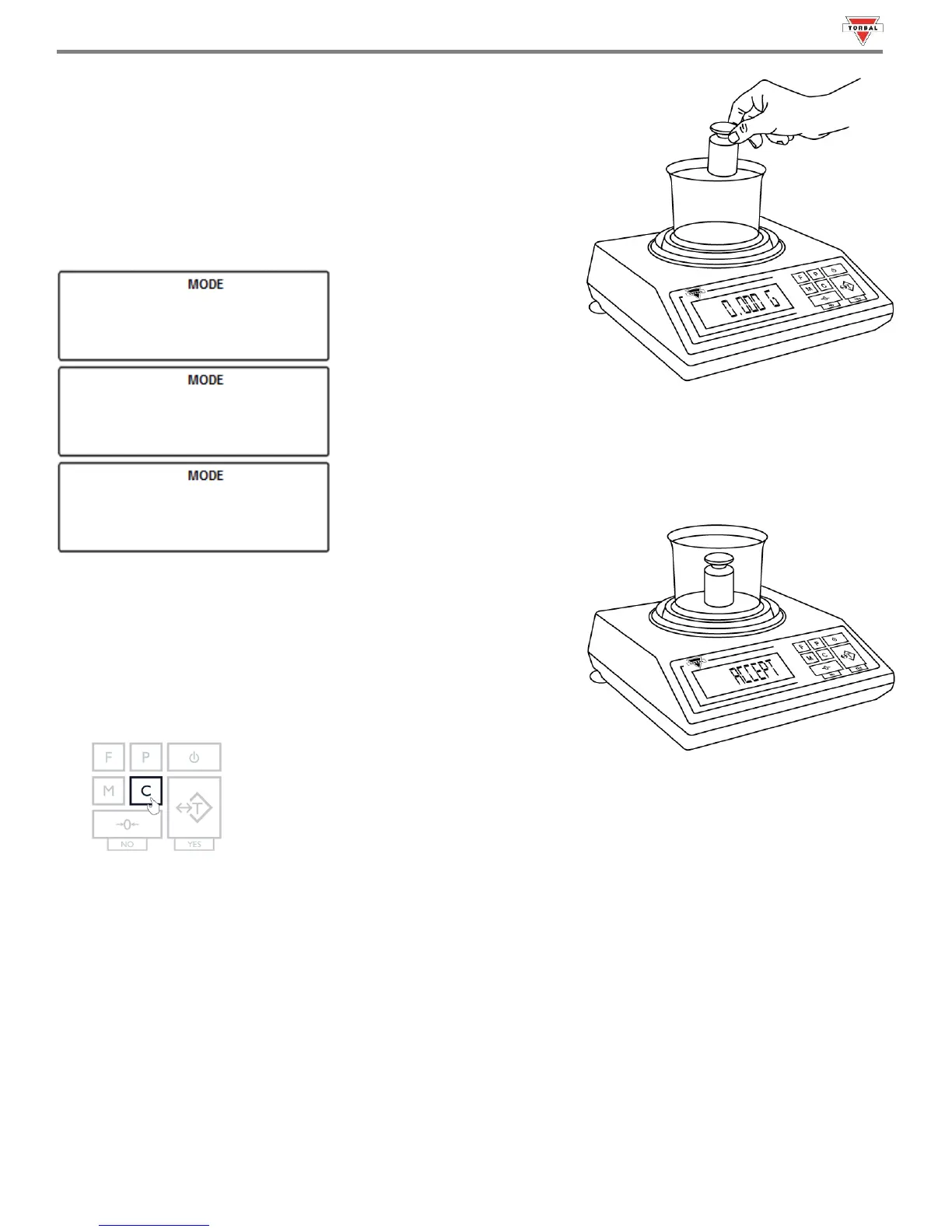
5. The scale is now ready to use. To perform check weighing place your
object on the pan to check whether the weight of the object falls
within the designated range. If the weight is less than the lower limit
the scale will display the weight of the object and the command
“”. If the weight falls within the range, the “” command
will be displayed. If the weight exceeds the upper limit, the scale will
display “”.
54
Note: To change the limit setting press “CLR” and repeat Steps 1 to 7. If
the same limits are used, the scale can be tared without clearing the
function and the new object can be weight-checked.
6. To exit Check Weighing, press the “C” key to clear the function.



 To Next Page