Inserting and cutting product
52 07/2019 244156V03_EN
7.4.3 Cutting a pre-selected number of slices
The machine is operational. The product feed holder is in clamping posi-
tion.
1. Insert the product ( “Inserting the product” on page 50).
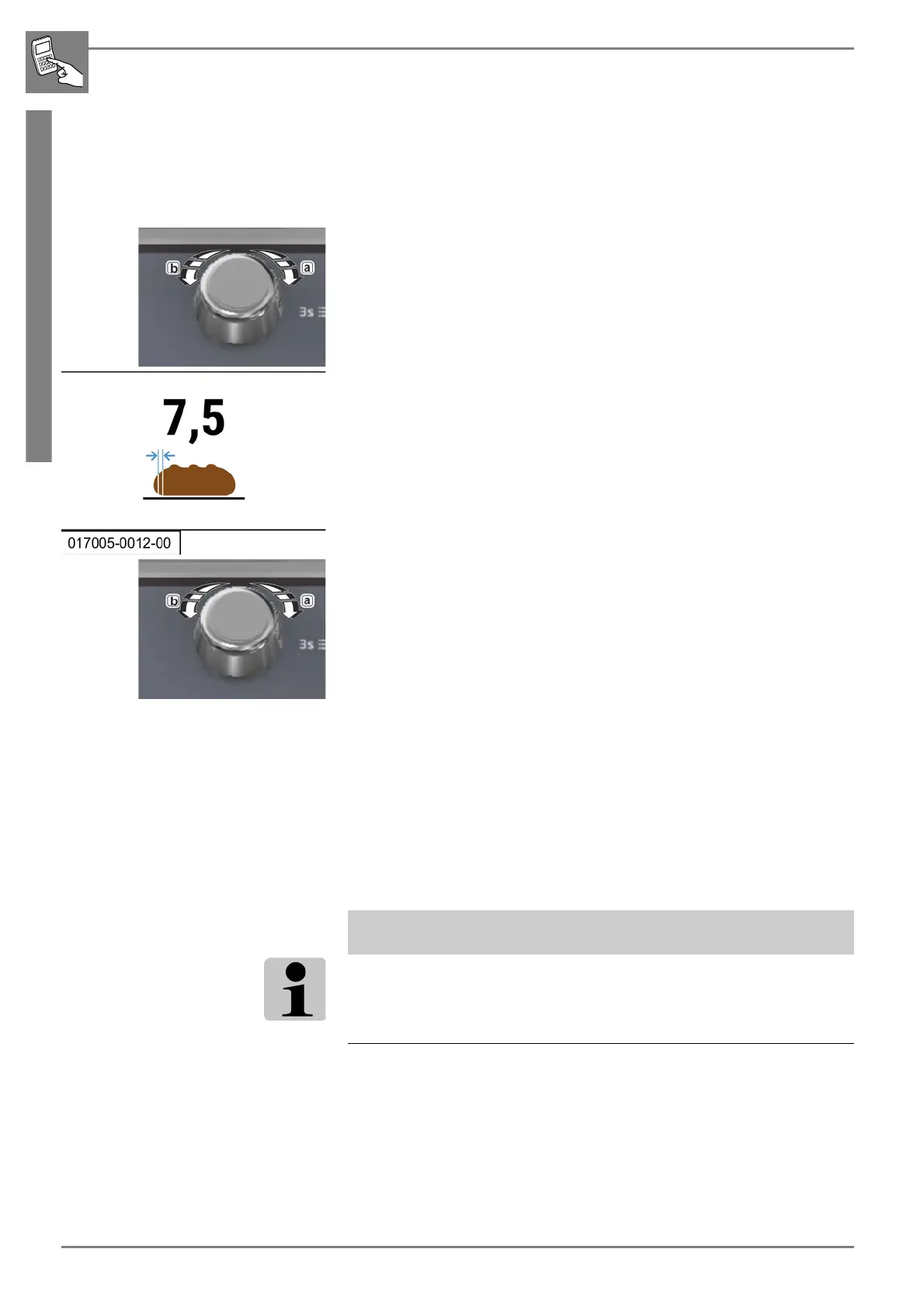
2. Set the required slice thickness by turning the rotary switch.
- Turning the rotary pushbutton switch clockwise (a) = increases the
slice thickness.
- Turning the rotary pushbutton counterclockwise (b) = reduces the
slice thickness.
3. Press (1) the rotary pushbutton.
- The halving mode is selected.
4. Turning the rotary pushbutton clockwise (a) = increases the number of
slices to be cut.
5. Turning the rotary pushbutton counterclockwise (a) = decreases the
number of slices to be cut.
6. Press the desired START/STOP button.
- The cutting process begins.
- The number of slices to be cut is counted down to 1 (right-hand in-
dicator).
7. Remove the cut product from the removal chamber.
8. Place it on the bagging plate.
9. Package it or continue the cutting process.
ADDITIONAL INFORMATION
If you do not set the number of slices to be cut, all of the product will be
sliced.


 To Next Page