Inserting and cutting product
07/2019 244156V03_EN 53
7.4.4 Halving the product
The product fits into the insertion chamber
The machine is operational. The product feed holder is in clamping posi-
tion.
ADDITIONAL INFORMATION
You can cut the part product that is still in the insertion chamber directly.
1. Insert the product ( “Inserting the product” on page 50).
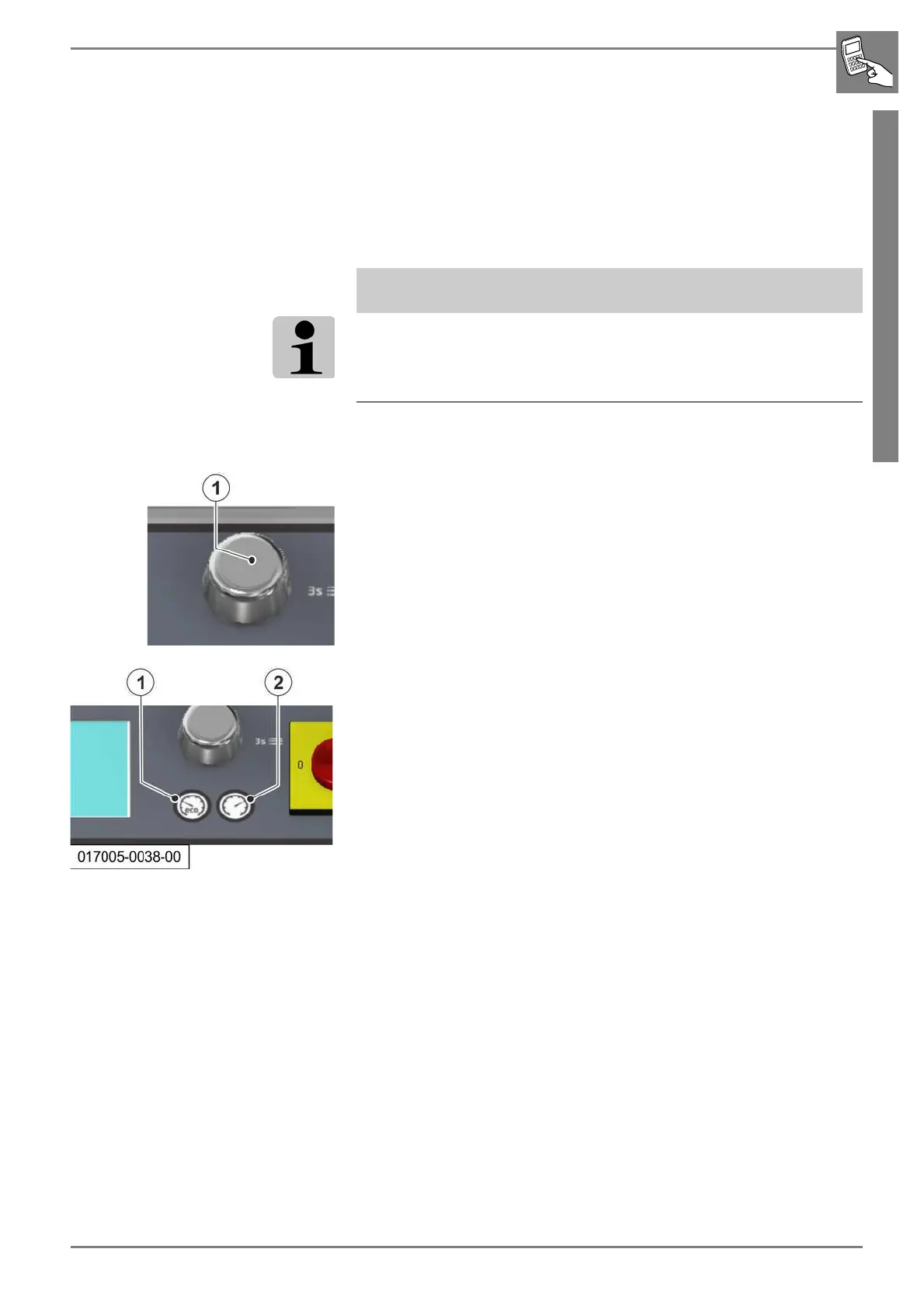
2. Press the rotary pushbutton.
- The machine switches to halving mode.
3. Press the desired START/STOP button (1, 2).
- The product is automatically halved.
4. Remove the product part from the removal chamber.


 To Next Page