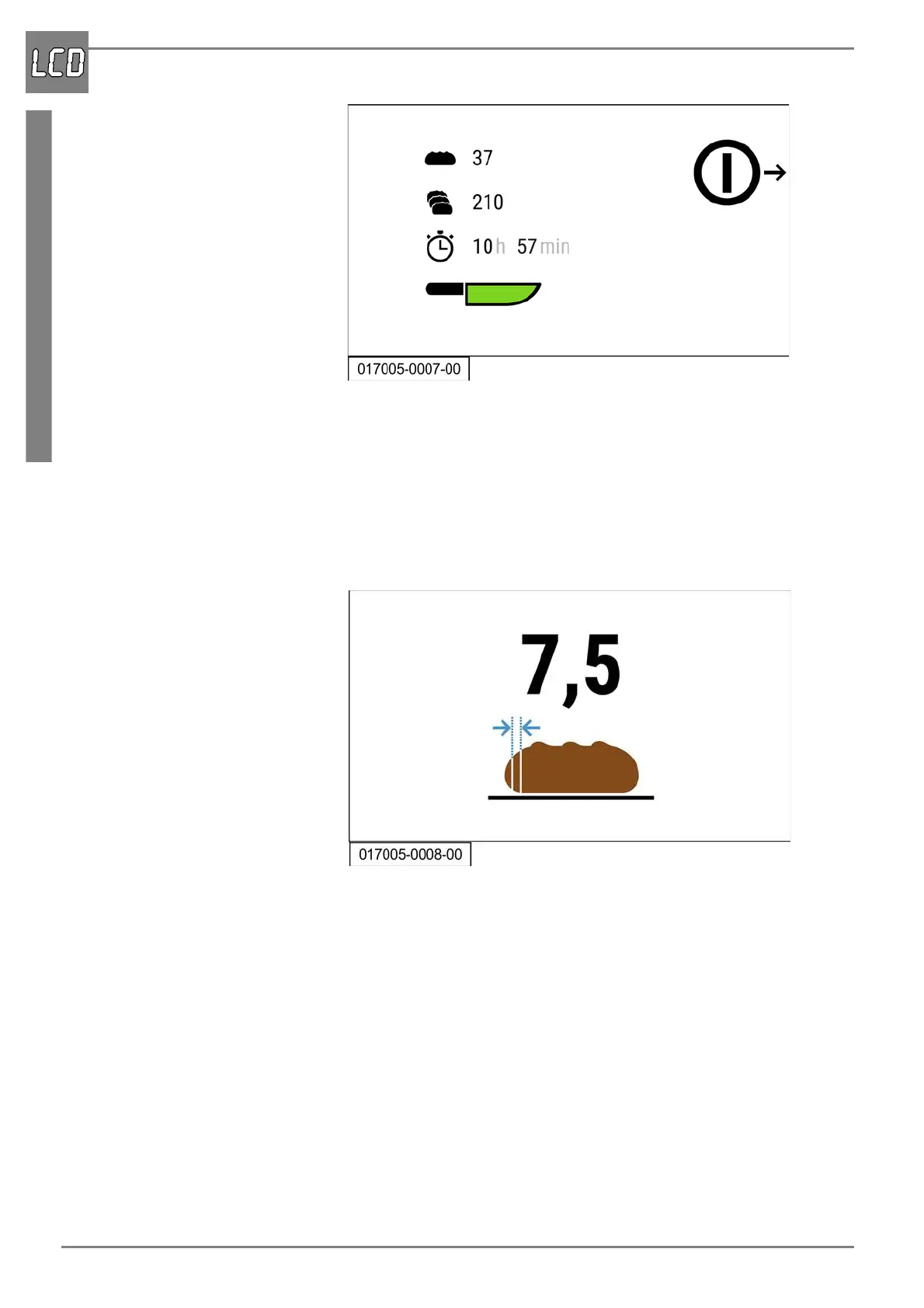
Main menu
60 07/2019 244156V03_EN
4. Press the START/STOP button.
The blade performs a reference run. First counterclockwise and then clock-
wise.
The product feed holder moves back to the clamping position. The main
menu is displayed and the machine is operational.
8.2 Main menu
The main menu is used to select the individual cutting modes. The follow-
ing cutting modes can be selected:
- Full cutting mode, i.e. the entire bread is sliced with a defined slice
thickness.
- Halving mode, i.e. the bread can be halved and sliced. The halving
mode is divided once more into the follow sub-functions:
- Slice product half with previously set slice thickness.
- Cut defined number of slices.
The presentation of the main menu depends on the cutting mode selected.
The following presentations are possible:


 To Next Page