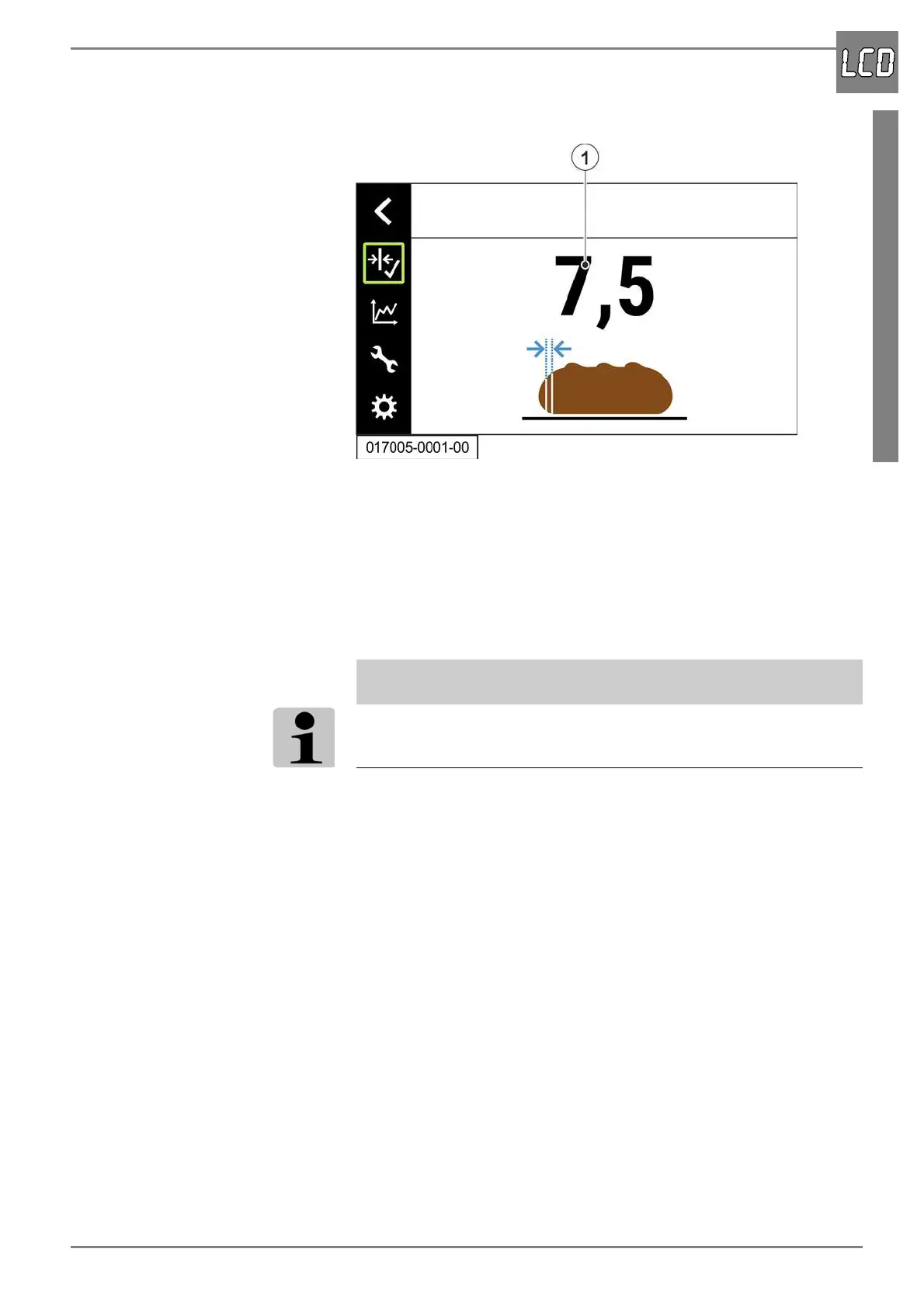
Menu “Basic slice thickness”
07/2019 244156V03_EN 65
8.4 Menu “Basic slice thickness”
The basic slice thickness can be preset via the menu “Basic slice thick-
ness”.
The set basic slice thickness is always used when the slice thickness was
not changed before the cut is triggered.
A change of the slice thickness prior to a cutting process always applies
only to this one cutting process. The set basic slice thickness is active
again after the cutting process is completed.
ADDITIONAL INFORMATION
The basic slice thickness can be disabled by setting the value 0.
Setting and saving the basic slice thickness
1. Set the desired basic slice thickness by turning the rotary pushbutton.
The set basic slice thickness is displayed in the menu (1).
Turning clockwise = increases the slice thickness
Turning counterclockwise = decreases the slice thickness
2. Press the rotary pushbutton. The basic slice thickness is saved.


 To Next Page