Menu bar
64 07/2019 244156V03_EN
Close menu
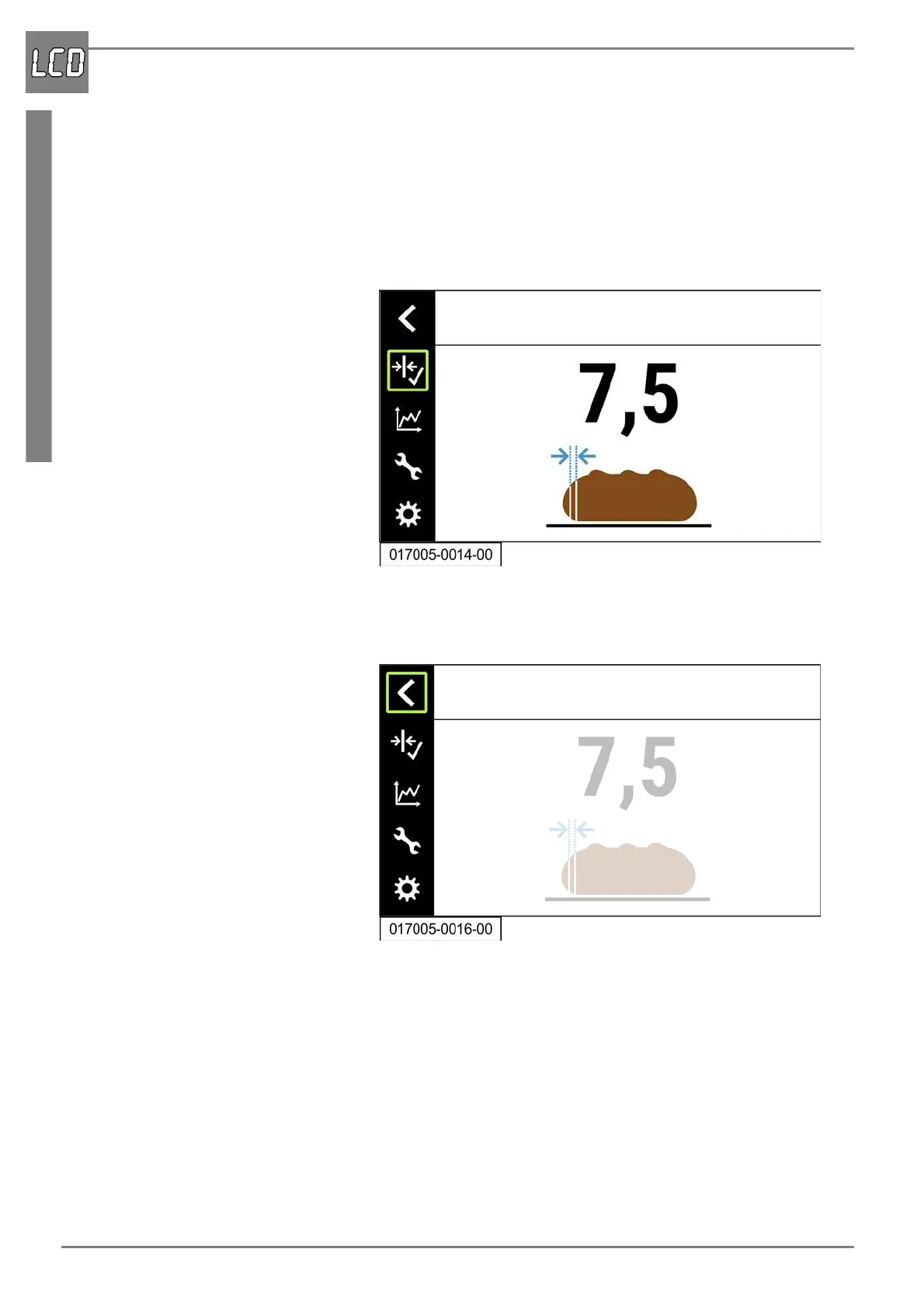
The following is an example of how to close the menu “Basic slice thick-
ness”. The other menus are closed in the same way.
1. Press the rotary pushbutton.
- The menu is locked. The menu bar is highlighted in black and lock-
ing of the menu is indicated by the green frame around the menu
symbol.
Close the menu bar
1. Select the menu symbol “Back”.
2. Press the rotary pushbutton.
- The menu bar closes.


 To Next Page