Menu bar
07/2019 244156V03_EN 63
Open menu
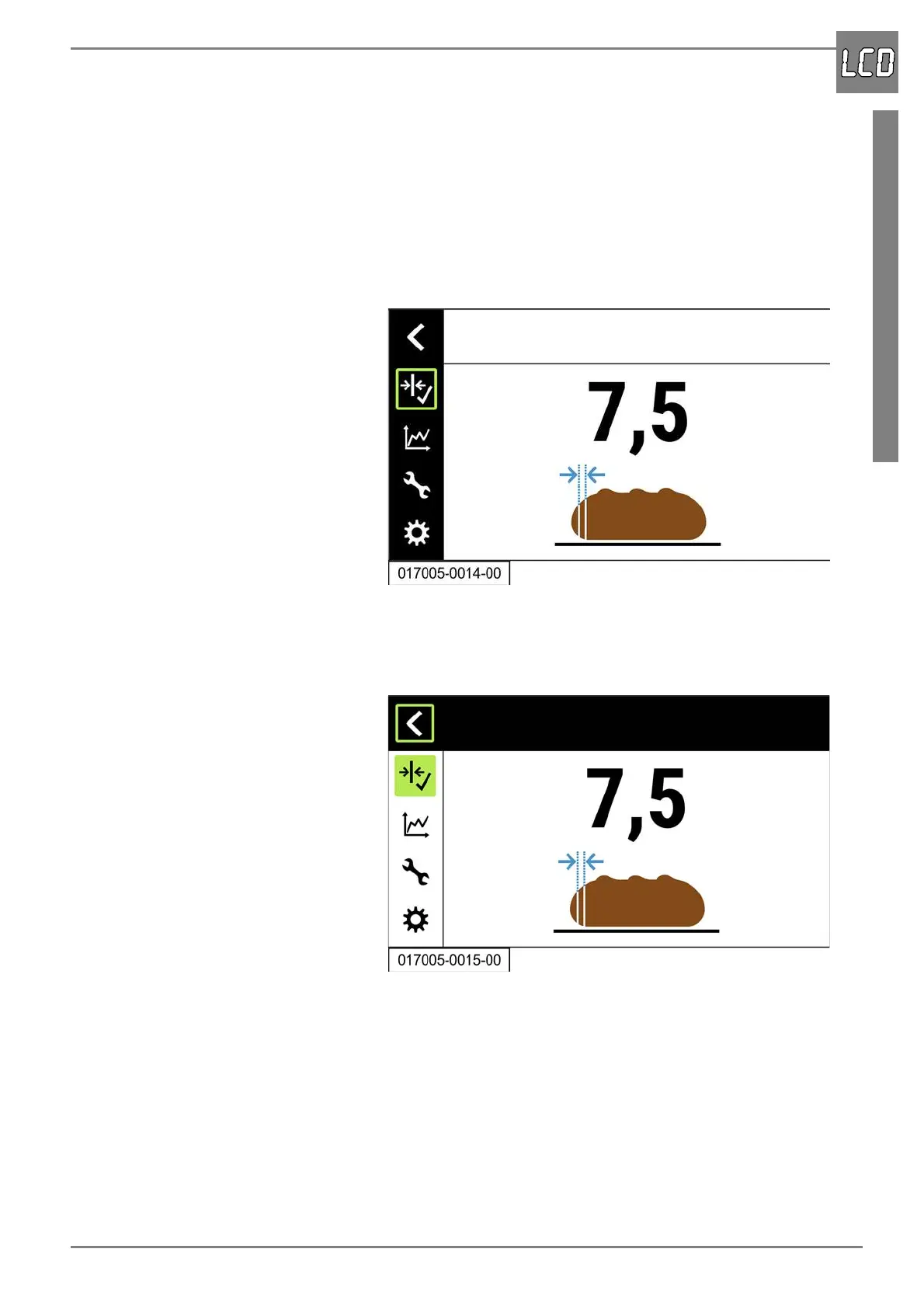
The following is an example of how to open the menu “Basic slice thick-
ness”. The other menus are opened in the same way.
1. Select the corresponding menu symbol by turning the rotary pushbut-
ton.
- The green border indicates which menu symbol is selected. At the
same time, the selected menu is shown in the display, but no entries
can be made yet.
2. Press the rotary pushbutton.
- The menu is activated. The menu bar is highlighted in white and the
activation of the menu is indicated by the green highlight of the
menu symbol.


 To Next Page