Inserting and cutting product
54 07/2019 244156V03_EN
The product is longer than the insertion chamber
The machine is operational. The product feed holder is in clamping posi-
tion.
1. Insert the product ( “Inserting the product” on page 50).
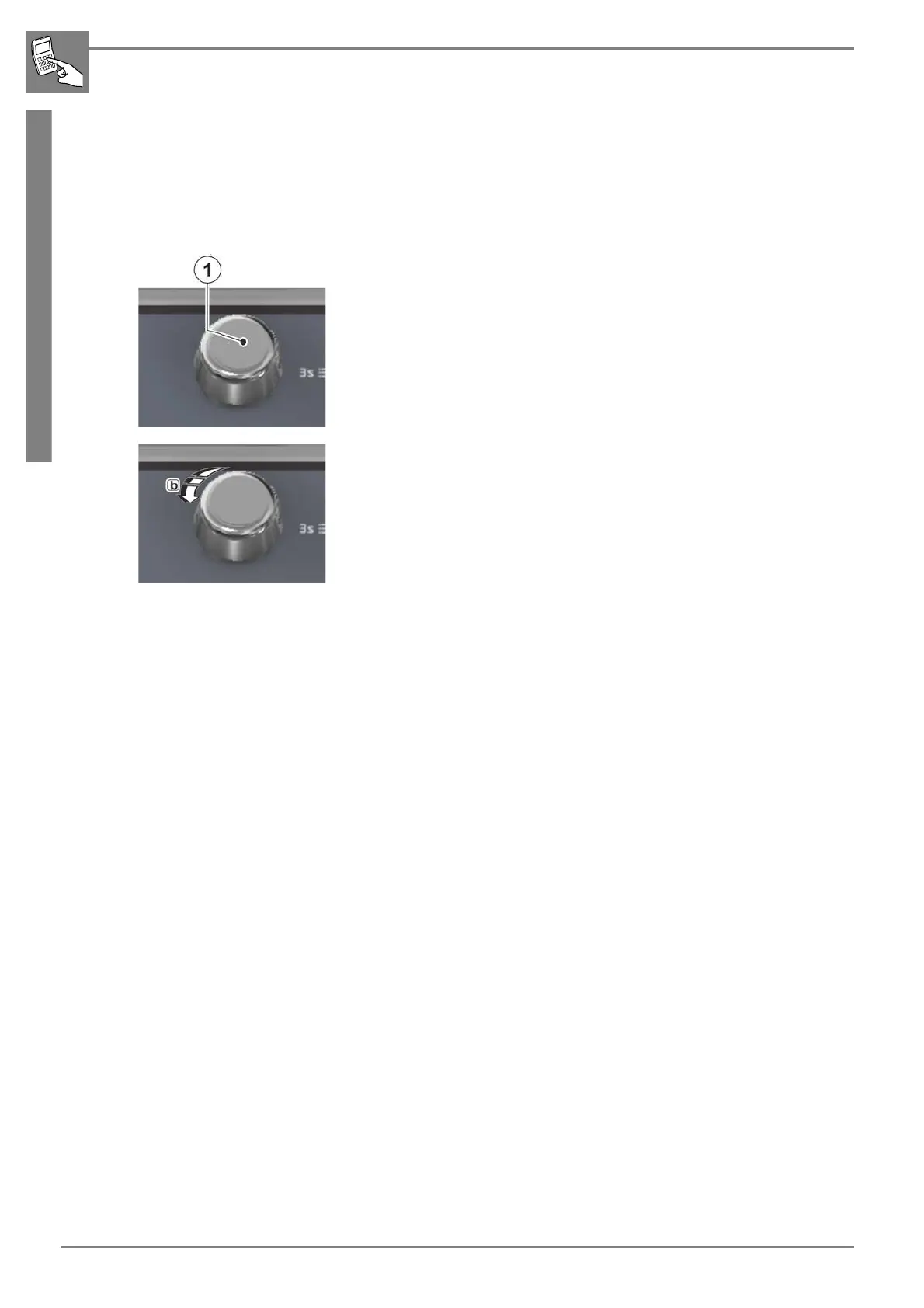
2. Press the rotary pushbutton.
- The machine switches to halving mode.
3. Position the product by turning the rotary button clockwise (b) so that
the product is centred above the blade chute and divided centrally ac-
cordingly.
4. Press the desired START/STOP button.
- The product is divided.
5. Open the infeed cover.
6. Remove the product part from the removal chamber.
7. Close the infeed cover.
8. Press the desired START/STOP button.
- The clamped product is sliced.


 To Next Page