Enkapsis & EnerSure Platform Installation Guide Rev07.2
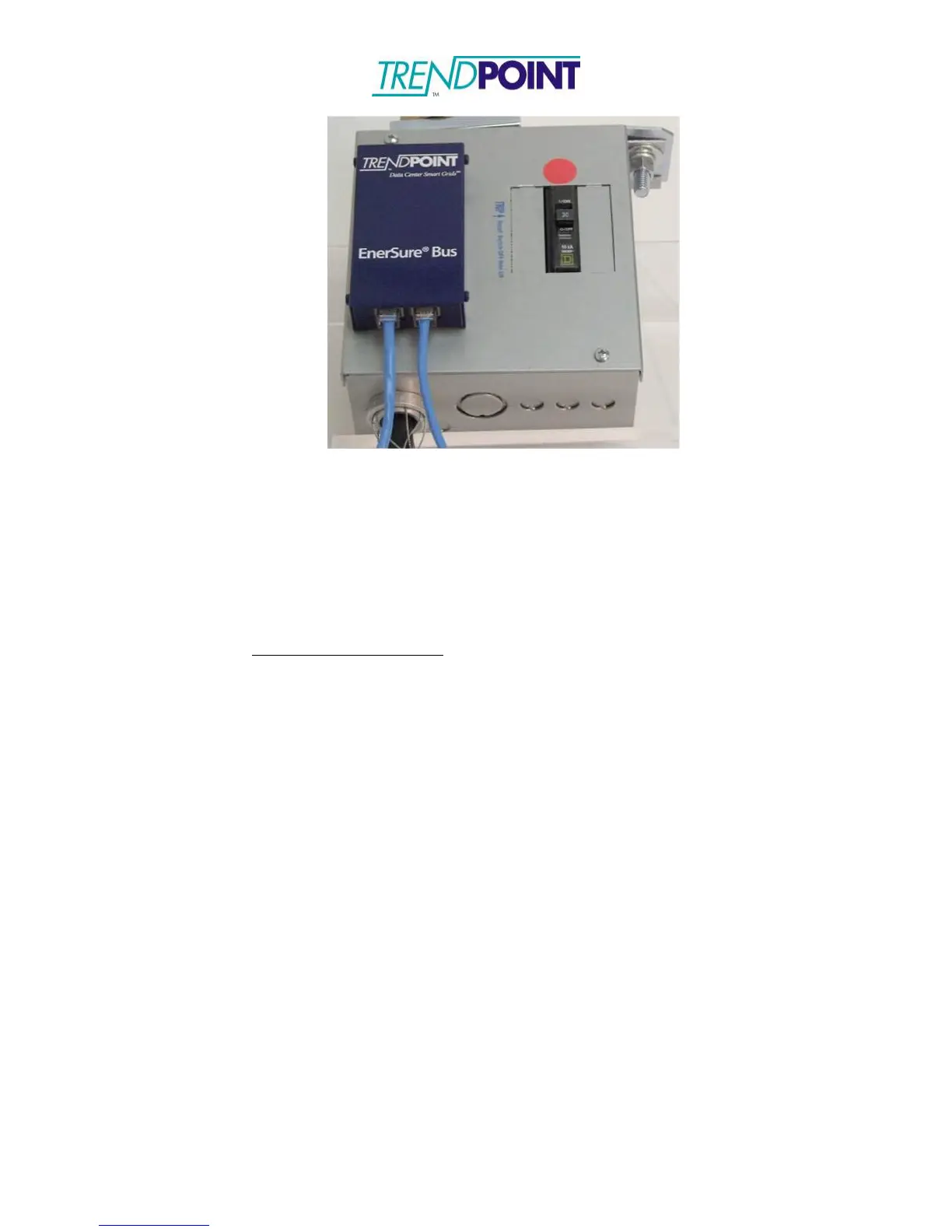
Figure 26: Ethernet Cables Connected
8.) Connect the Bus Tap Cards in a “daisy chain” format and link back to the Enkapsis
Bus port.
9.) Switch the input breaker to the “ON” position. The EnerSure Bus system can be
configured via the Ethernet ports (Eth0 or Eth1) using the web interface. The data
from the EnerSure Bus is available via Modbus TCP/IP, SNMP, and BACnet.
Default TCP/IP Settings:
IP: 10.10.10.4
Subnet: 255.0.0.0
Gateway: 10.10.10.1


 To Next Page