5700/5800 GPS Receiver User Guide 33
Setting up the Receiver 3
5700 Operation
Figure 2.7 shows the 5700 receiver pole-mounted setup.
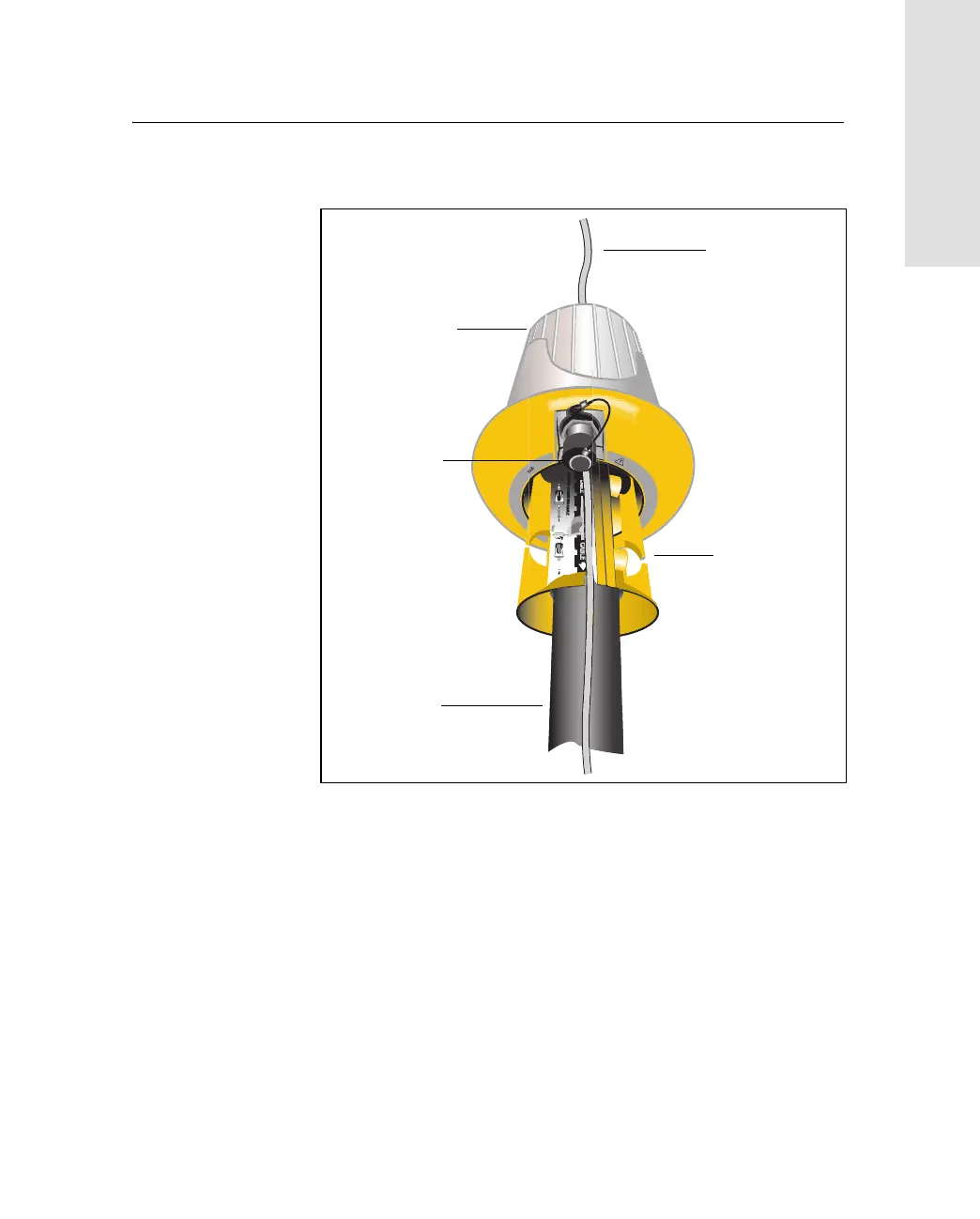
Figure 3.7 RPA and bracket
4. Mount the Zephyr antenna on the range pole.
5. Connect the GPS antenna cable. Make sure that the GPS cable
is not hanging over the top of the RPA.
6. Connect the blue TNC-to-TNC radio cable to the RPA.
D
O
N
O
T
R
O
U
T
E
C
A
B
L
E
O
N
O
U
T
S
I
B
L
E
R
E
C
E
I
V
E
R
S
O
N
L
Y
S
E
E
M
A
RPA
GPS antenna
cable
Pole
RPA
bracket
TNC port
(aligned over
antenna cable)



 To Next Page