3 Setting up the Receiver
44 5700/5800 GPS Receiver User Guide
5700 Operation
information, refer to the document Using Cellular and CDPD
Modems for RTK, which is available from your local Trimble
Distributor.
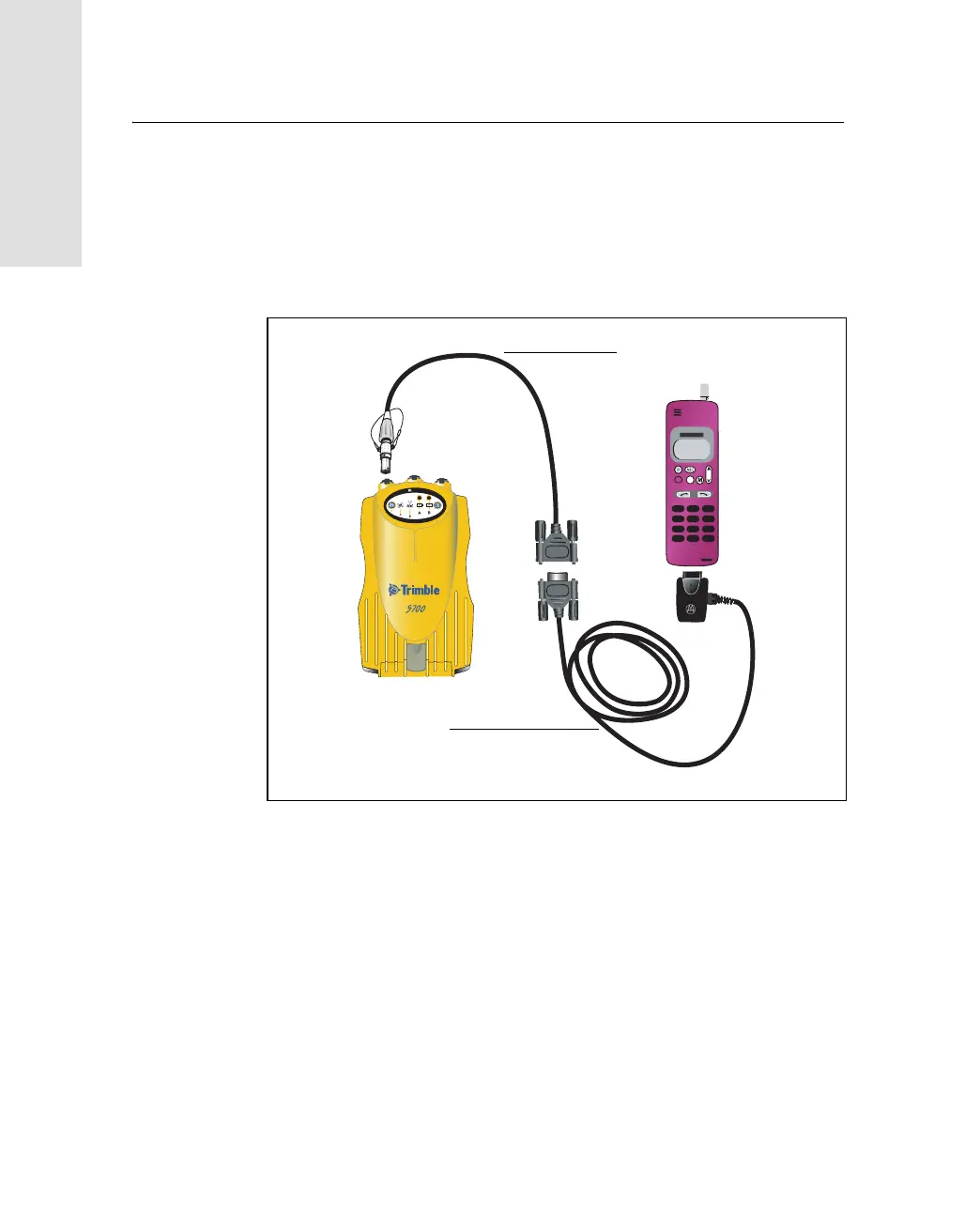
Figure 3.13 shows the components required to connect a cellphone to
a 5700 receiver.
Figure 3.13 Connecting a cellphone
For more information on using a cellular modem as a data link, refer to
the Trimble Survey Controller User Guide.
PUSH
c
R
2
3
t
Serial cable
DB9 to Lemo cable



 To Next Page