6 Transferring Data
72 5700/5800 GPS Receiver User Guide
5700 Operation
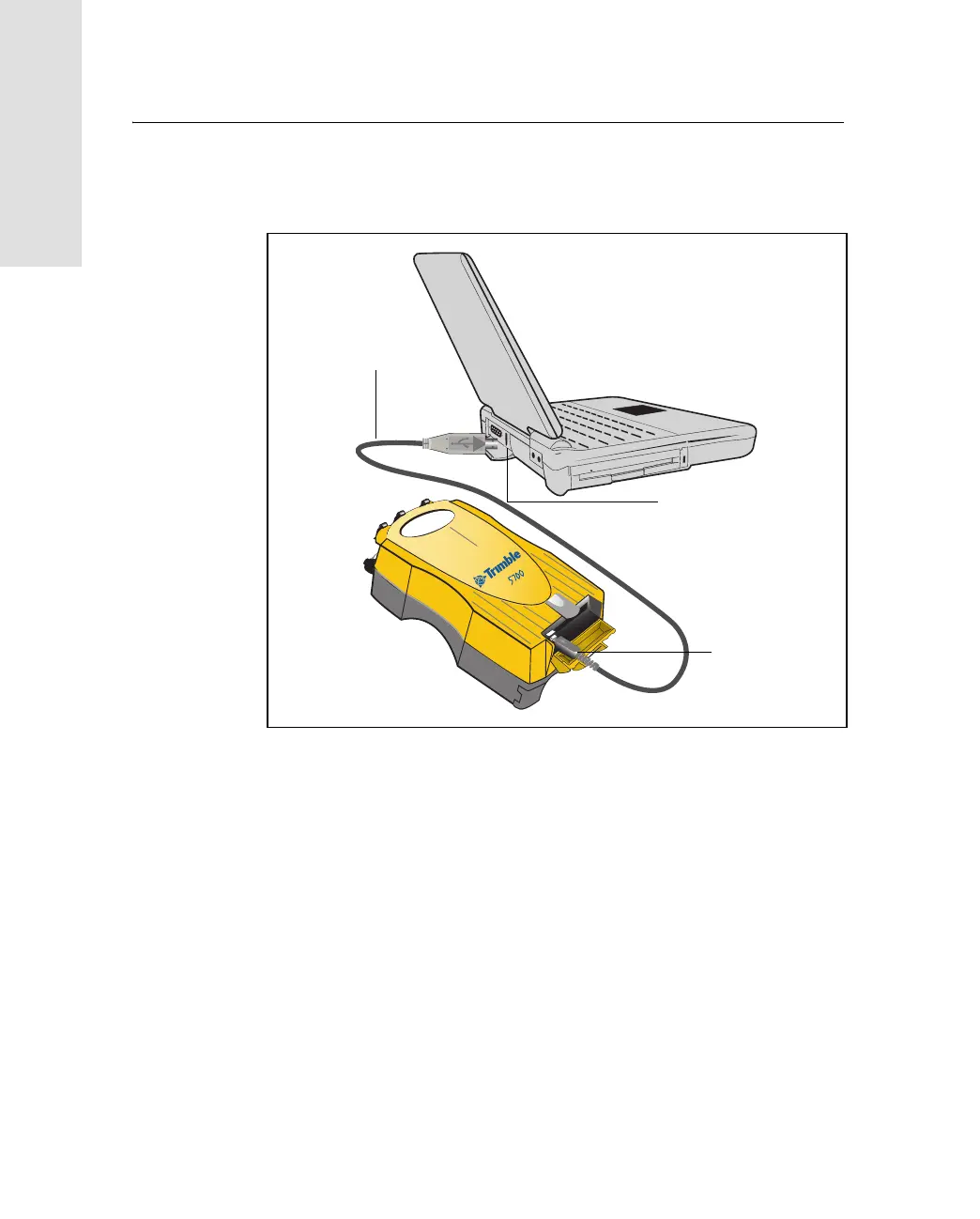
Use the USB cable to connect the 5700 receiver to the computer, as
shown in Figure 6.2.
Figure 6.2 Connecting 5700 receiver to a computer for USB data transfer
Note – When the 5700 receiver is connected to a USB port on a
computer, it is treated as a peripheral device of the computer. If the
receiver is unplugged or powered down, a warning message is
displayed on the computer.
USB cable
USB port
USB port



 To Next Page