5–18
Battery Status
The Battery Status function displays the voltage of the NiMH
batteries. To access this function, press ¢9² at the Setup menu.
For more information, see the Battery Status section on page C–
11.
P
P
e
e
r
r
c
c
e
e
n
n
t
t
A
A
i
i
r
r
V
V
o
o
i
i
d
d
s
s
(
(
S
S
o
o
i
i
l
l
M
M
o
o
d
d
e
e
)
)
The gauge uses the specific gravity function to calculate percent
air voids and void ratio in Soil mode only. The % Voids function
allows the operator to enter the specific gravity of a material
and disable or enable the percent air voids display.
NOTE
To display percent air voids in
Asphalt
mode, enter a
voidless density target value (see the
Target Values
section on page 6–3).
To access the % Voids function, press ¢.² ¢0² at the Setup menu.
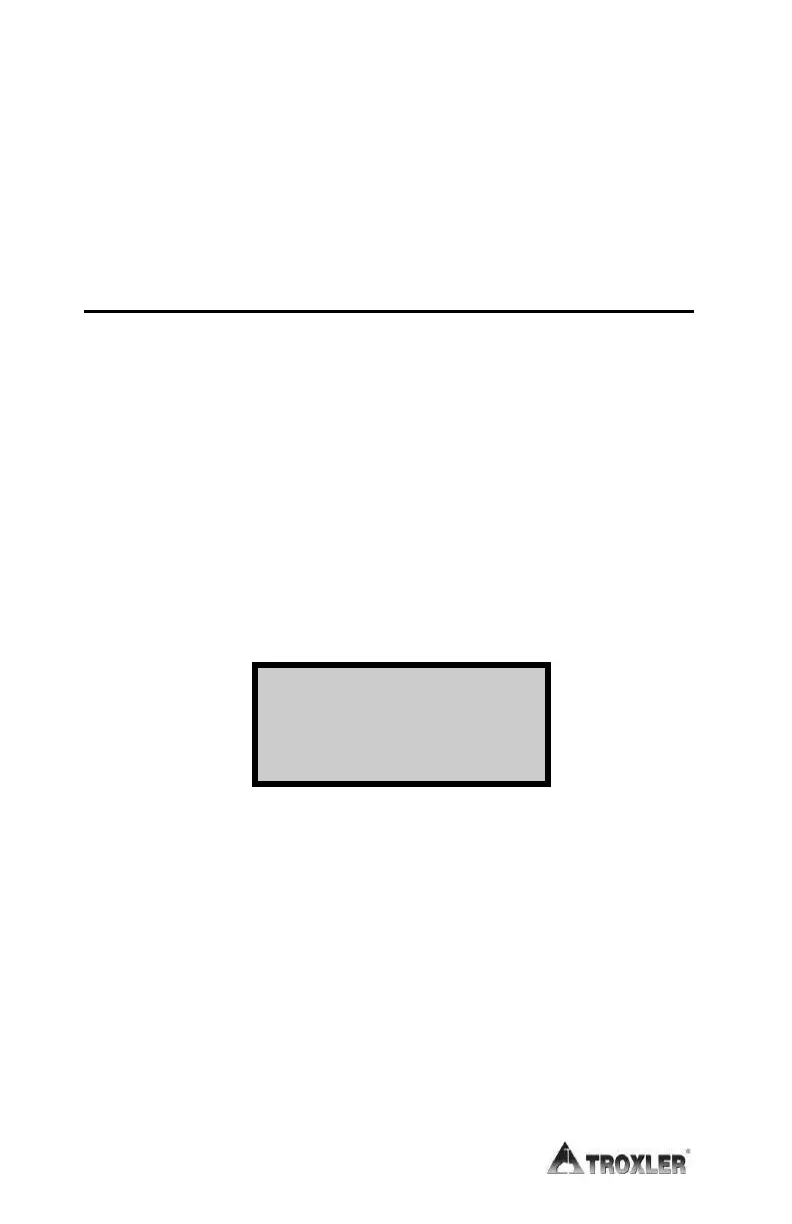
The gauge displays:
%Voids (soil): OFF
SG: #.##
1. Enable 2. Disable
3. Change Target
The current specific gravity (default 2.70) is shown on the
second line of the display. For optimum results, use a specific
gravity value that is appropriate for the material being
measured.
f To enable the current specific gravity value, press ¢1². The
gauge enables the value, displays a brief confirmation
message, and returns to the Setup menu.
f To disable the current specific gravity, press ¢2². The gauge
disables the value, displays a brief confirmation message,
and then returns to the Setup menu.











 To Next Page