Page 72 of 110 Pages
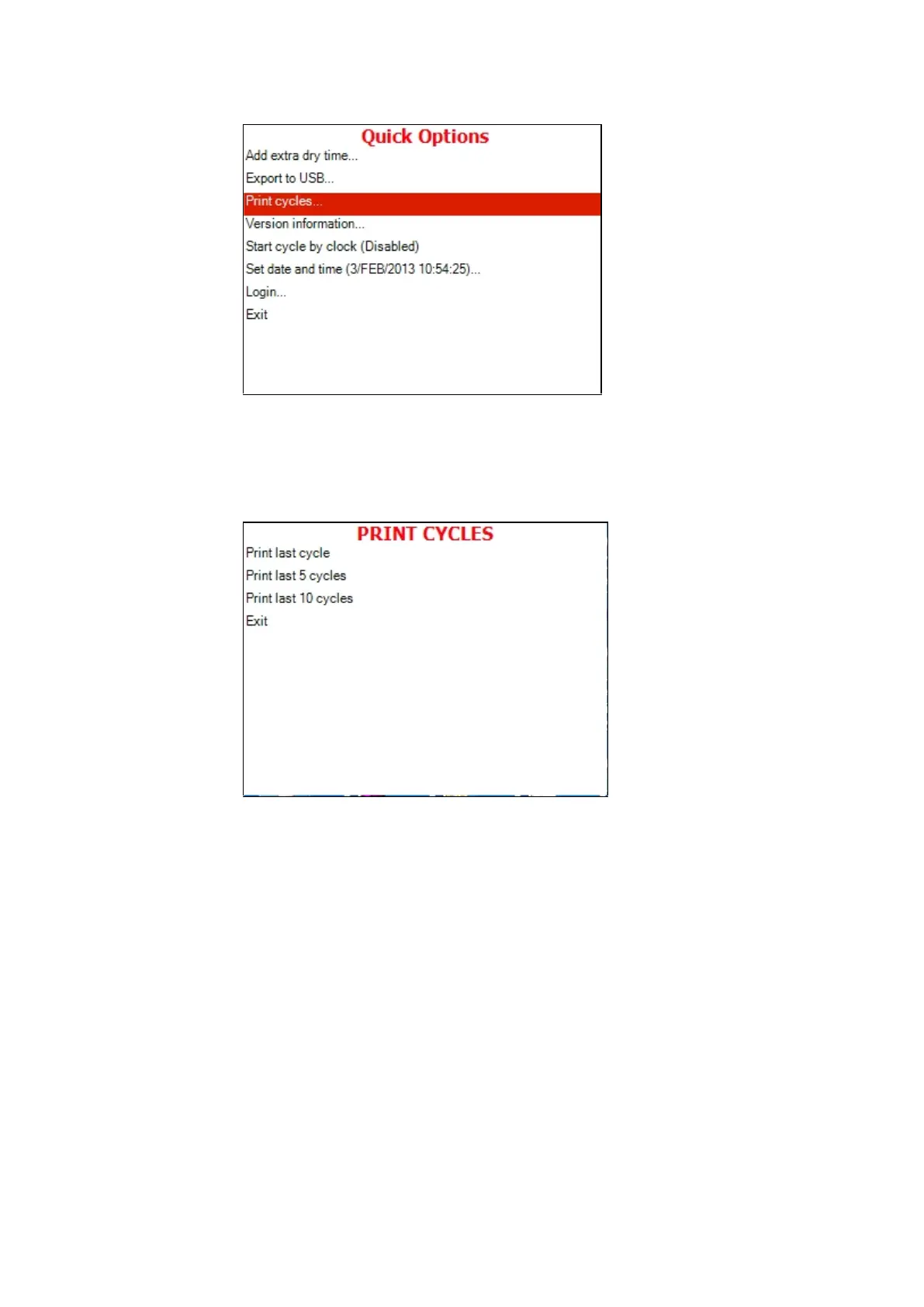
9. Move the cursor to Print cycles.
10. Press the START/STOP key.
11. The following screen will be displayed:
12. Move the cursor to the required item and press START/STOP
key
13. The cycle report will be printed -- see 8.1 Printer Output.
14. In order to exit this subdirectory, press the UP and DOWN
keys simultaneously.
13.1.4 Version Information
This directory allows viewing information on the current, factory default,
and previous software versions.







 To Next Page