Page 73 of 110 Pages
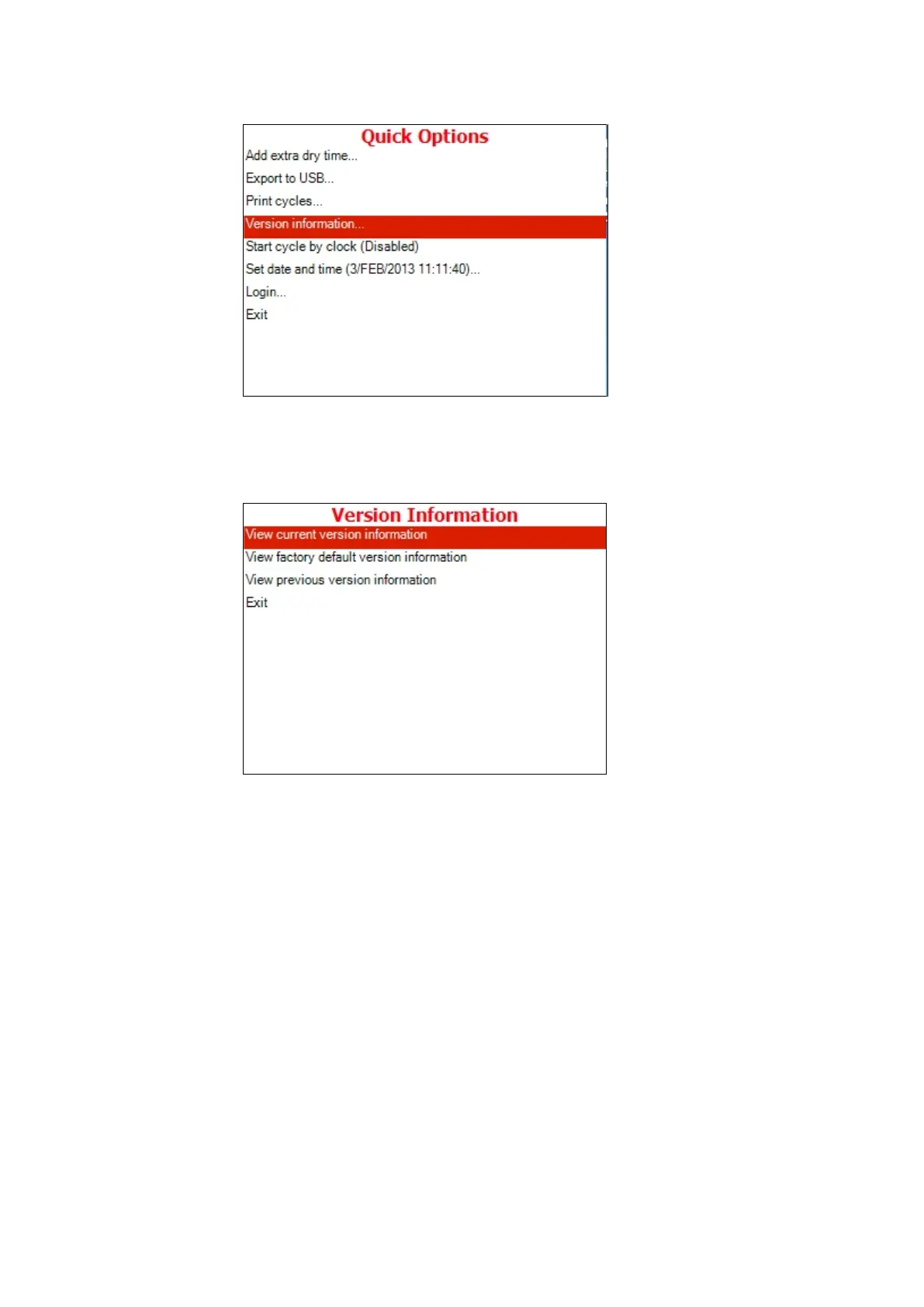
1. Move the cursor to Version Information.
2. Press the START/STOP key.
3. The following screen will be displayed:
1. To enter the sub directories, move the cursor by pressing UP or
DOWN keys to the required item and press START/STOP.
View current version information
This subdirectory enables the operator to see the current
version information as described below:
1. GUI Graphic user interface – Holds the entire
Human Machine interface including the main
application screen and all the configuration screens,
which enables the user to handle the machine.
2. Software Logic – Holds all the application logic for
running the machine.
3. Data Code section that handle the entire data storage
in the application.
4. Utilities – Utilities – Holds general functionality which is
used by the logic section and the GUI section







 To Next Page