Page 81 of 110 Pages
These subdirectories enable to see and change the cycle parameters.
Therefore it is necessary to choose the required cycle before entering the
"MAIN MENU".
For seeing or changing the parameters proceed as follows:
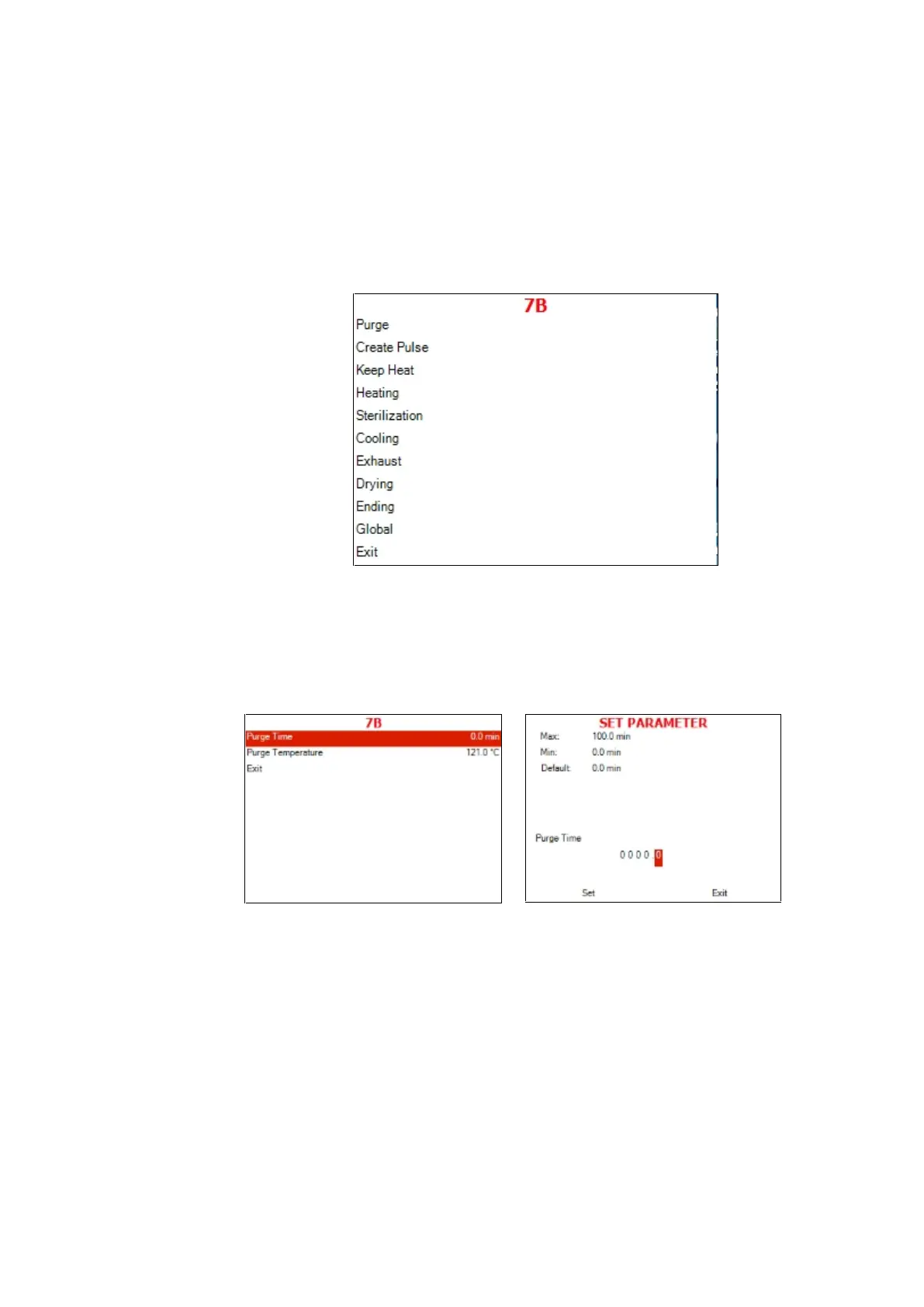
Choose and enter cycle parameters
The following screen will display:
13.4.1 Purge
Purge Time
Typical display for Purge subdirectory
Choose and enter Purge Time.
SET PARAMETER screen will be displayed
Set the required value, move to Set and press UP or
DOWN keys to confirm the parameter value.
In order to exit move the cursor to Exit and press UP
or DOWN keys
Purge Temperature







 To Next Page