Page 93 of 110 Pages
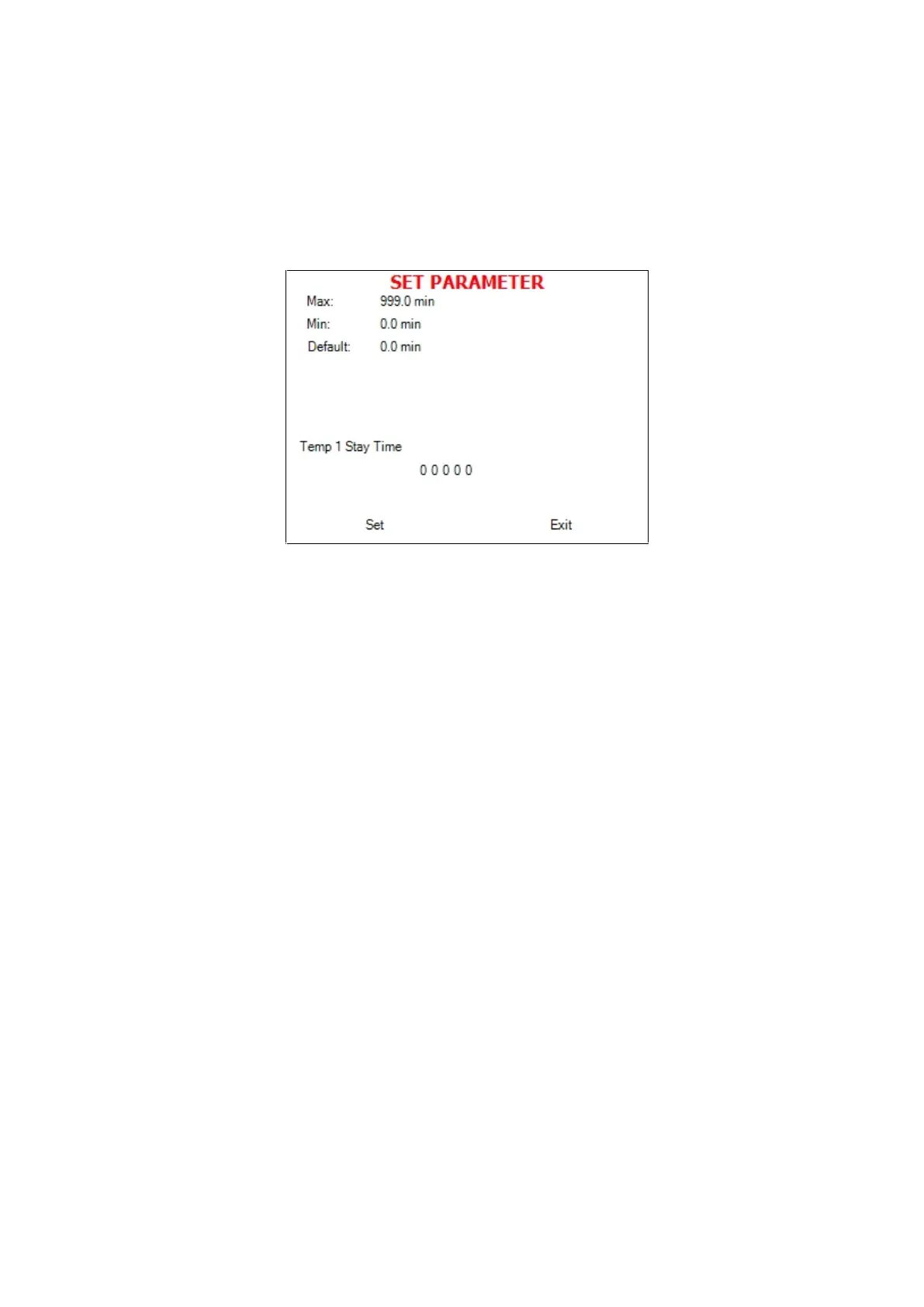
9. To increase or decrease the digits, press the UP or DOWN
keys.
10. After changing the value move the cursor to Set by pressing the
START/STOP key.
11. When Set is blinking, press the UP or DOWN keys in order to
confirm changes and return to the previous screen.
2. In order to exit the MAINTENANCE directory follows one
of the next:
Move the cursor to Exit with the UP or DOWN keys
and select it by pressing the START/STOP key.
Press the UP and DOWN keys simultaneously.







 To Next Page