Page 95 of 110 Pages
In order to exit the MAINTENANCE directory follows one of
the next:
Move the cursor to Exit with the UP or DOWN keys and
select it by pressing the START/STOP key.
Press the UP and DOWN keys simultaneously
13.6.5 Print All Gain and Offset
This subdirectory enables the operator to print all the gain and
offset values.
When pressing START/STOP key on the Print all gain and
offset item the printer will print out the following:
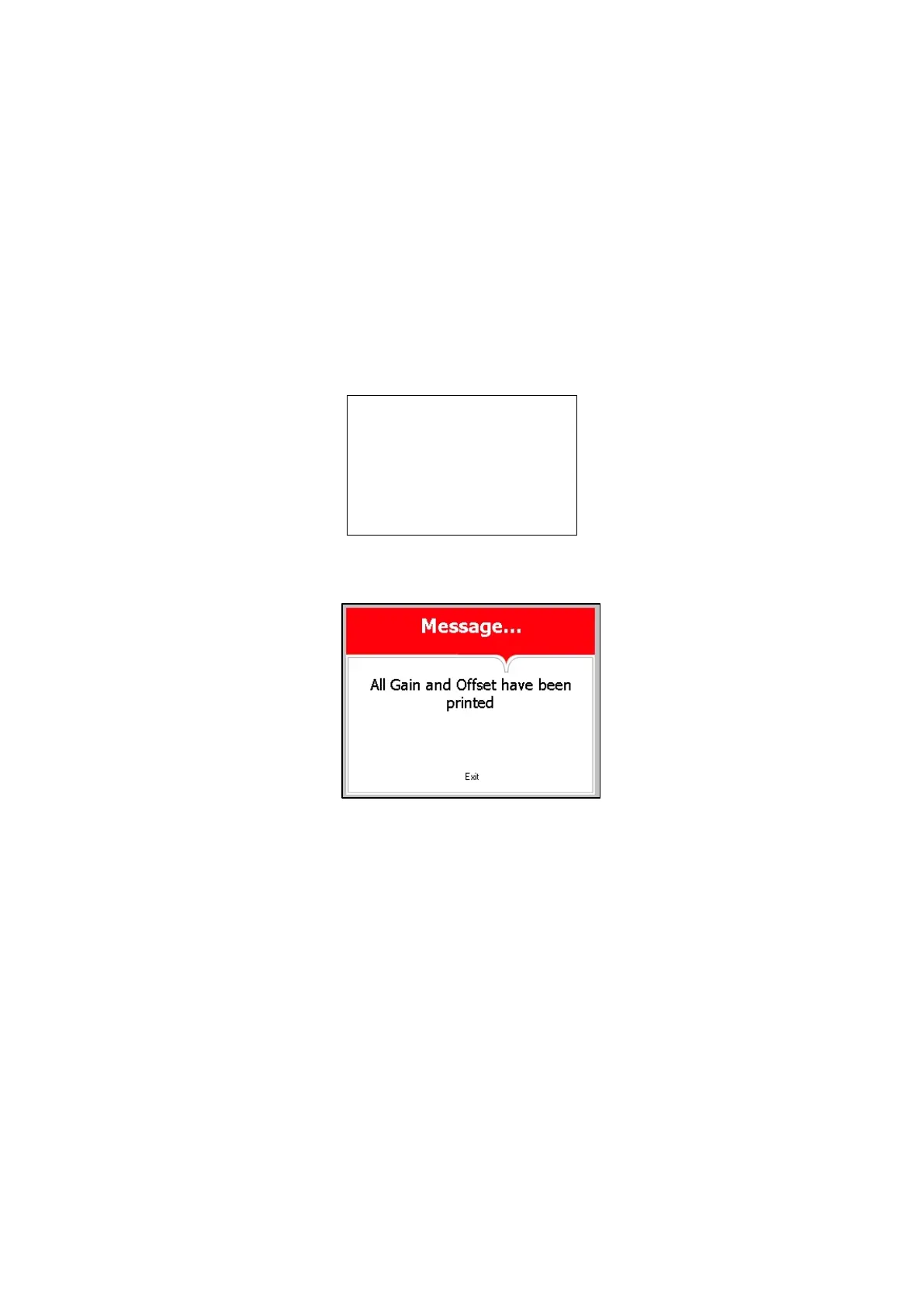
And the following screen will be displayed.
In order to exit this screen and return to MAINTENANCE
directory press START/STOP key.
In order to exit the MAINTENANCE directory follows one of
the next:
Move the cursor to Exit with the UP or DOWN keys and
select it by pressing the START/STOP key.
Press the UP and DOWN keys simultaneously







 To Next Page