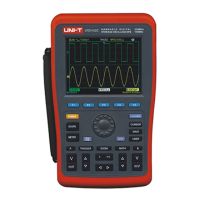
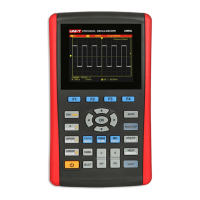
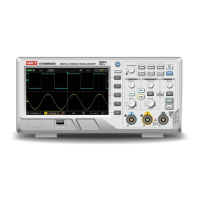
Chapter 4 Using Basic Oscilloscope Functions
4.1 About the Chapter
This chapter only briefs users on basic functions of the Oscilloscope, for example, how to use menus and
execute basic operations, not a step-by-step introduction on all functions.
4.2 Powering on the Oscilloscope
UTD1000L Series can be powered by: the battery and power adaptor. The power supply voltage from the
adaptor is DC9V/1.5A. To operate the Oscilloscope normally, please use the power adaptor specified for the
Oscilloscope.
Press Power button and SHIFT light illuminates for 3 seconds, then the Oscilloscope logo appears,
indicating the Oscilloscope has already turned on.
4.3 Describing the Display
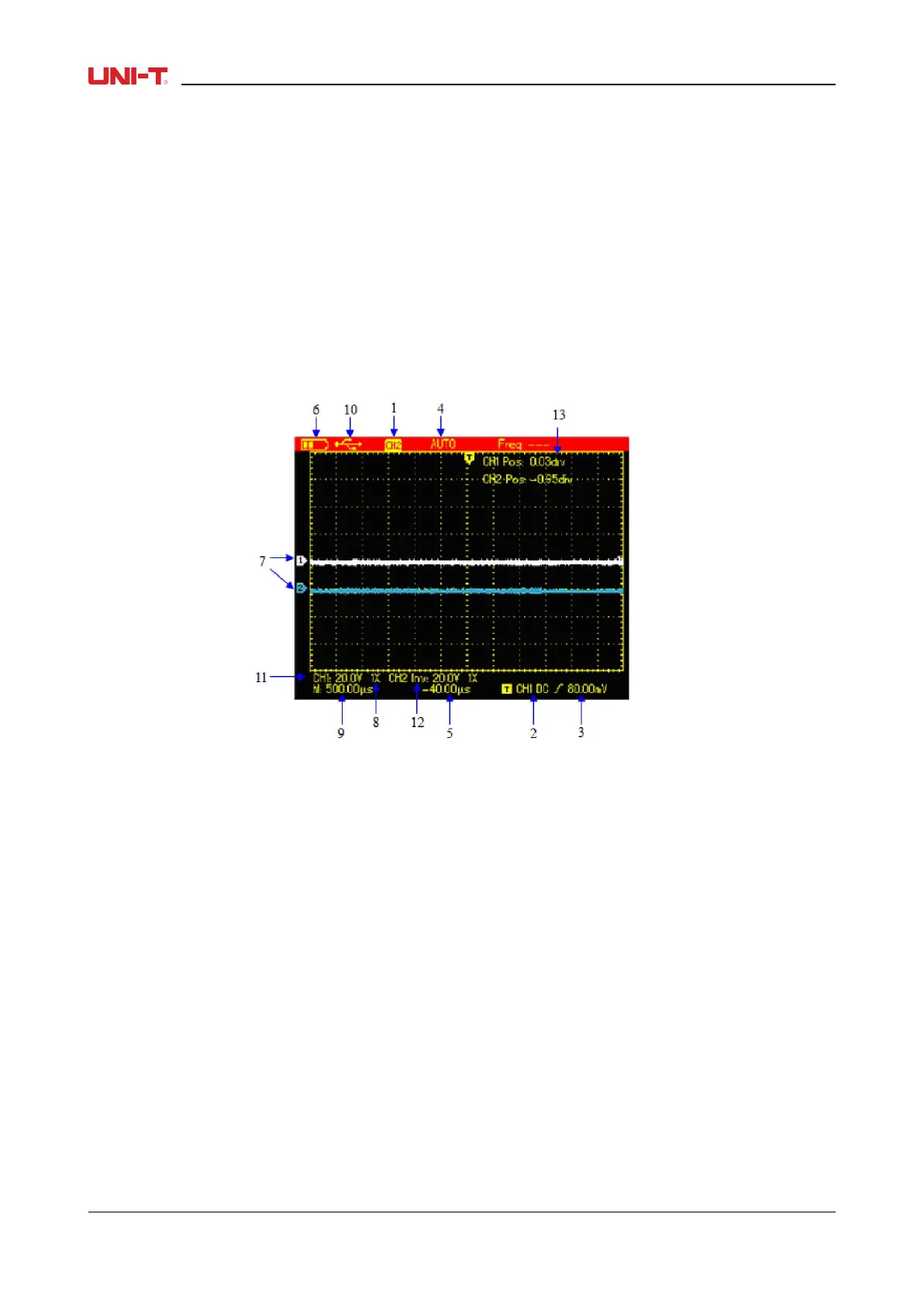
Figure 4-1 Display Interface
Besides the waveform, there are still a lot of details about the waveform and oscilloscope control settings
on the screen:
1. Trigger source status:
CH1/CH2: indicates you can adjust the waveform of this channel
REF: indicates you can adjust the recalled waveform.
FFT: indicates you can execute FFT operation on the waveform.
2. Trigger coupling:
AC ac-coupled
DC dc-coupled
HF high-frequency reject
3. Trigger level readout
4. Trigger status:
ARMED The Oscilloscope is acquiring all pre-trigger data and ignores all trigger events;
READY The Oscilloscope has acquired all pretrigger data and is ready to trigger;
TRIG’ED The Oscilloscope has detected out one trigger and is acquiring posttrigger data;
STOP The Oscilloscope has stopped acquiring waveforms
AUTO The Oscilloscope is in auto mode and acquires waveforms without trigger;
SCAN The Oscilloscope continuously acquires and displays waveforms under scan mode.
5. The time readout that indicates how far the trigger point is from the central point;
14 UTD1000L User Manual


 To Next Page
 Loading...