5 Display and Configuration Interface
Varec, Inc. 95
4. To select one of the options, press Minus to move the highlight to the option you want and
then press Enter.
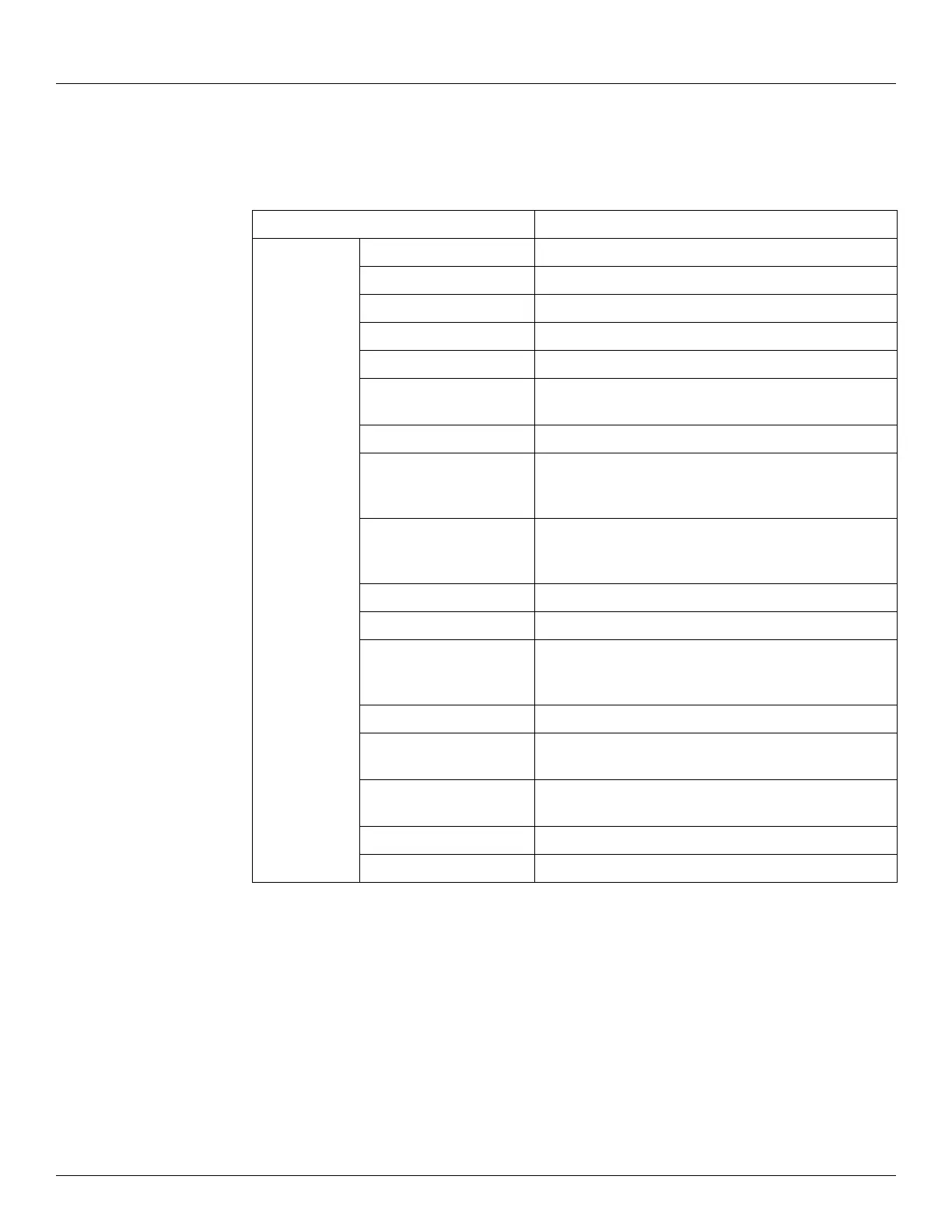
Refer to the table below for more information on each FMR Radar option.
Display Only Description
Current The current the FMR is sinking.
Level Units The display units of the FMR.
Level Measured Level: Output the measured level.
Percent Range The range (0 to 100%) of the Primary Value.
Status FMR operational status.
Mapping Dist. Present Map Range: Displays the current active noise
suppression (map).
Echo Quality Echo Quality in dB.
Present Error Actual Error: Communication: the diagnostic code with
the highest priority on display: list with all active
diagnostic codes sorted for priority.
Previous Error Last Error: Communication: the diagnostic code which
goes away at last on display: list with all diagnostic codes
which were before active.
Measured Dist. Measured Distance: output the measured distance.
Meas. Level Measured Level: Output the measured level.
Appl Param Application Parameter: Status of the application
parameters may have been changed by settings of user
in service matrix.
Sw. Ver. Appl The software build number.
Univ Cmd Rev Revision of the universal command set the FMR
supports.
Dev Cmd Rev Revision of the device commands that the FMR
supports.
Softw. Version The software version of the FMR.
Hardw. Version The hardware version of the FMR.



 To Next Page