2920 Float & Tape Transmitter 5 Display and Configuration Interface
86 Installation and Operations Manual
L&J TankWay
Note The L&J TankWay Data menu is used only when monitoring communications or
when configuring a L&J TankWay Device.
The L&J TankWay Data menu contains parameters and allows configuration of the L&J
TankWay message. The L&J TankWay message usually contains both level and temperature
parameters, with up to 3 level and temperature pairs per message. Each message uses a
message address parameter passed with the message.
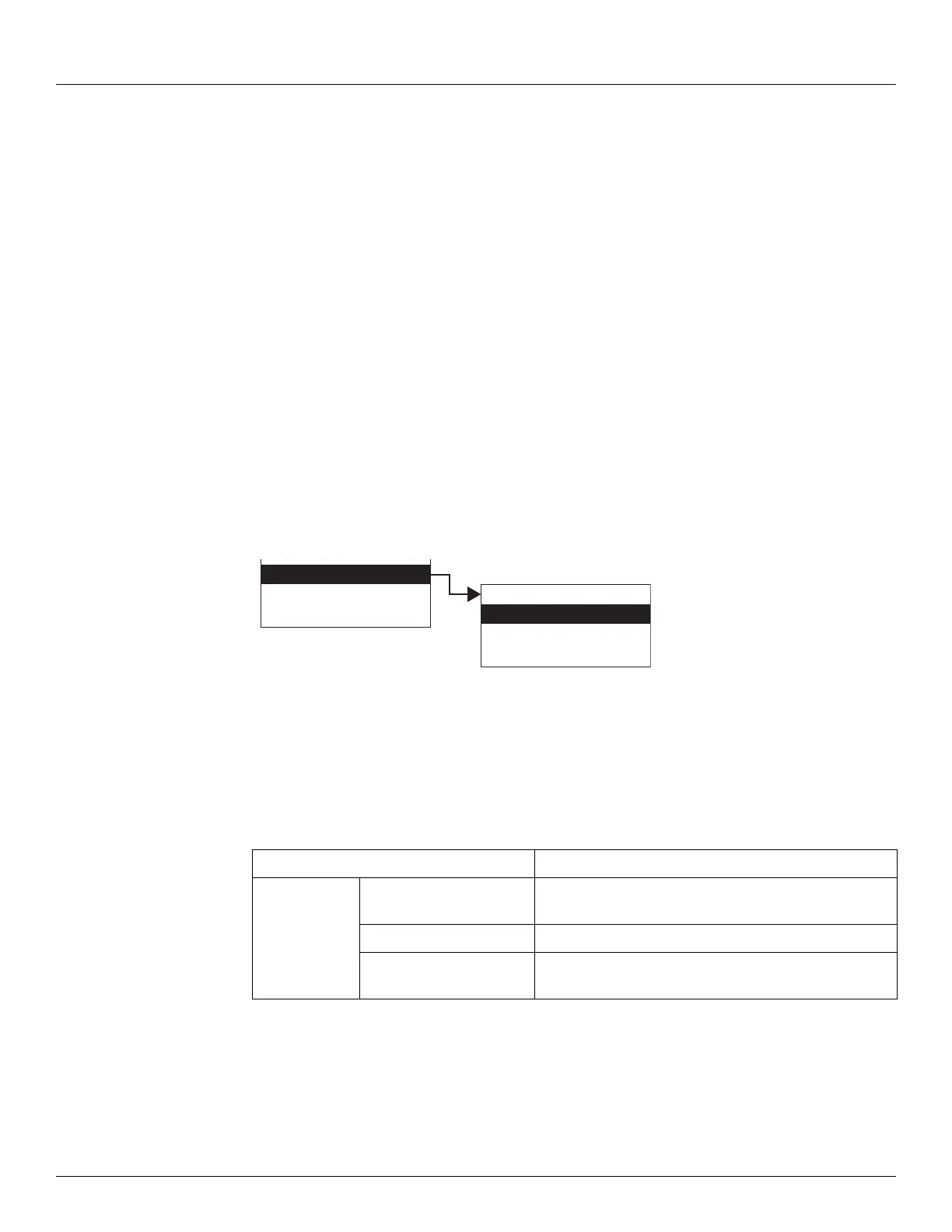
The L&J TankWay menu presents 4 options:
• Display Only — data display, such as average temperature or vapor temperature
• Commands — commands that can be executed from the L&J TankWay menu
• Config Params — parameters that are used to configure data in L&J TankWay
• All Params — scrolls through the Display, Commands, and Config parameters in one
menu
To Access L&J TankWay:
1. Press Enter to access the Main Menu. The System Menu point is automatically highlighted.
2. Press Minus ten times to move the highlight to L&J TankWay.
3. Press Enter and the L&J TankWay menu opens.
4. To select one of the options, press Minus to move the highlight to the option you want and
then press Enter.
Refer to the table below for more information on each L&J TankWay option.
Display Only Description
Poll Addresses Displays the current addresses being polled by a
connected Host system
Num Com Errors Displays the number of communication errors
Num Requests Displays the number of times the Host system has polled
the transmitter
Display Only
Commands
Config Params
All Params
aeu
Tankway Data
NMT Prothermo
HART Device
0
Tankway Data



 To Next Page