5 Display and Configuration Interface
Varec, Inc. 65
RTD Data
The RTD (Resistive Temperature Detector) Data point displays the data associated with the
temperature measurement circuit on the 2920. The RTD point processes temperature using SI
units, so the temperature is always displayed in degrees Celsius within the RTD data. RTD Data
menu presents 4 options:
• Display Only — data display
• Commands — commands that can be executed from the RTD Data menu
• Config Params — parameters that are used to configure data in RTD Data data
• All Params — scrolls through the Display, Commands, and Config parameters in one
menu
Note RTD is pre-configured at the factory.
To Access RTD Data:
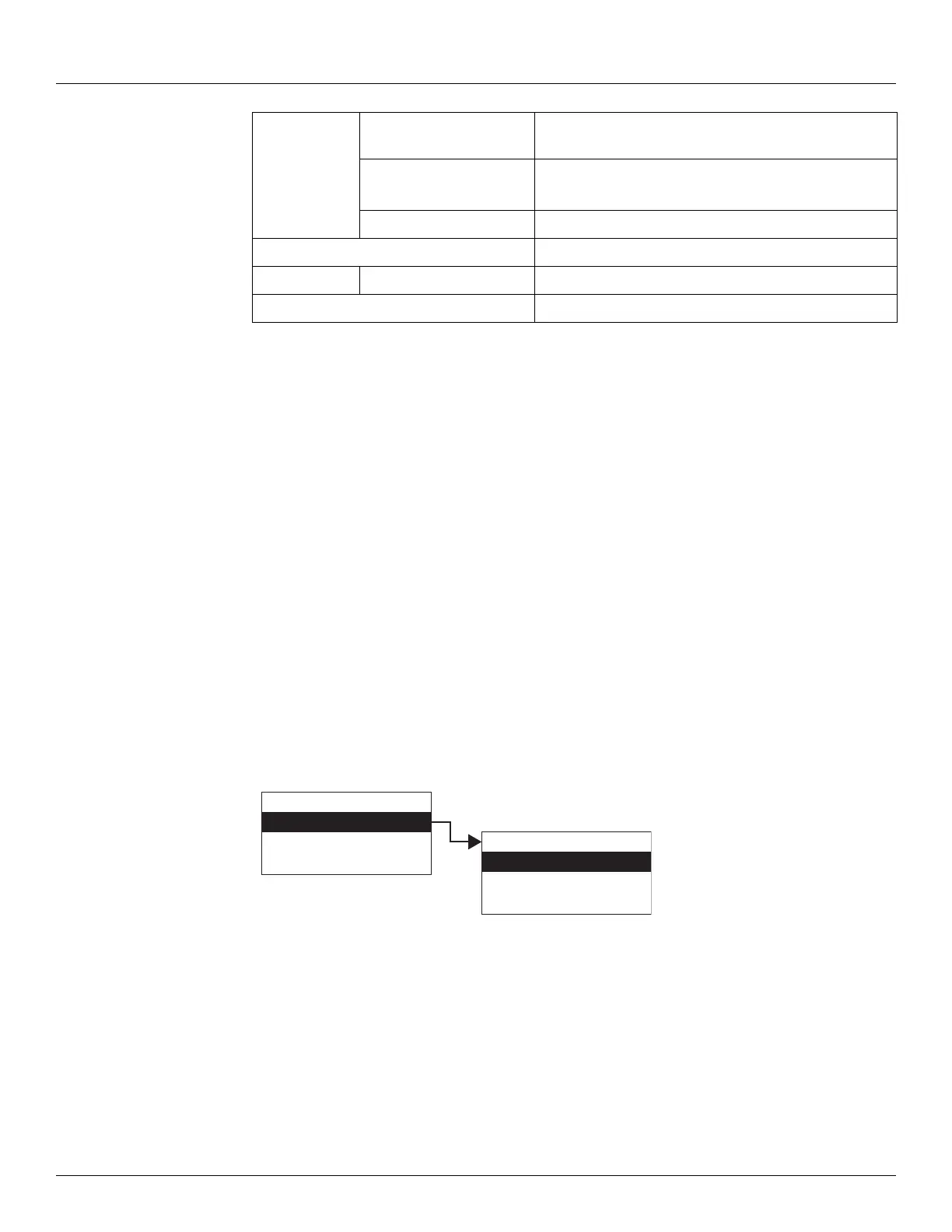
1. Press Enter to access the Main Menu. The System Menu point is automatically highlighted.
2. Press Minus five times to move the highlight to RTD Data.
3. Press Enter and the RTD Data menu opens.
4. To select one of the options, press Minus to move the highlight to the option you want and
then press Enter.
Refer to the table below for more information on each RTD Data option.
Lev Disp Units Indicates the level units that have been set to display
level on the LCD. Set in Basic Setup.
Pnt Status Byte value indicating status of point. Values are:
0: No error
Elapse Time of last Point update.
Commands
Command Reserved for future use.
All Params Lists all Display and Commands in a list.
Display Only
Commands
Config Params
All Params
Main Menu
RTD Data
Tank Data
Digital Outputs
05
RTD Data



 To Next Page