5 Display and Configuration Interface
Varec, Inc. 63
Refer to the table below for more information on each System Time option.
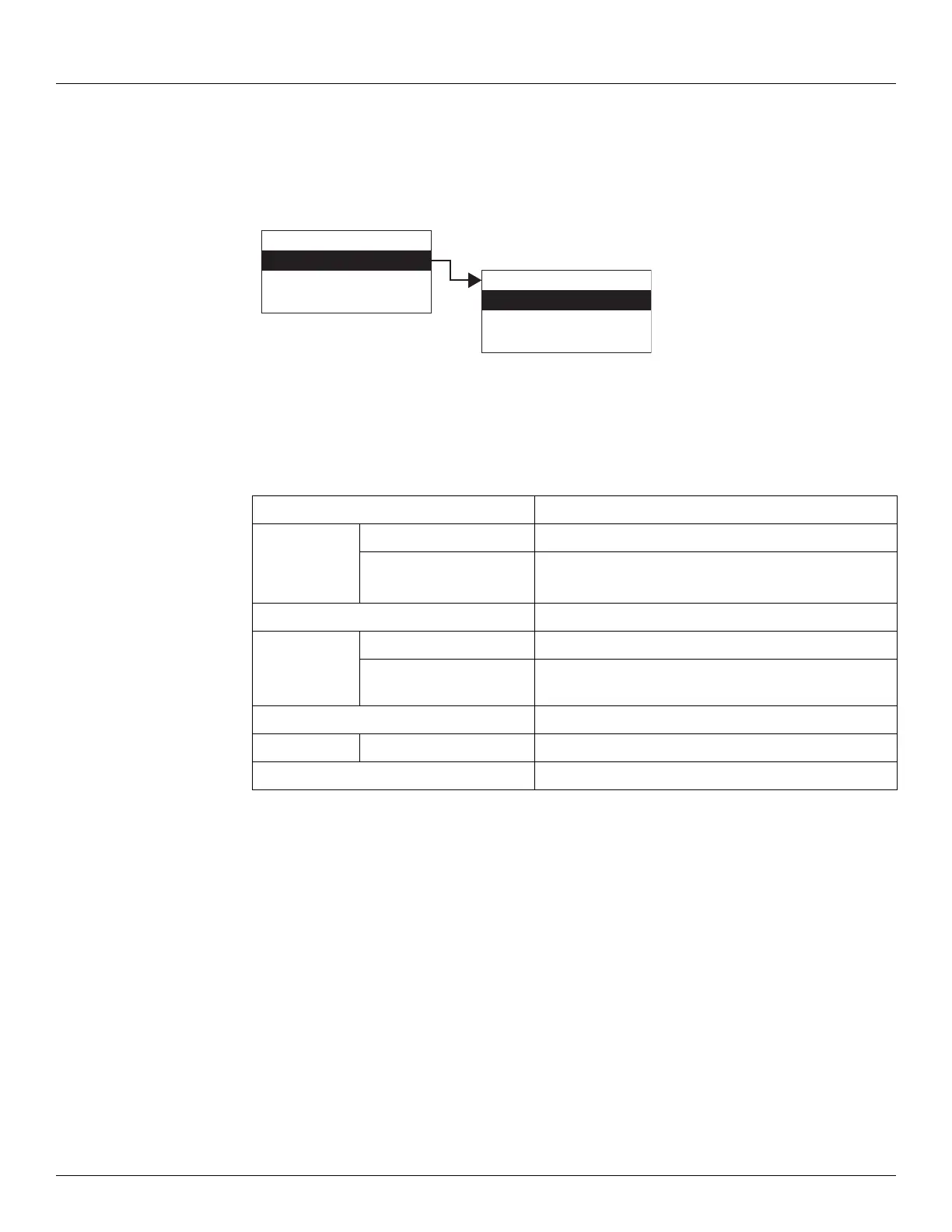
To Access System Time:
1. Press Enter to access the Main Menu. The System Menu point is automatically highlighted.
2. Press Minus three times to move the highlight to System Time.
3. Press Enter and the System Time menu opens.
4. To select one of the options, press Minus to move the highlight to the option you want and
then press Enter.
Encoder Data
The Encoder Data point lists the parameters associated with the internal operation of the
transmitter hardware. This includes parameters associated with the operation of the encoder.
The Encoder Data is used to diagnose the current operation of the transmitter. The parameters
can be used to evaluate the proper operation of the rotary switches as well as the proper
operation of the encoders. The raw absolute and incremental encoder values can be
evaluated. The current sensor states can be evaluated. The calculated reference values can be
evaluated. Encoder Data menu presents 3 options:
• Display Only — data display, such as level, or field voltage
• Commands — commands that can be executed from the Encoder Data menu
• All Params — scrolls through the Display, Commands, and Config parameters in one
menu
Display Only Description
Time Zone Used for compatibility with other devices.
Pnt Status Byte value indicating status of point. Values are:
0: No error
Commands
Sys Time System Time - Actual system time in milliseconds.
Sys Ticks System Ticks - Number of time quantum since the
transmitter started.
Config Params Description
TZ Used for compatibility with other devices.
All Params Lists all Display, Commands, and Config Params in a list.
Display Only
Commands
Config Params
All Params
Main Menu
System Time
Encoder Data
RTD Data
03
System Time



 To Next Page